WebWork
WebWork Time Tracker
About
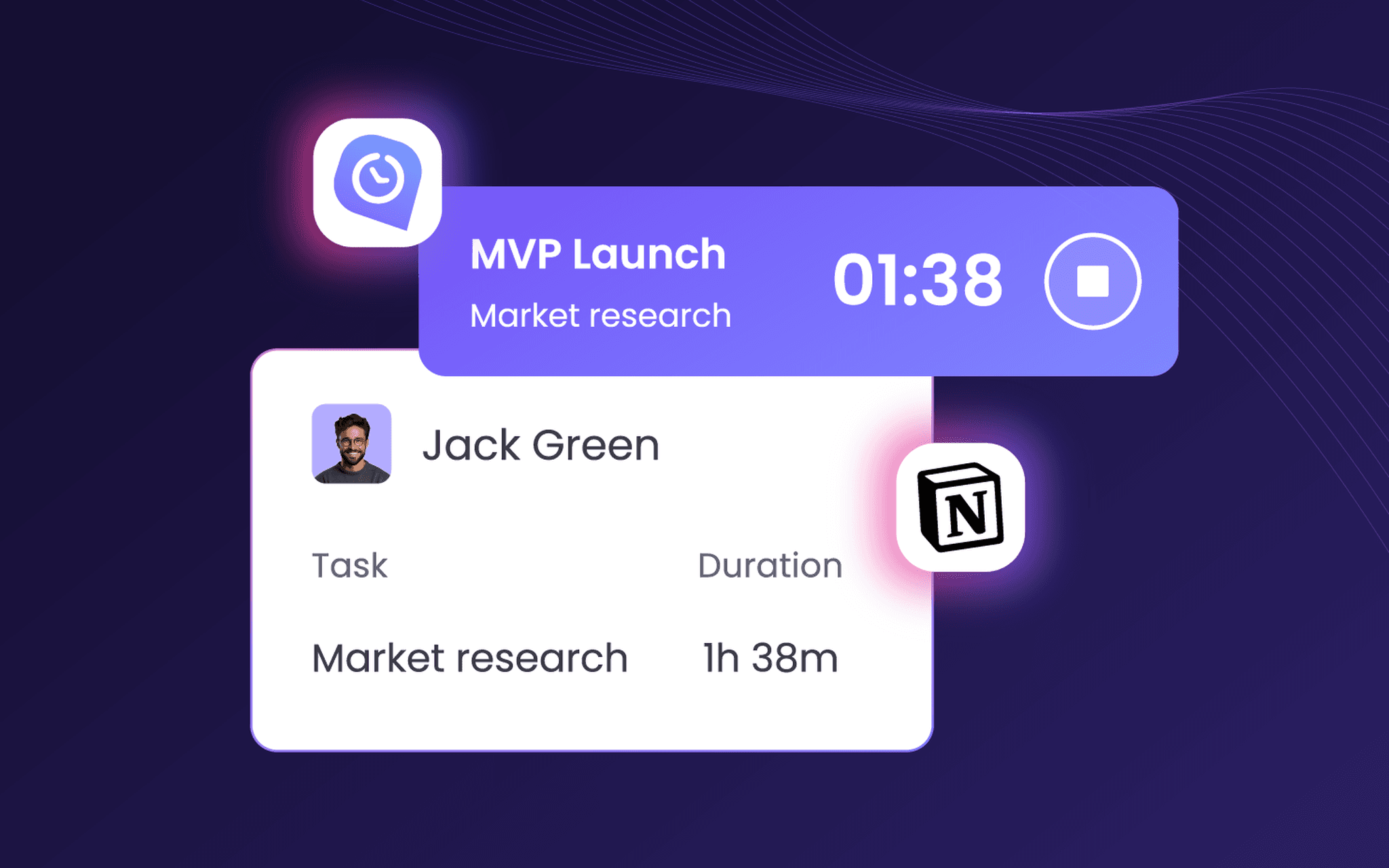
WebWork Time Tracker adds time tracking to Notion. Choose the Notion databases to connect, and WebWork imports them as projects, their entries as tasks, and your workspace members as your team. Your team tracks time on those tasks in WebWork, and the hours can show in a Notion property beside each task. Auto-sync picks up new pages, status changes and edited properties.
WebWork turns the tracked time into timesheets, project reports and AI insights on workload, and runs payroll from the same hours. Trusted by 32,000+ companies in 165 countries. Plans start at $3.99 per user per month, billed annually, with a 14-day free trial and no credit card.
Features
- Read, insert, & update contentCan read, insert, & update pages, databases, and blocks shared with this connection.
- View workspace usersReads basic profile details about workspace members and guests, including their email addresses.
How to use
Step 1: Sign in to WebWork, or start a 14-day free trial at webwork-tracker.com. No credit card needed.
Step 2: In WebWork, open Integrations and enable Notion.
Step 3: Sign in to Notion and allow WebWork Time Tracker access.
Step 4: Select the Notion pages you want to connect.
After setup:
Manage Members tab: see your Notion workspace members, select the ones you want in WebWork and click Import.
Databases tab: choose how each Notion database syncs, as projects, as tasks, or as one standalone project. Pick which task statuses to pull in, then click Import.
Auto-Sync tab: keep database items synced automatically, send tracked hours back to Notion as a "WebWork hours" property, or turn on two-way sync.
Your team then tracks time on the imported tasks, and WebWork builds timesheets and reports for each Notion project.