Notion
Notion AI Connector for MS Teams
概要
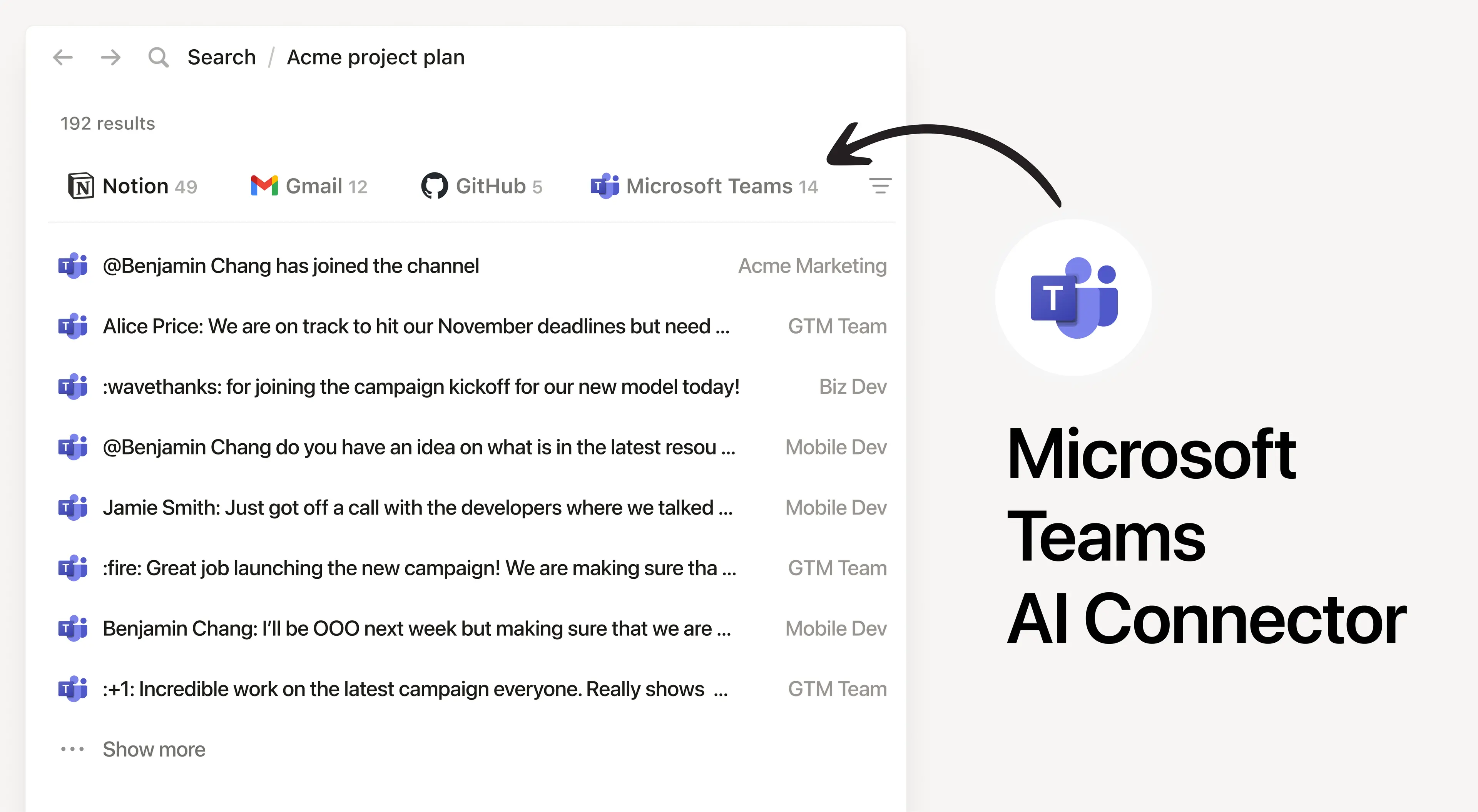
Install Notion’s AI Connector to your MS Teams workspace. Get answers from team conversations, including both public and private channels (with appropriate permissions). Easily find information about project updates and summarize information from team discussions and meetings without having to leave Notion.
使い方
Must be a Notion workspace owner on the Business or Enterprise plan and a Microsoft Teams admin to connect.
In Notion, navigate to the the Microsoft Teams AI Connector by going to Settings → Notion AI → AI Connectors → Microsoft Teams and follow the setup steps. You’ll be taken to Microsoft to continue.
For detailed instructions, check out our Help Center.
After installation is complete, ask Notion AI for the decisions made in a product strategy meeting or summarize the blockers mentioned in team meetings or channels this week.