概要
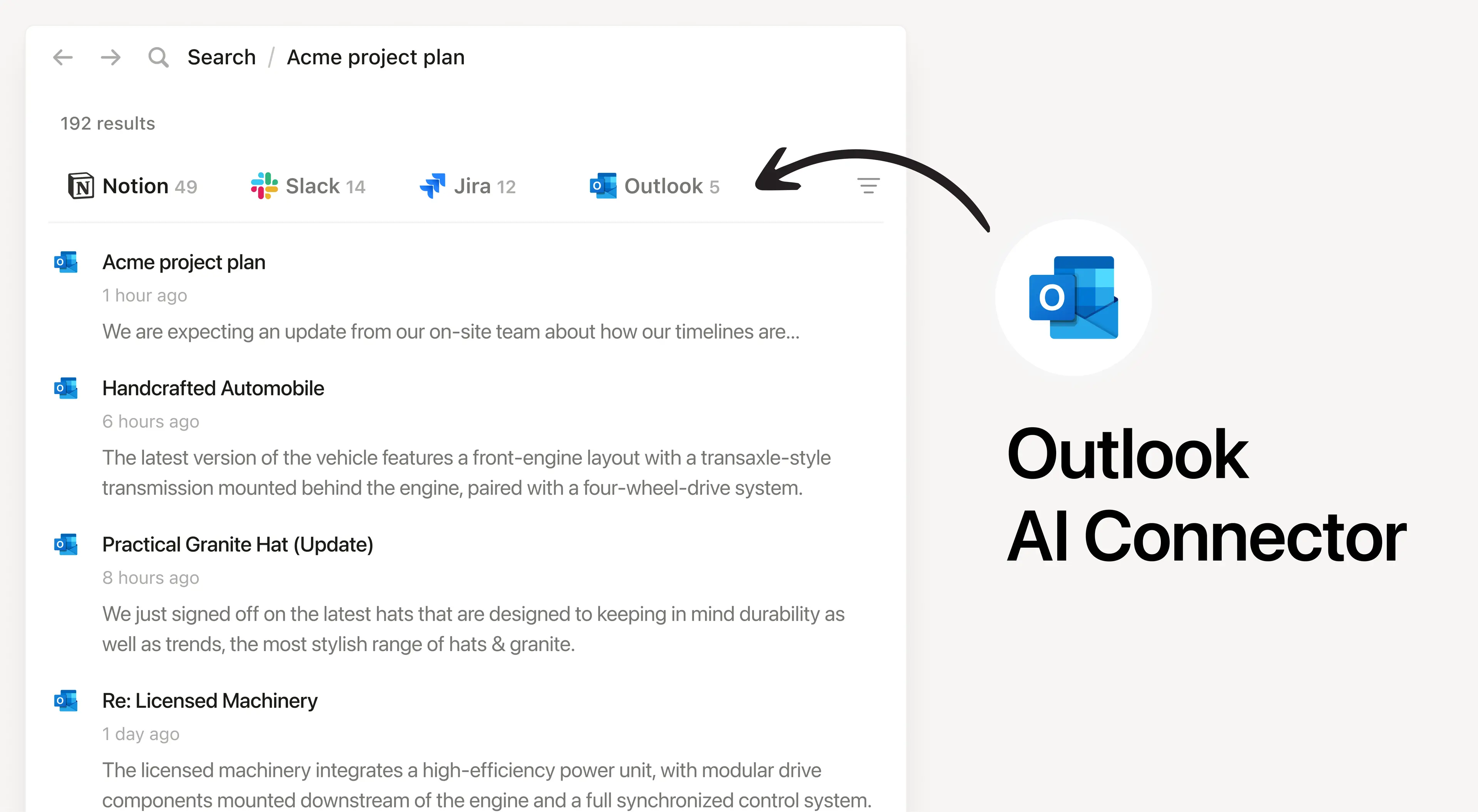
Install Notion’s AI Connector to your Outlook Mail account. Easily find and summarize email threads, search your inbox with natural language, and access important communications without leaving Notion.
使い方
Must be a Notion workspace owner on the Enterprise plan and a Microsoft 365 Admin to connect.
In Notion, navigate to the Outlook AI Connector by going to Settings → Notion AI → AI Connectors → Outlook and follow the setup steps. You’ll be taken to Microsoft to continue.
For detailed instructions, check out our Help Center.
After installation is complete, ask Notion AI to summarize recent emails from a specific sender or search for emails about a particular topic for quick access.