階層リンクからページをすばやく検索する

階層リンク内のいずれかのアイテムにカーソルを合わせると、データベース内のページを含む兄弟ページが表示されます。これにより、関連するページを簡単に見つけ、ワークスペース内をスムーズに移動できるようになります。
Xでのお知らせを見る →

最新のリリース、改善点、修正点をご覧ください。
階層リンク内のいずれかのアイテムにカーソルを合わせると、データベース内のページを含む兄弟ページが表示されます。これにより、関連するページを簡単に見つけ、ワークスペース内をスムーズに移動できるようになります。
Xでのお知らせを見る →
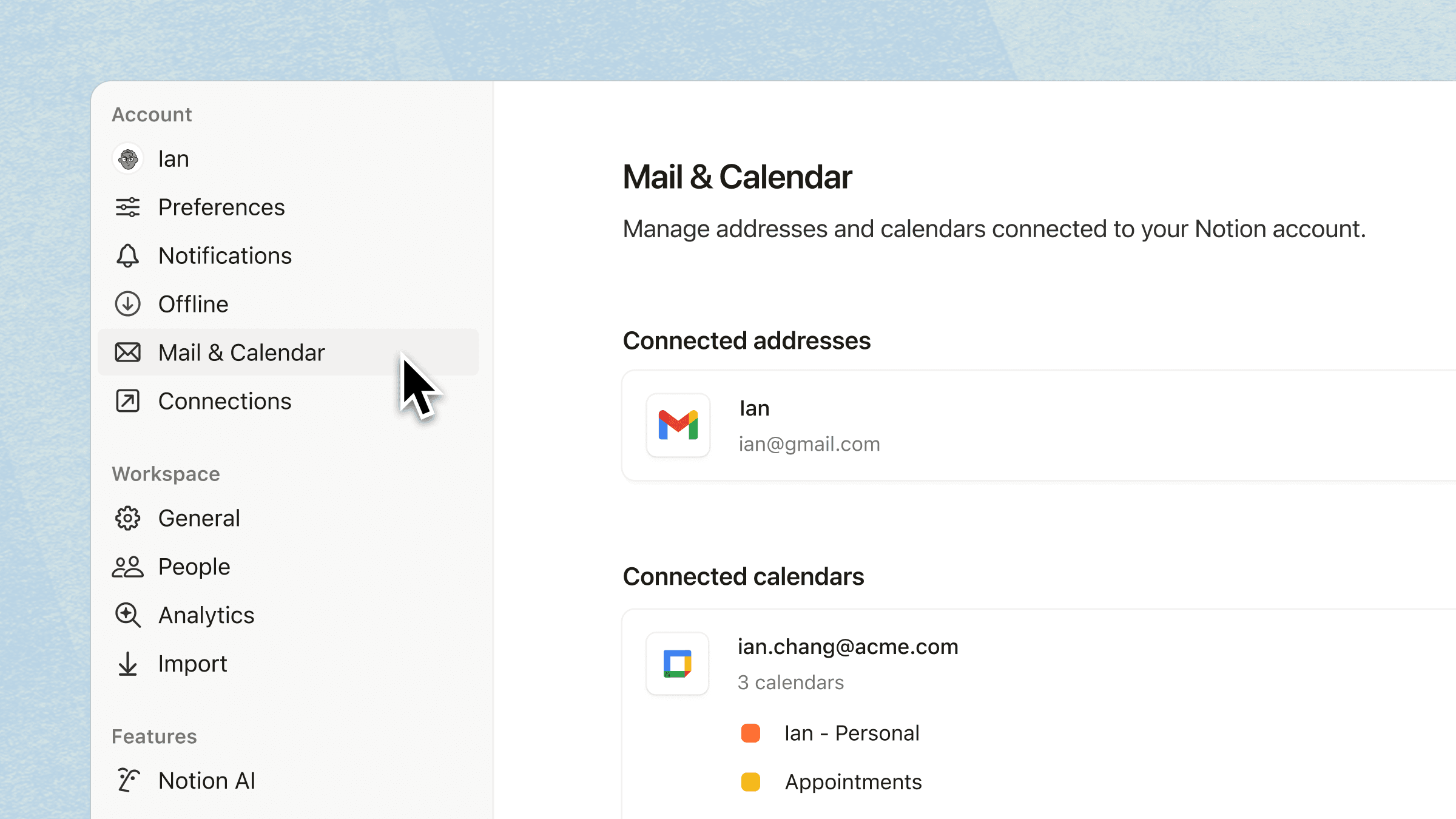
設定画面の新しい専用タブから、カレンダーと受信トレイを接続できます。アカウントを連携すると、Notion AIはミーティングのスケジュール設定やメールの下書き作成など、アプリ全体の作業を処理できるようになります。
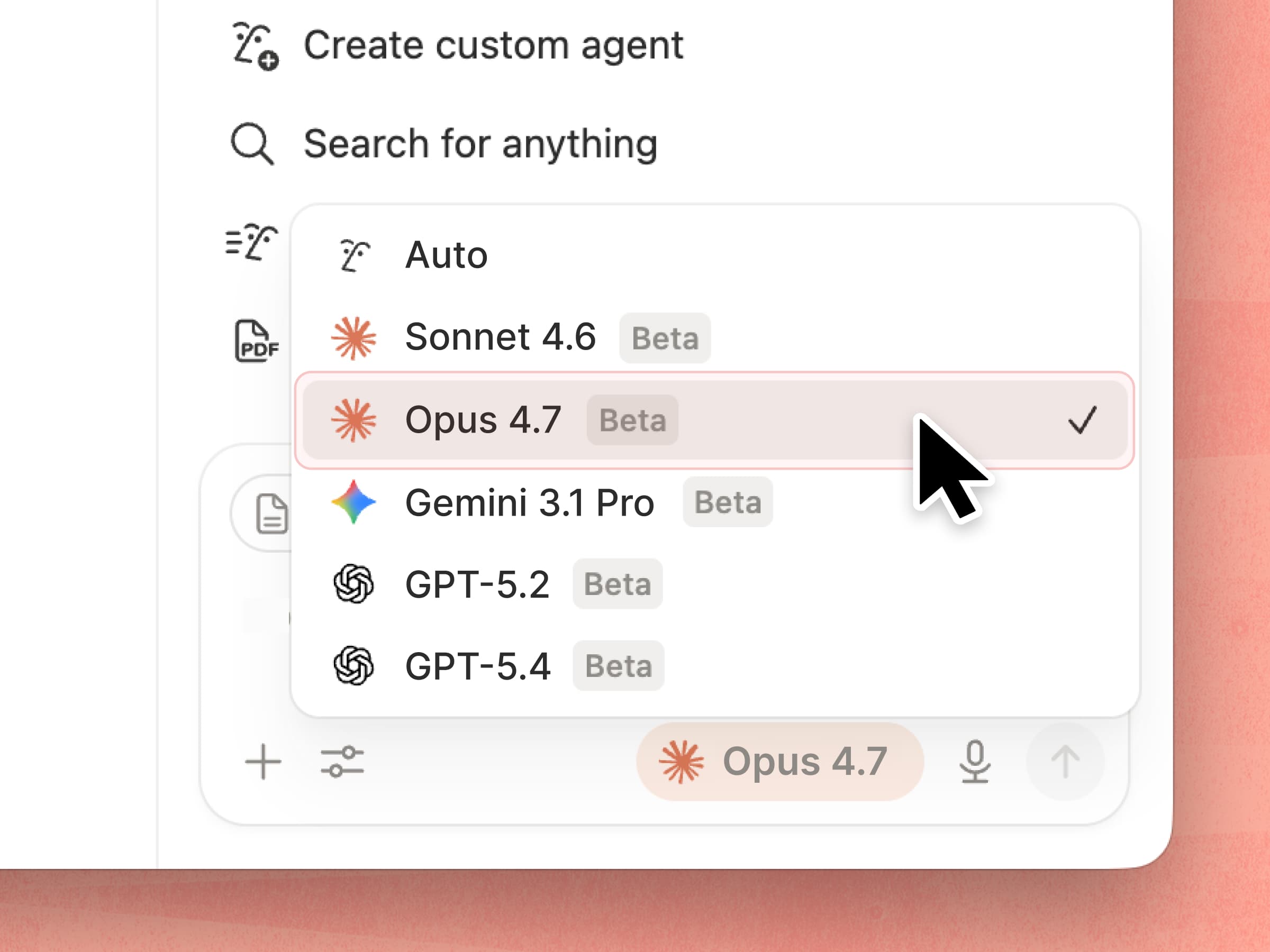
Anthropicの最新モデル、Claude Opus 4.7がNotionで利用可能になりました。このモデルは、トークンの消費量が少なく、ツールエラーが3分の1に。複雑なワークフローを、これまでになく確実かつスムーズに処理します。
Xでのお知らせを見る →
Notionエージェントにカレンダーが表示されるようになり、チームメイトの空き時間を見つけやすくなりました。ランク付けされた選択肢のリストを表示し、スケジュールを比較して予約できます。これらすべてを、チャットから離れることなく行えます。
Xでのお知らせを見る →
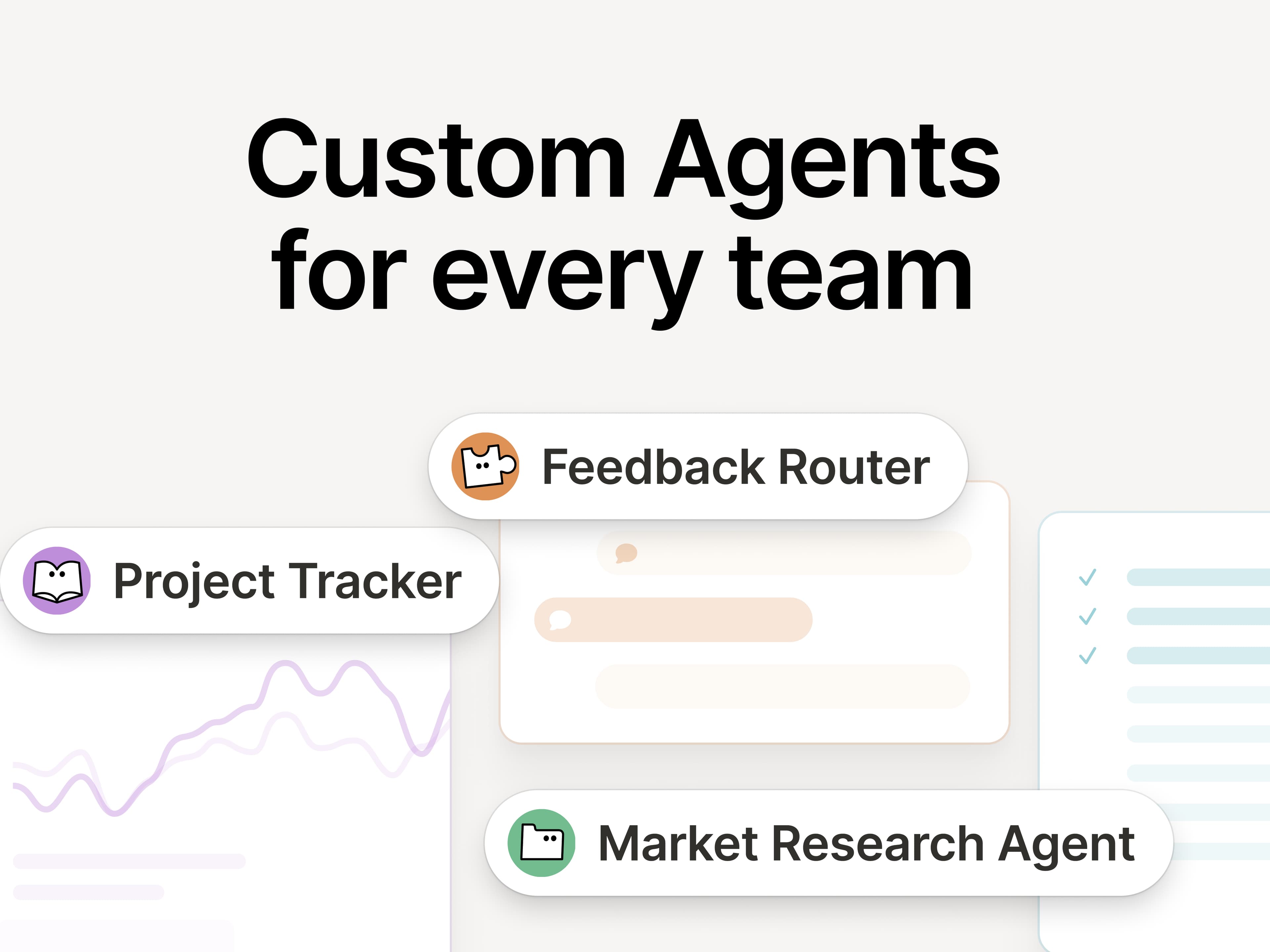
カスタムエージェントを立ち上げて数週間になりますが、私たちが追いつけないほどのスピードで、チームは構築を続けています。Notion 3.4では、エージェントが日々の面倒な作業をさらに引き受けてくれます。
カスタムエージェントの微調整がさらに簡単になりました。また、新しいAI自動入力機能により、カスタムエージェントを直接データベースで使用できるようになったため、データの強化と維持が自動的に行われます。さらに、Notionエージェント用のスキルを作成できるため、エージェントは最も重要なワークフローを学習できます。
カスタムエージェントは、2026年5月3日まで引き続き無料でお試しいただけるため、今が絶好のチャンスです!
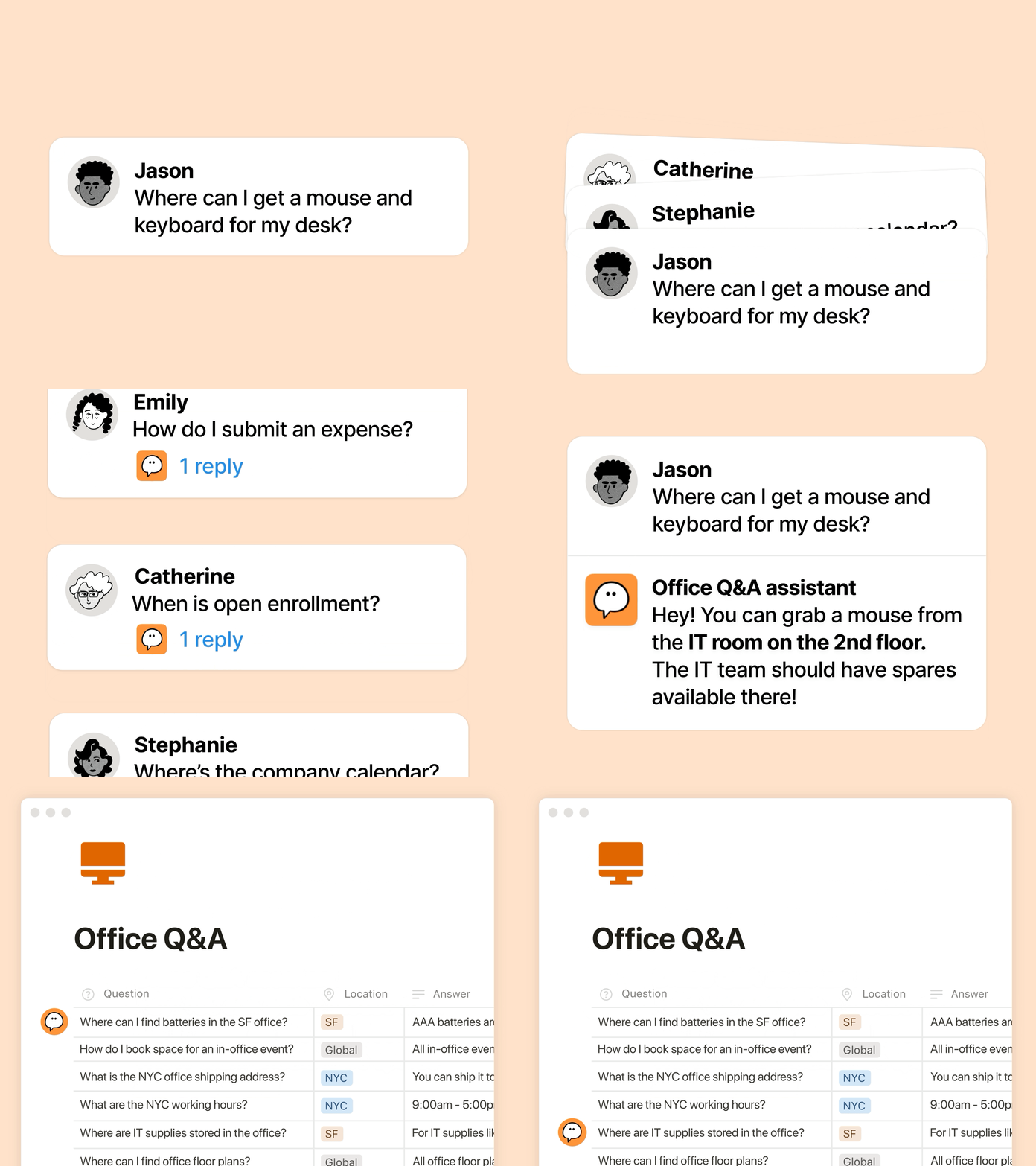
ご存知ない方のために、カスタムエージェントについて簡単にご説明します。カスタムエージェントは、反復的なタスクを処理するAIチームメンバーのようなものです。1か月前のリリース以来、さまざまなチームがカスタムエージェントを活用する新しい方法を発見しています:
適切な情報を適切なタイミングで提供する:RampのGTMチームは、Enablement Eddieを使用して、適切なアセットと顧客への回答を見つけています。
繰り返される質問に対処する:Clayは、従業員からのよくある質問に数分で回答するIT Buddyを運用しています。
レポート作成の自動化:BraintrustのCompetitive Intelligence Agentは、Web全体とGongの通話記録から競合他社の最新情報を追跡し、毎朝社内文書を更新することで、その日の最新の状況を把握できるようにします。
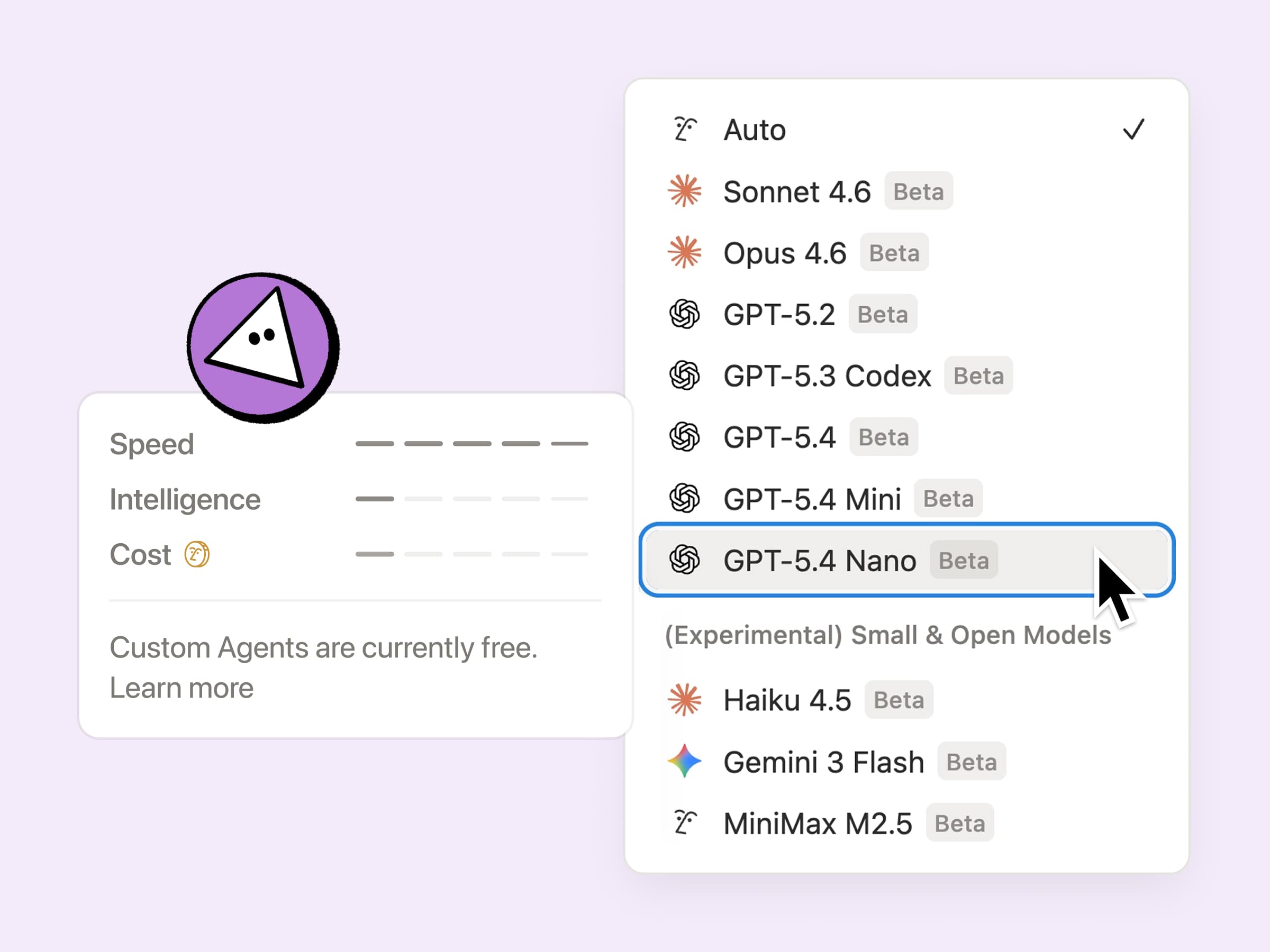
エージェントのサポートが欲しくても、拡張性のある料金設定、エージェントの作業状況の可視性、およびご利用のツールスタックとのインテグレーションが必要です。今回のアップデートは、これら3つの要件すべてに対応しています。
運用効率の向上:カスタムエージェントの運用コストが全体で35~50%削減されました。特に、メールのトリアージなどの反復的なタスクを担当するエージェントの運用コストが削減されています。GPT-5.4 Mini & Nano、Haiku 4.5、MiniMax M2.5など、最大で10分の1のクレジットしか消費しない新しいモデルを選択すると、さらにコスト効率が向上します。
エージェントのクレジットを可視化:Notionクレジットダッシュボードを使用して、エージェントの調整や、何が機能しているかを把握するのがさらに簡単になりました。今後も引き続き、より多くのシグナルを追加していくため、より簡単に最適化し、実行する価値のあるエージェントを判断できるようになります。エージェントを微調整するためのヒントをこちらでご紹介します。
より多くのコンテキストを活用:カスタムエージェントはついにSlackのプライベートチャンネルを使用できるようになり、重要な会話を見逃すことがなくなりました。今後、Microsoft Teams、Google ドライブ、Salesforce、カスタムコネクターなど、さらに多くのインテグレーションが追加される予定です。
5月4日以降、カスタムエージェントは、お客様が購入できるNotionクレジットを使います。それまでの間、カスタムエージェントはさらに数週間無料でご利用いただけるため、今がお試しの絶好のチャンスです。
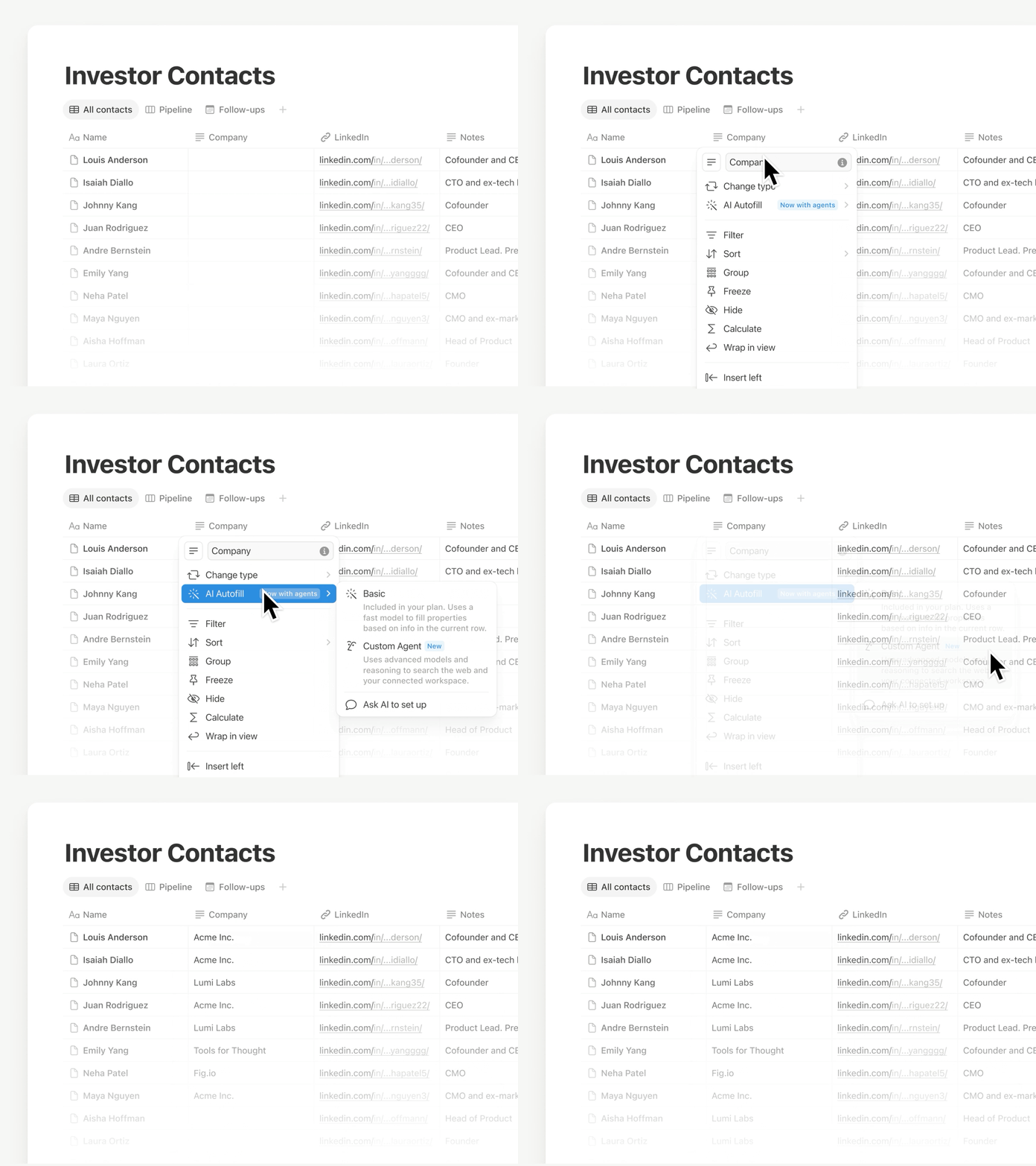
自動入力機能を使用して、データを最新の状態に保ちましょう。カスタムエージェントのすべての機能とインテリジェンスが活用できるようになりました。すべての行にわたって情報を継続的に強化、抽出、分類するため、手動で確認することなくデータベースの信頼性を維持できます。
この機能は現在展開中です。まだ表示されていない場合でも、近日中に表示される予定です。簡単な入力に対応できる基本的なAI自動入力機能は、引き続きビジネスプランとエンタープライズプランに含まれます。詳しくはこちら →
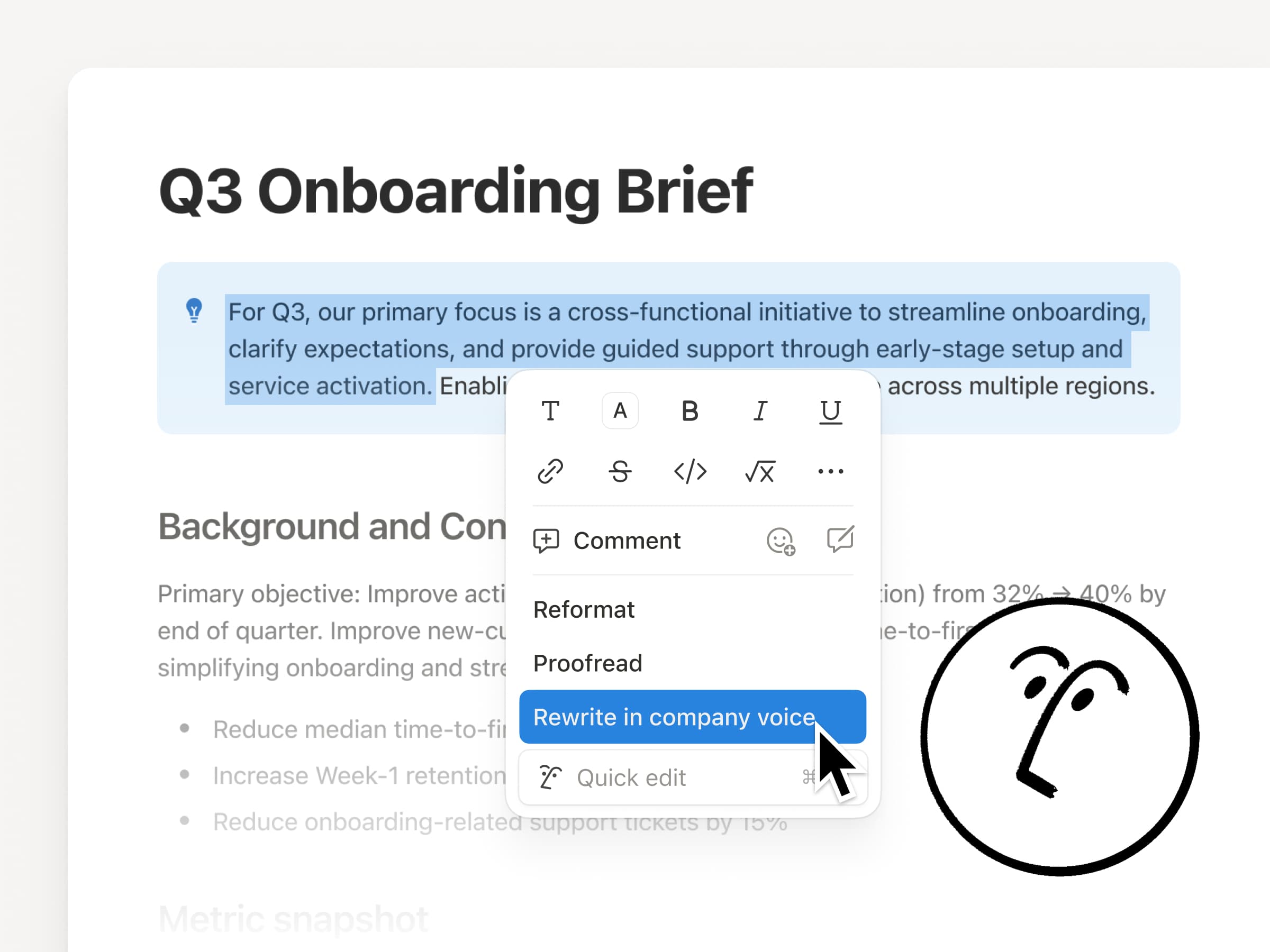
スキルを使用すると、「Notionエージェントにいつも依頼していること」を、指示に応じて実行できるようになります。週次アップデートの下書き作成、チームのフォーマットに合わせたドキュメントの書式変更、ミーティング前のブリーフィングの準備など、最適なワークフローをスキルとして保存します。
Notionエージェントには、さらにいくつかの機能が備わっています。
カレンダー、メール、Slackと連携:日常で利用するツール内で、エージェントに読み、要約し、対応するように依頼できます。
ドキュメント内での直接編集:テキストを選択すると、エージェントがドキュメント内で直接編集を行うため、その場で変更が反映されます。
エージェントに話しかける:マイクボタンを使用して、プロンプトを口頭で入力できます。
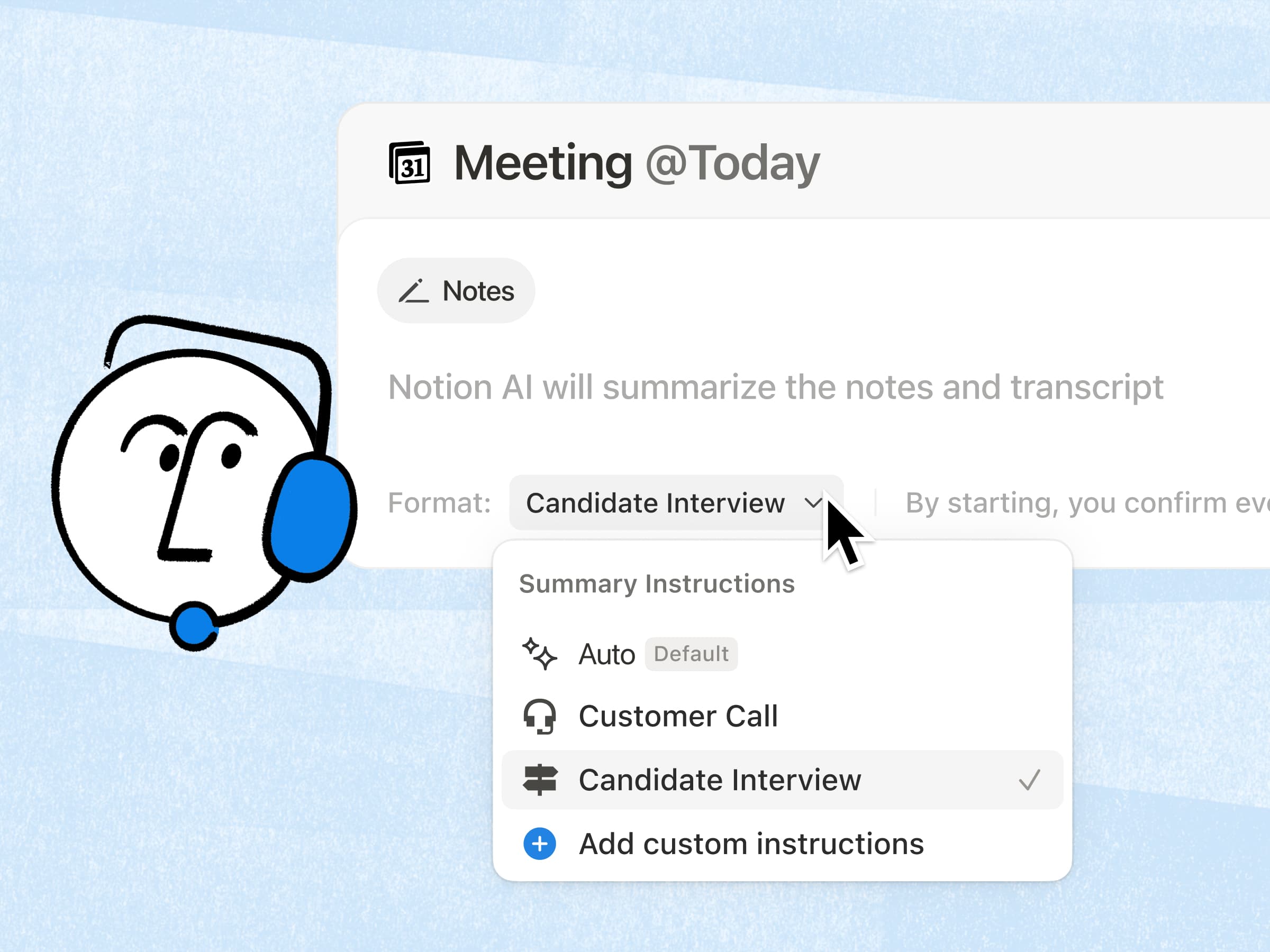
AI ミーティングノートに関して最もリクエストが多かった機能がついに完成しました!簡単なカスタム指示を追加できるようになり、お好みの形式で要約を作成できるようになりました。さらに、AIが関連するワークスペースのコンテキストを取り込むという大変な作業を行うようになったため、要約の品質はさらに向上しています。詳しくはこちら →
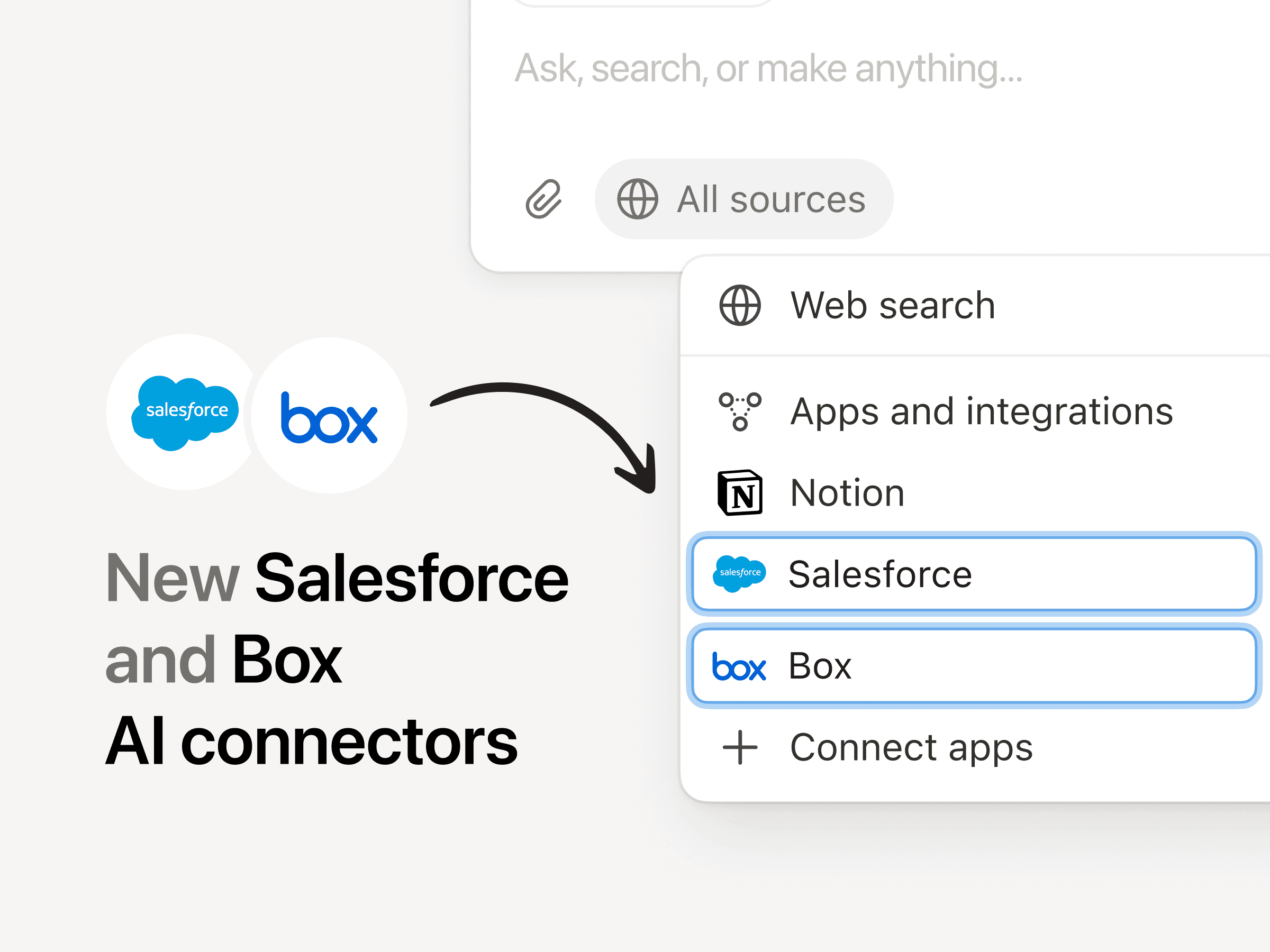
Salesforceコネクターを使用すると、アカウント、商談、メモを検索して、通話の準備やフォローアップの下書き作成、アカウントプランの作成を行う際に、タブ間を行き来する必要がなくなります。Boxコネクターを使用すると、提案書、契約書、プロジェクト文書などのファイルを検索して要約し、重要な情報を取得したり、異なるバージョンを比較したり、成果物の作成を順調に進めたりできます。
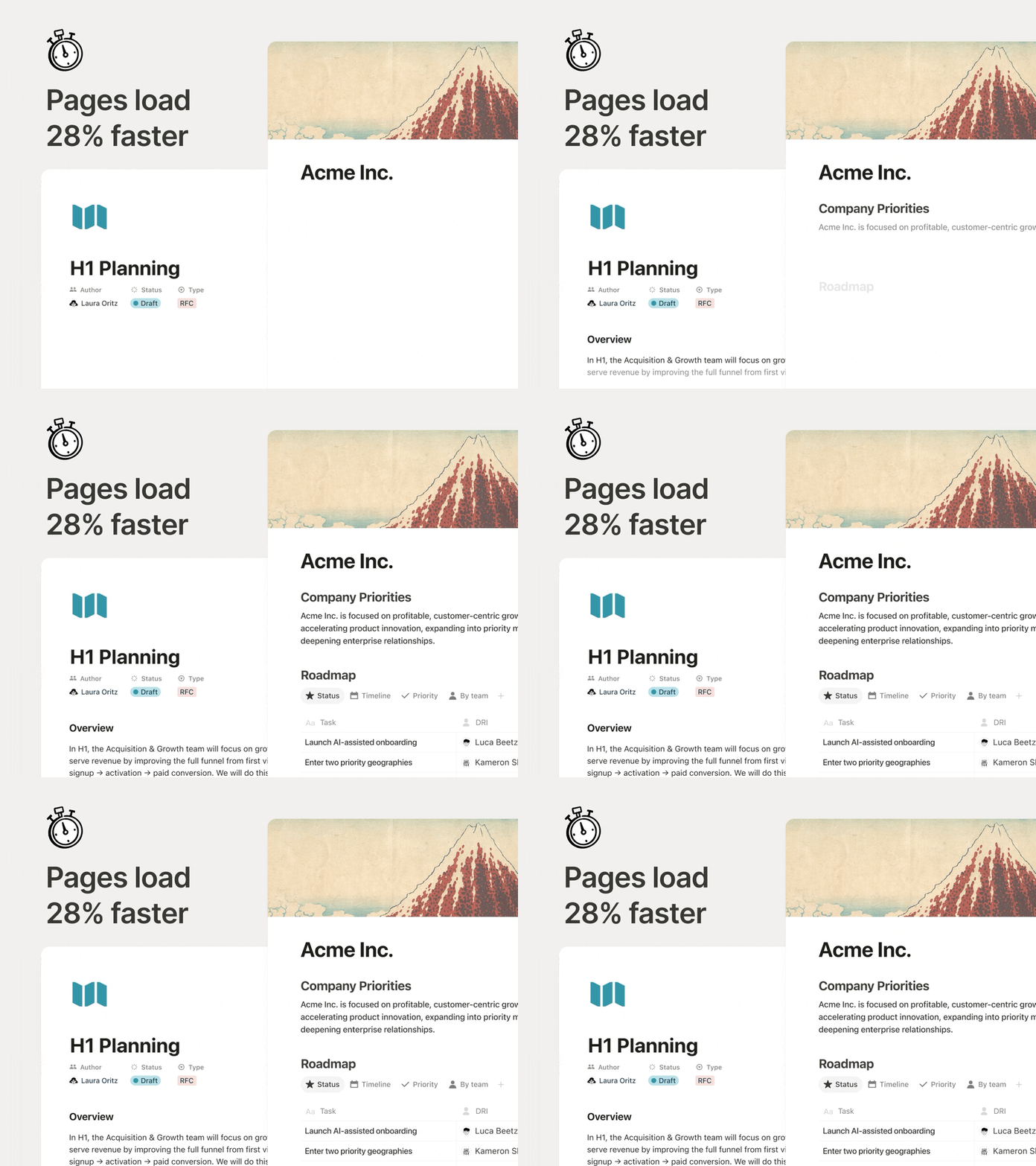
特に、1日中ドキュメント間を行き来している場合、ページは瞬時に表示される必要があります。ページの初期レンダリングが28%高速化されたため、コンテンツがより早く表示され、作業が中断されることはありません。小さな変更ですが、その効果はすぐに現れます。
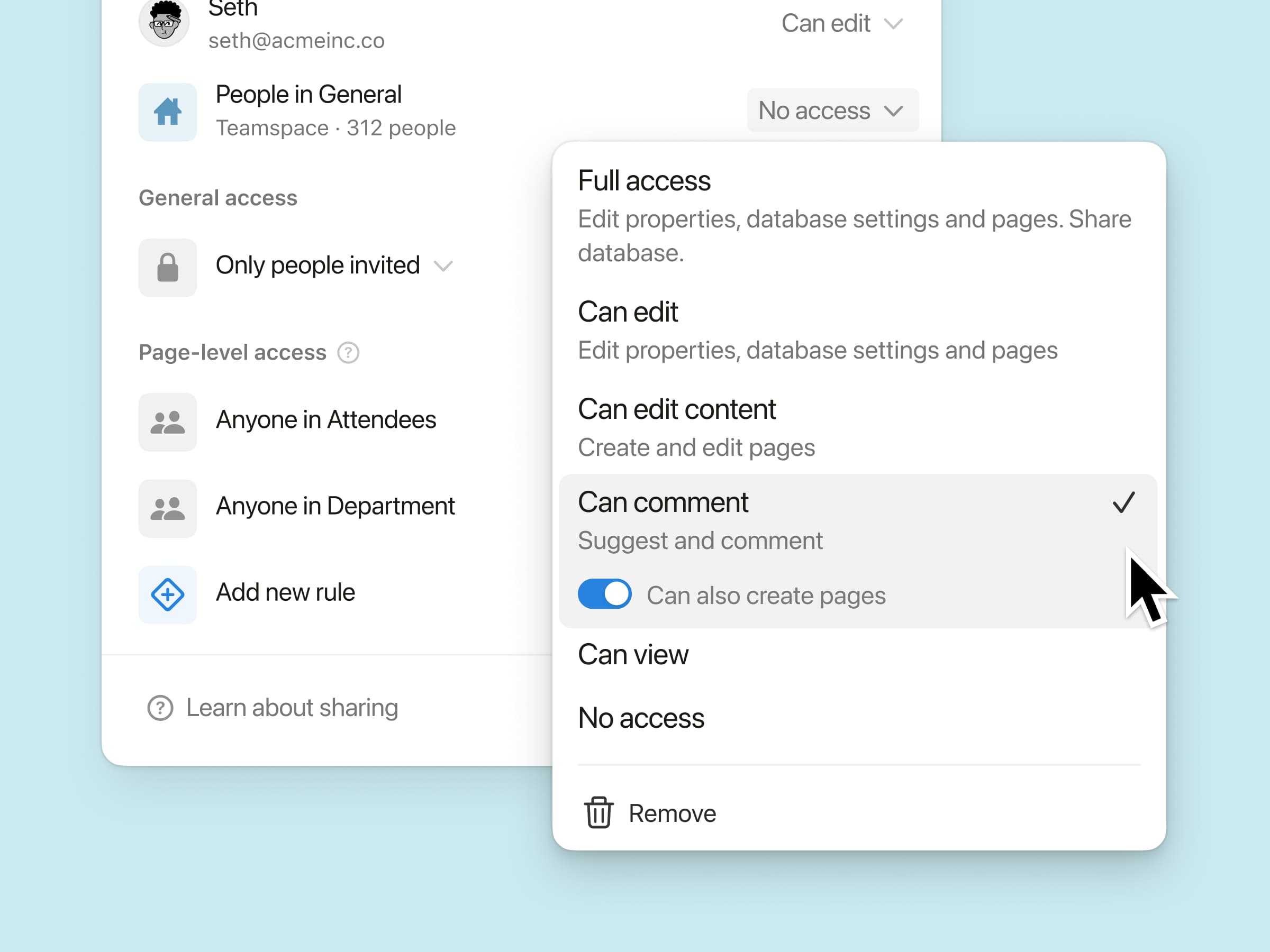
チームメイトがデータベース内に新しいページを作成できるようにしながら、アクセス権のない他のコンテンツの表示や編集は制限できます。
たとえば、共有のミーティングデータベースにおいて、「自分のミーティングメモの管理と、新しいミーティングの作成」は自由に行える一方で、他のチームメンバーのミーティング内容は閲覧できない、といった運用が可能です。チームが外部のコントリビューターと共同作業を行っている場合や、機密情報を扱っている場合に、ぜひお試しください。
API経由でサポートされるAI ミーティングノート:インテグレーション機能により、完全な文字起こしと要約されたメモを取得できるようになりました。これにより、チームはすでに使用しているツール全体で、対応事項に関するフォローアップを自動的に行うことができます。
n8n MCPインテグレーション:カスタムエージェントをn8nに接続することで、すでに使用している自動化を実行し、他のアプリやAPIにわたって作業を調整できるようになります。
MCPの改善:AIツールは、コメント、会議の文字起こし、NotionサイトなどNotion内にわたって、より多くの作業を確実に行えるようになりました。応答が高速化され、監査や承認済みツールなどの新しい管理者向け機能も追加されました。
今後も、Notion AIを(人間による)チームワークに役立つより良いツールにするために努めてまいります。
引き続きよろしくお願いいたします。
Ivan
追伸:クリエイティブチームと協力して、AIに対するNotionチームの気持ちを説明する動画を作成しました。こちらからぜひご視聴ください。
タブの表示方法をテキストとアイコン、アイコンのみ、またはテキストのみのいずれかに設定することで、データベースを整理し、簡単に操作できるようにします。この設定は自分にのみ適用されます。つまり、他のユーザーには変更が表示されません。
美術館や公共アーカイブから収集された4つの新しいコレクションから、ページのカバーアートを選択できます。
これらには、Texturelabsの自然なテクスチャ、メトロポリタン美術館のハドソンリバー派の絵画、国立アジア美術館の中国のシルク絵画、米国農務省果樹学水彩画コレクションの水彩画からの果物などが含まれます。
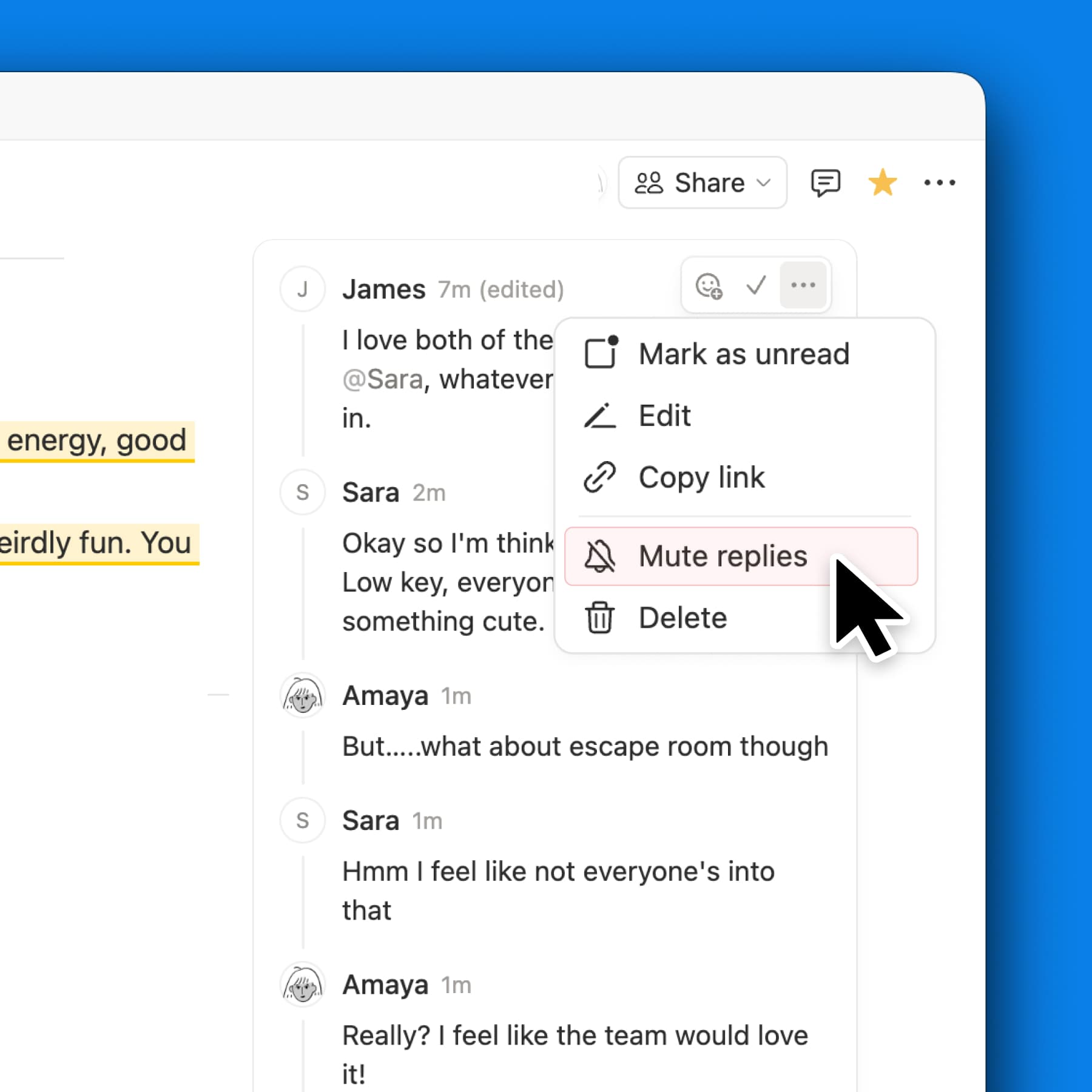
関連性がなくなったコメントへの返信をミュートすることで、通知をすっきりと整理できます。他のユーザーがあなたを@メンションした場合、またはあなたが新しいコメントを投稿した場合、通知は自動的に再開されます。また、••• メニューからいつでも手動でミュートを解除できます。
Xでのお知らせを見る →
You can now share your Notion AI chats as a read-only link. Share a helpful response, your latest prompting technique, or any conversation you’d like a teammate (or the world) to see.
Manage all your shared links in Settings → Public pages → Shared AI chats.
See the announcement on X →
Notion AIの音声入力がデスクトップでご利用いただけるようになりました。長めのプロンプトを口述する場合や、タイプ入力よりも声に出して指示したいという場合まで、音声入力を使えばエージェントとのコラボレーションをスムーズに行えます。