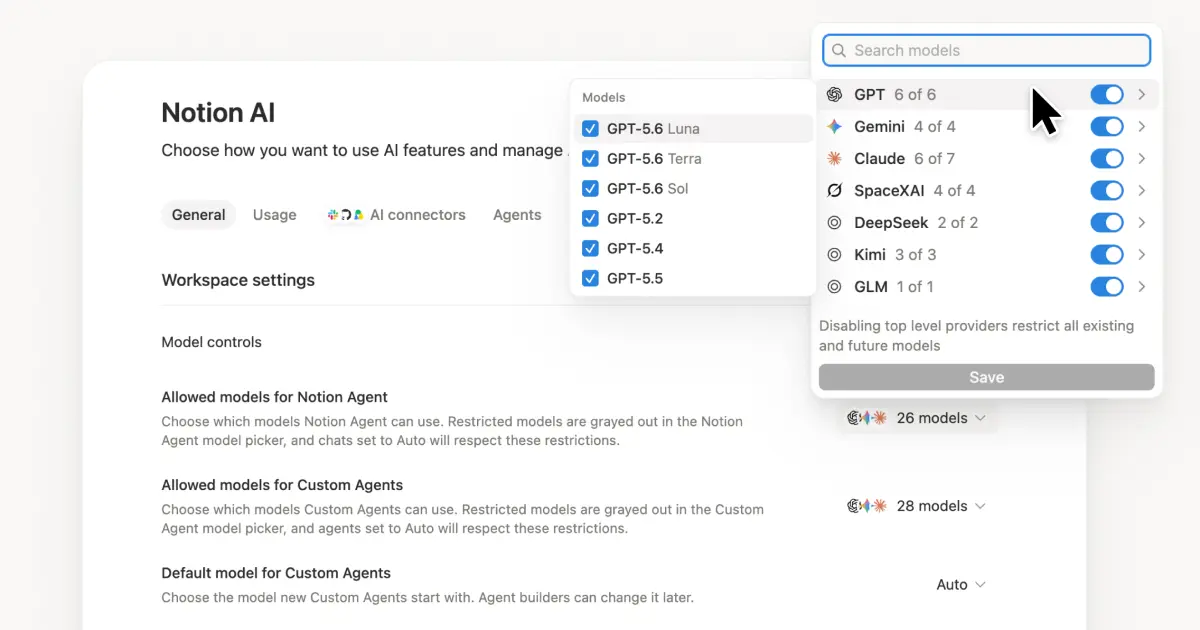
New Custom Agent controls for admins
Two months ago, we launched Custom Agents in beta. Since then, teams have created more than a million of them and honestly pushed them further than we expected!
One theme from admins was consistent: as Custom Agents scaled, so did the need for more control and visibility. Your feedback shaped what we built next, so here’s what's new.
Set guardrails before Custom Agents run
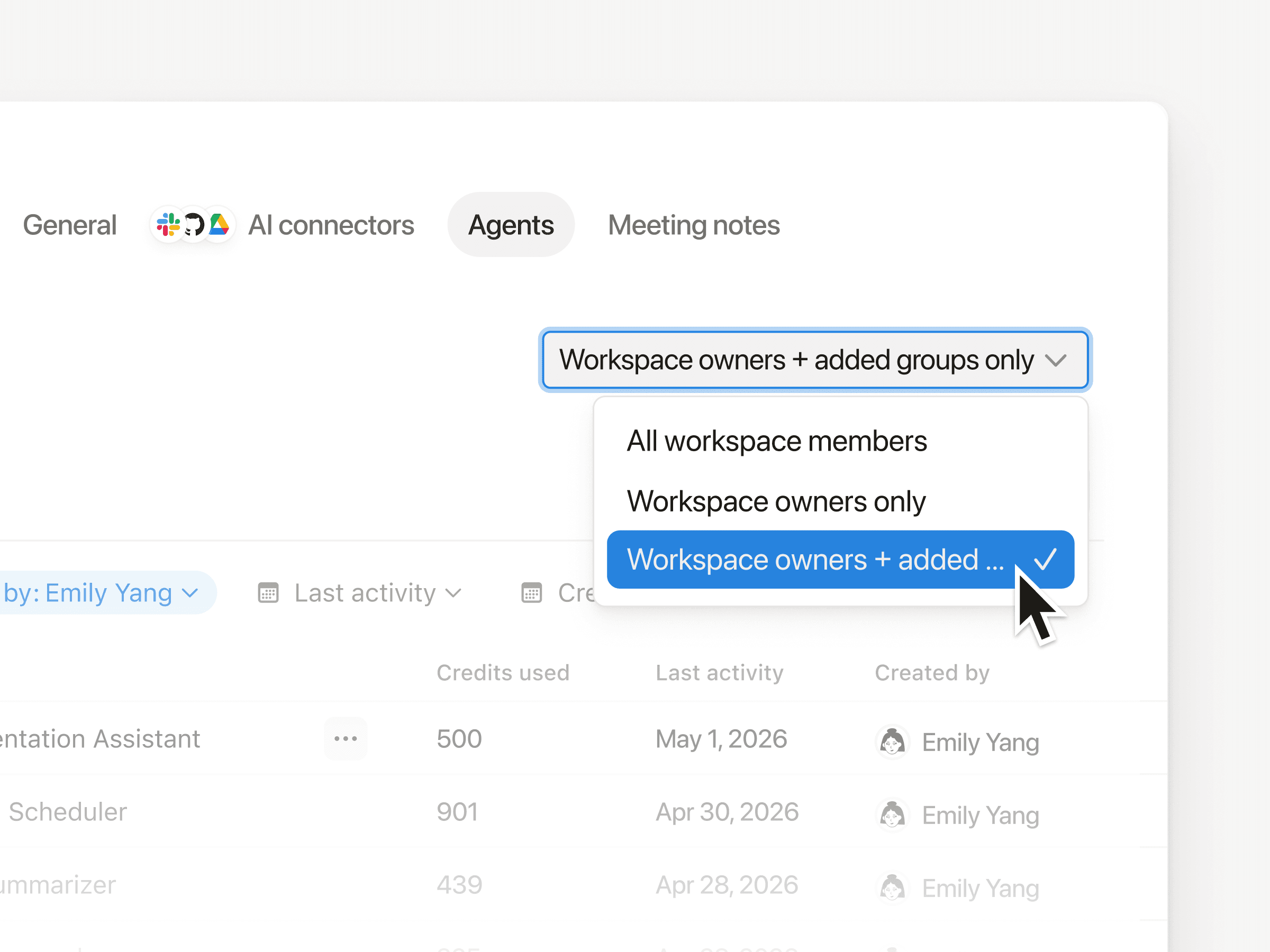
Managing who can create Custom Agents and how much each agent is allowed to spend make rollouts easier to manage:
Start by choosing who create agents, either individuals or user groups, then expand access over time as you build confidence. You can do this in
Settings→Notion AI→Agents.To keep spend predictable, set per-agent credit limits with agent creators. If you’re on Enterprise and planning a broader rollout, you can also set one workspace-level credit limit that applies to all new and existing agents. Both controls are in your usage dashboard at
Settings→Notion credits.
Track every agent and spend across your workspace
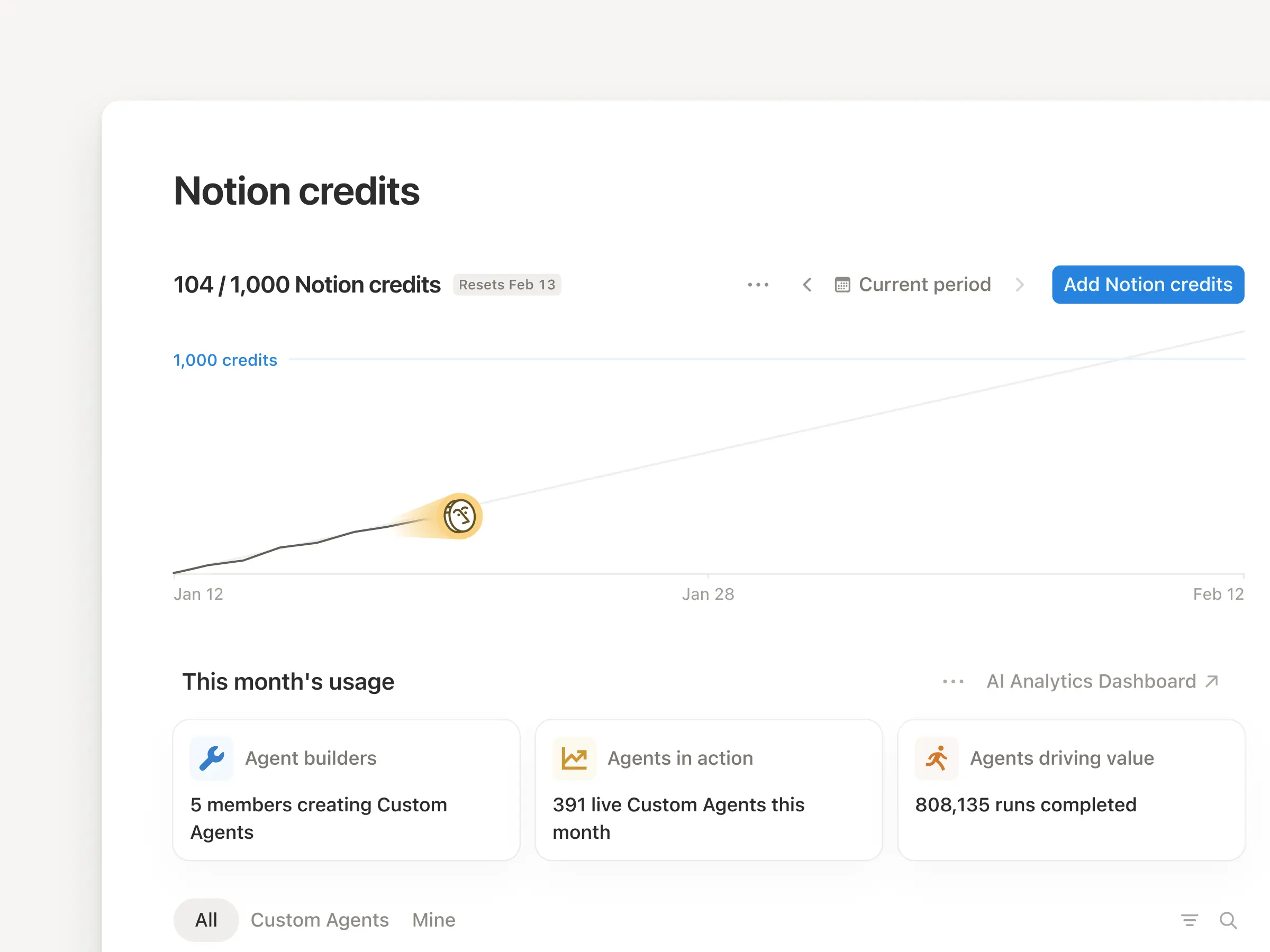
The Notion credits dashboard shows total usage broken down by agent, plus spend trends, status, and recent activity.
If an agent is pacing higher than expected, you can disable it right away in Settings → Notion AI → Agents, then work with the creator to adjust it before turning it back on.
If you manage multiple workspaces, you’ll also see a credits dashboard in your admin console to track credit pacing and Custom Agent usage across your organization.
Scale agents with built-in guardrails
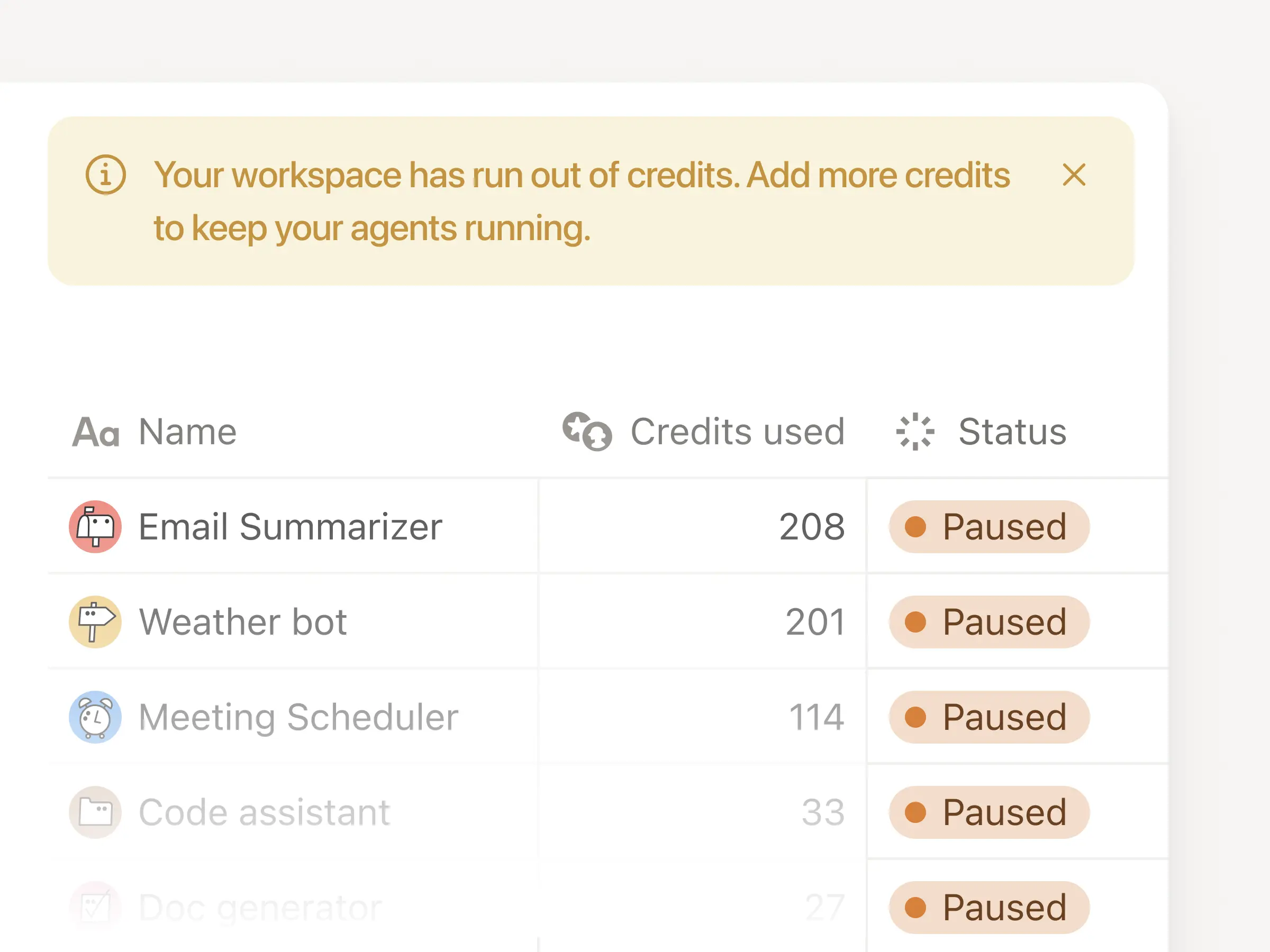
A few things happen automatically to keep rollouts predictable even at scale:
Get notified by email and in-app as your workspace approaches its credit limit, so you’ve time to plan ahead.
If credits run out, all agents pause until you add more, so you won’t get surprise bills.
If a new agent starts spending unusually fast, we’ll pause it and notify the creator to review.
Members can request a higher credit limit, but nothing goes through without admin approval.