Vi lanserte skreddersydde agenter for noen uker siden, og teamene skaper ting enn vi klarer å holde tritt med. I Notion 3.4 kan agentene ta på seg enda mer av det daglige rutinearbeidet ditt.
Skreddersydde agenter er nå enklere å finjustere, og den nye KI-autoutfyllfunksjonen henter dem inn direkte i databasene dine, slik at forbedring og vedlikehold skjer automatisk. Og du kan opprette ferdigheter for Notion-agenten, slik at den kan lære de viktigste arbeidsflytene dine.
Det er fortsatt kostnadsfritt å prøve skreddersydde agenter frem til 3. mai 2026, så dette er et godt tidspunkt!
Team og skreddersydde agenter – et samarbeid
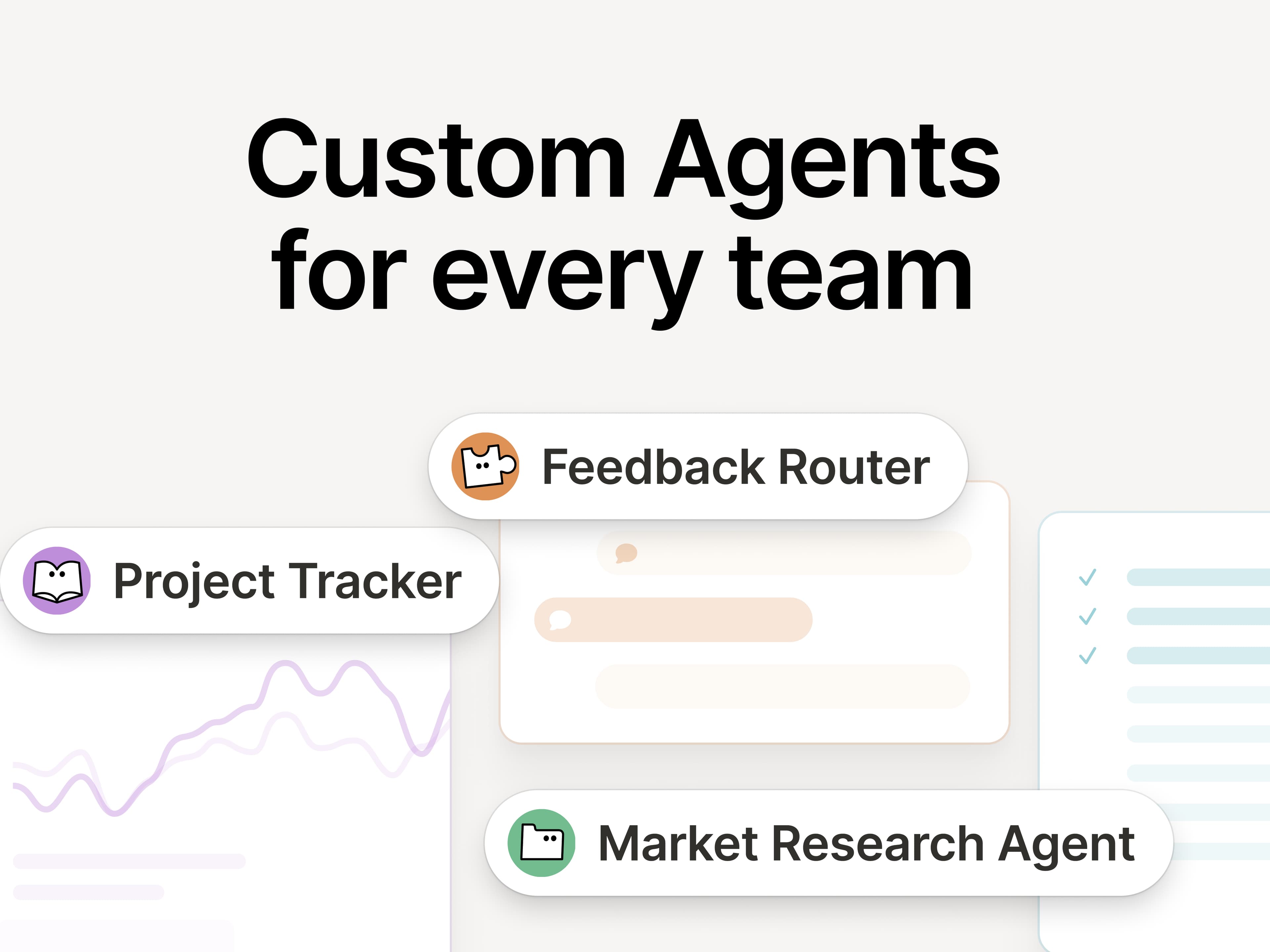
Hvis du gikk glipp av det, her kommer det en liten oppfriskning om skreddersydde agenter: De er som KI-teamkollegaer som håndterer det gjentakende arbeidet ditt. Siden lanseringen for én måned siden har vi sett at alle slags team oppdager nye måter å bruke dem på:
Fremhev riktig informasjon til rett tid: Ramps GTM-team bruker Enablement Eddie til å finne frem de riktige ressursene og kundesvarene.
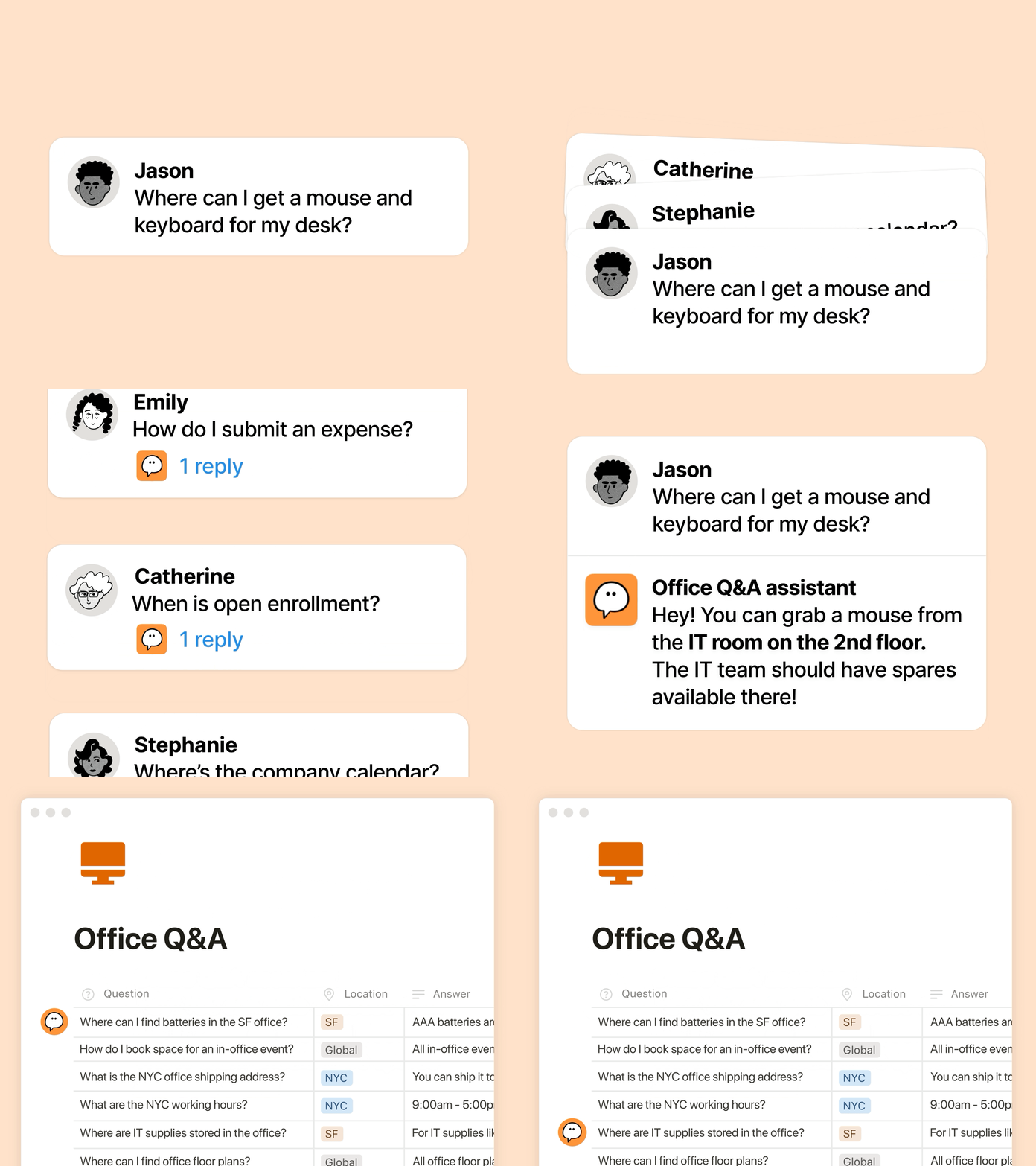
Håndter gjentagende spørsmål: Clay bruker en IT-Buddy som løser vanlige spørsmål fra ansatte på minutter.
Automatiser rapportering: Braintrusts Competitive Intelligence Agent sporer oppdateringer fra konkurrenter på nettet og i Gong-samtaletranskripsjoner, og reviderer deretter interne dokumenter hver morgen, slik at den nyeste konteksten er klar for dagen.
Nye oppgraderinger av skreddersydde agenter: effektivitet, åpenhet, kontekst
Du ønsker at agentene skal hjelpe deg, men du trenger en pris som kan skaleres, innsyn i hva agentene gjør, og integrasjoner med verktøyene du bruker. Denne oppdateringen dekker alle tre punktene:
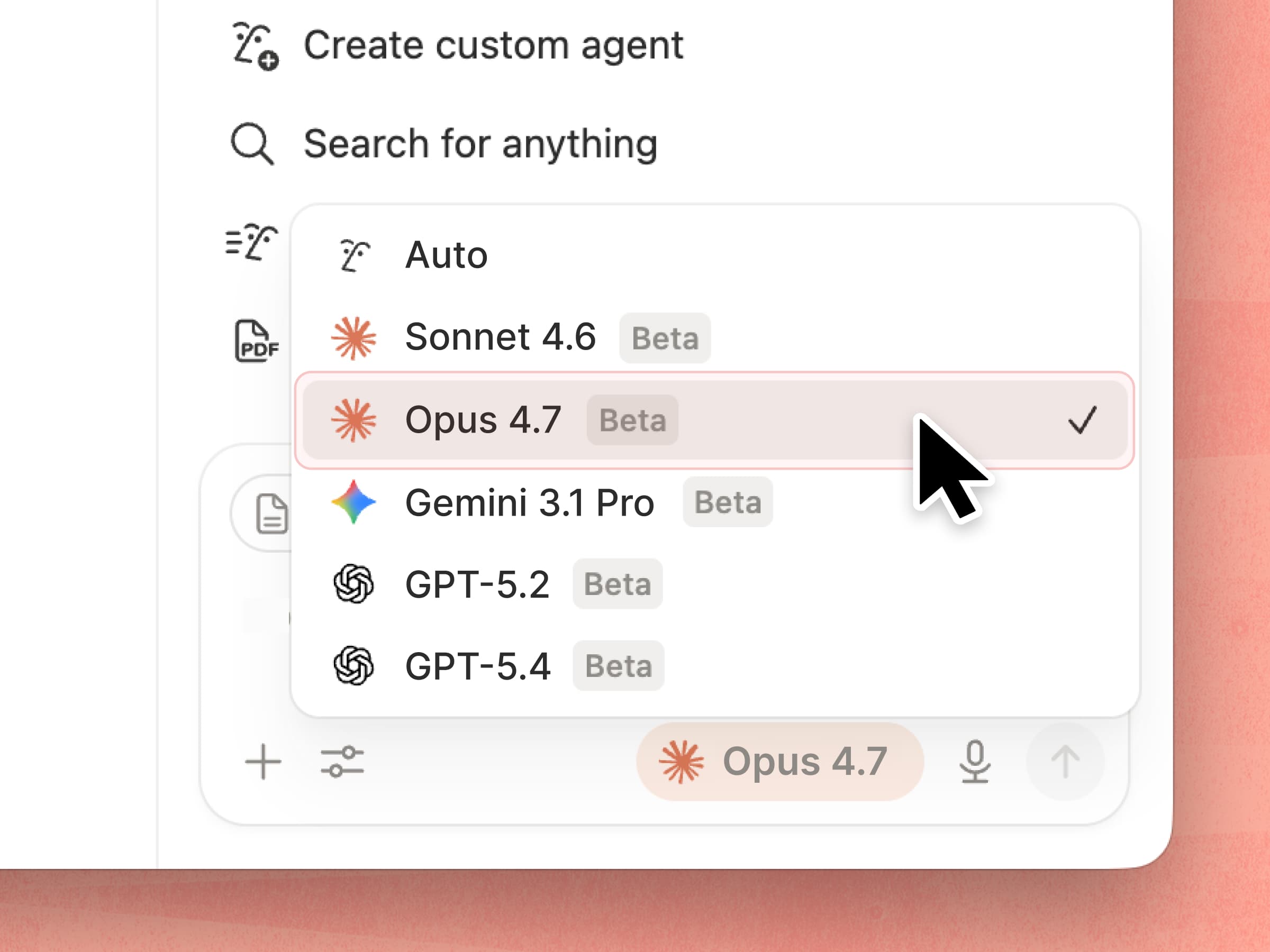
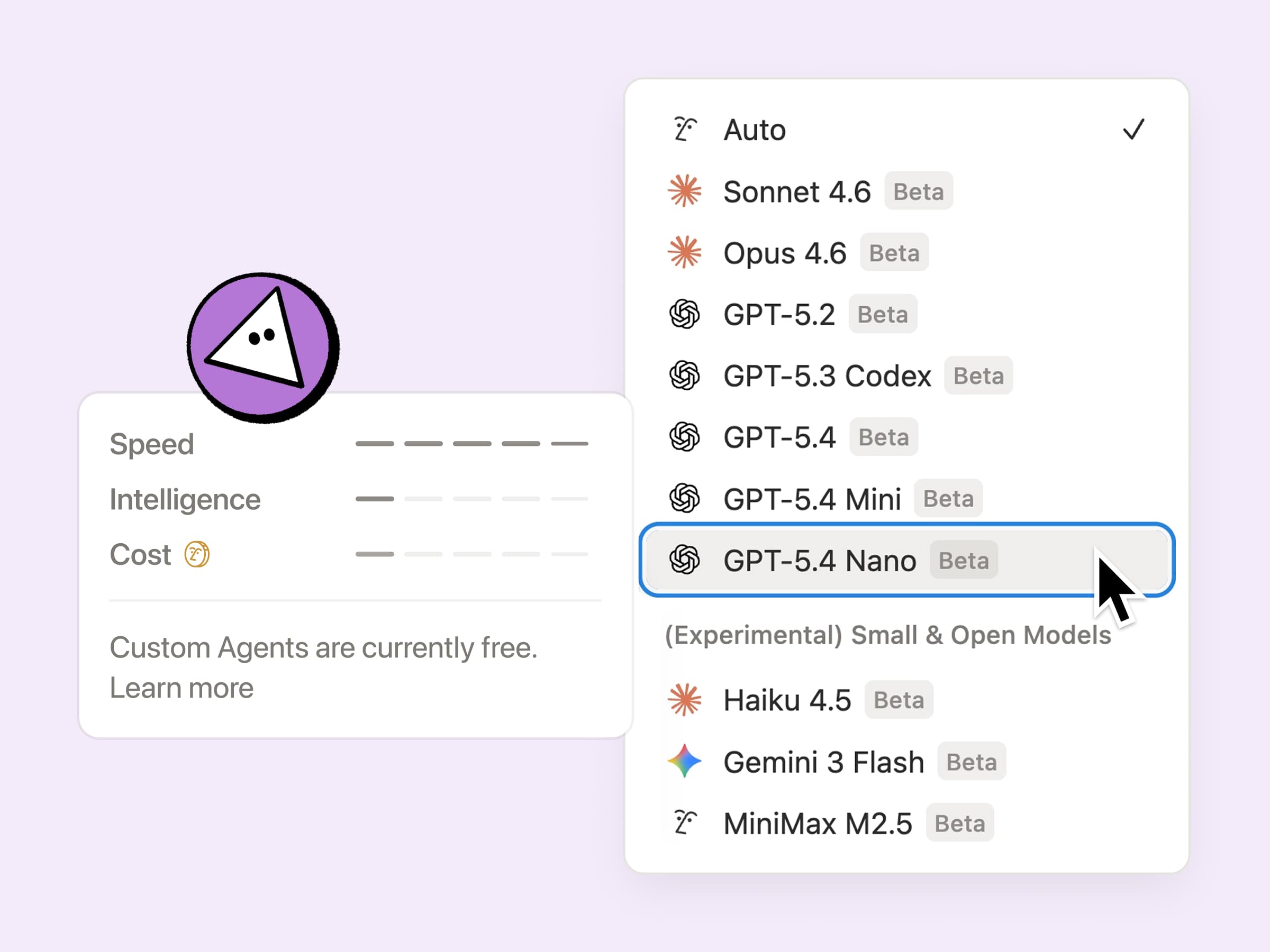
Mer effektive å kjøre: Skreddersydde agenter er nå generelt 35–50 % billigere å kjøre, spesielt agenter med gjentakende oppgaver som sortering av e-post. De er enda mer kostnadseffektive når du velger nye modeller som GPT-5.4 Mini og Nano, Haiku 4.5 og MiniMax M2.5, som bruker opptil 10 ganger færre kreditter.
Innsyn i agentenes kreditter: Nå er det enklere å finjustere agenten og forstå hva som fungerer, takket være dashbordet for Notion-kreditter. Vi kommer til å fortsette å legge til flere signaler over tid, slik at det blir enklere å optimalisere og avgjøre hva som er verdt å kjøre. Her finner du noen tips til å finjustere agentene dine.
Mer kontekst å jobbe med: Skreddersydde agenter kan endelig bruke private Slack-kanaler, slik at de ikke går glipp av de samtalene som betyr noe. Mange flere integrasjoner er på vei, blant annet Microsoft Teams, Google Drive, Salesforce og egendefinerte tilkoblinger.
Fra og med 4. mai kommer skreddersydde agenter til å bruke Notion-kreditter som du kan kjøpe. De er fremdeles kostnadsfrie i noen uker til, så dette er et godt tidspunkt å prøve dem på.
KI-autoutfyll i databaser, drevet av skreddersydde agenter
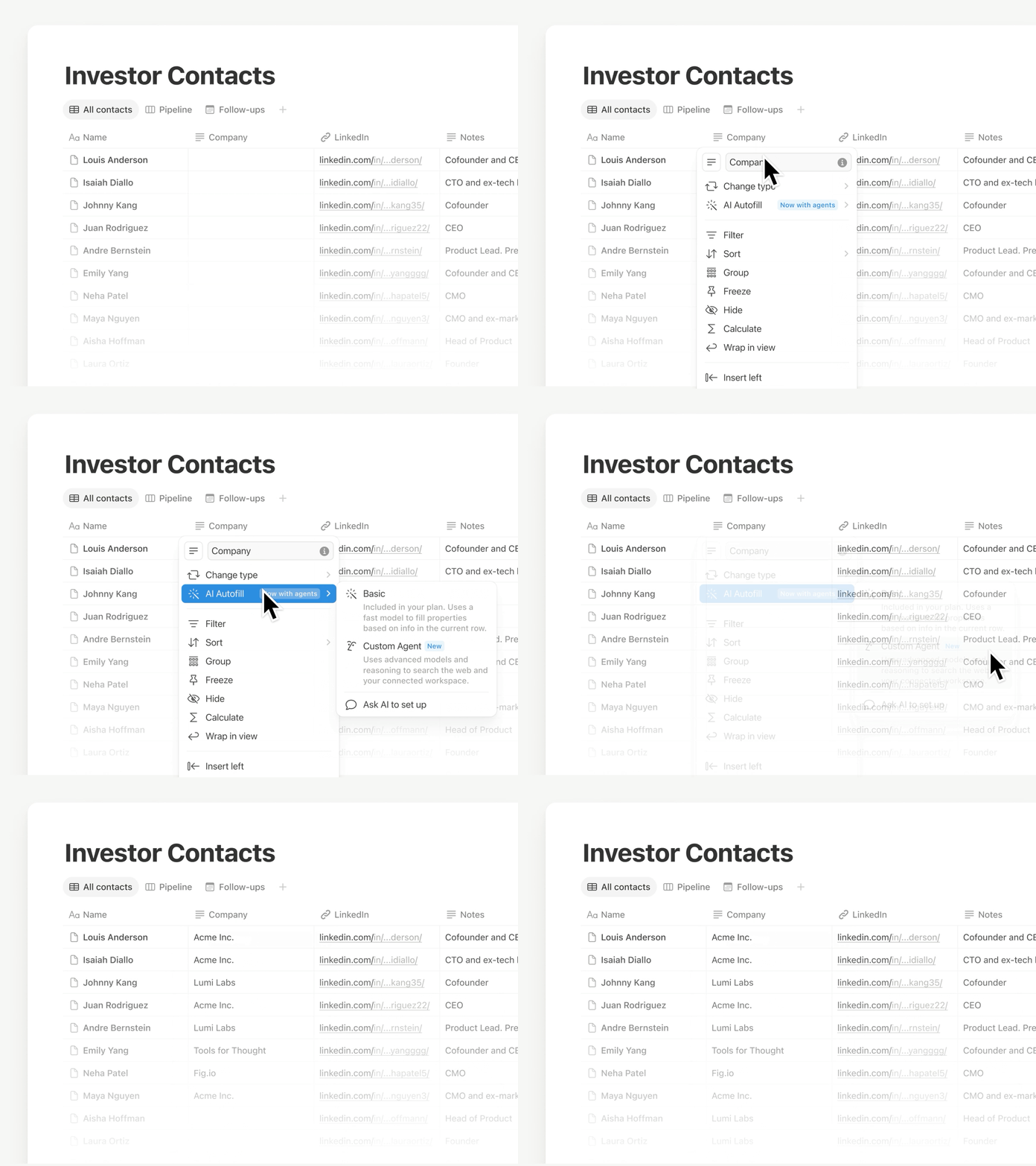
Bruk Autofyll for å holde dataene dine oppdaterte, nå med all kraften og intelligensen til skreddersydde agenter. Forbedre, hent ut og kategoriser informasjon kontinuerlig på tvers av alle rader, slik at databasen din forblir pålitelig uten manuell gjennomgang.
Denne funksjonen er i ferd med å lanseres, så hvis du ikke ser den ennå, kommer den snart. For enklere utfylling inngår grunnleggende KI-autoutfyll fortsatt i Business- og Enterprise-abonnementene. Finn ut mer →
Notion-agenten din har nye ferdigheter, integrasjoner … og du kan snakke med den!
Ferdigheter gjør «den tingen du alltid ber Notion-agenten om å gjøre» til noe den kan gjøre på kommando. Lagre de beste arbeidsflytene som ferdigheter, for eksempel å skrive utkast til ukentlige oppdateringer, omforme et dokument til teamets format eller forberede orienteringer før et møte.
Notion-agenten din har også noen flere triks i ermet:
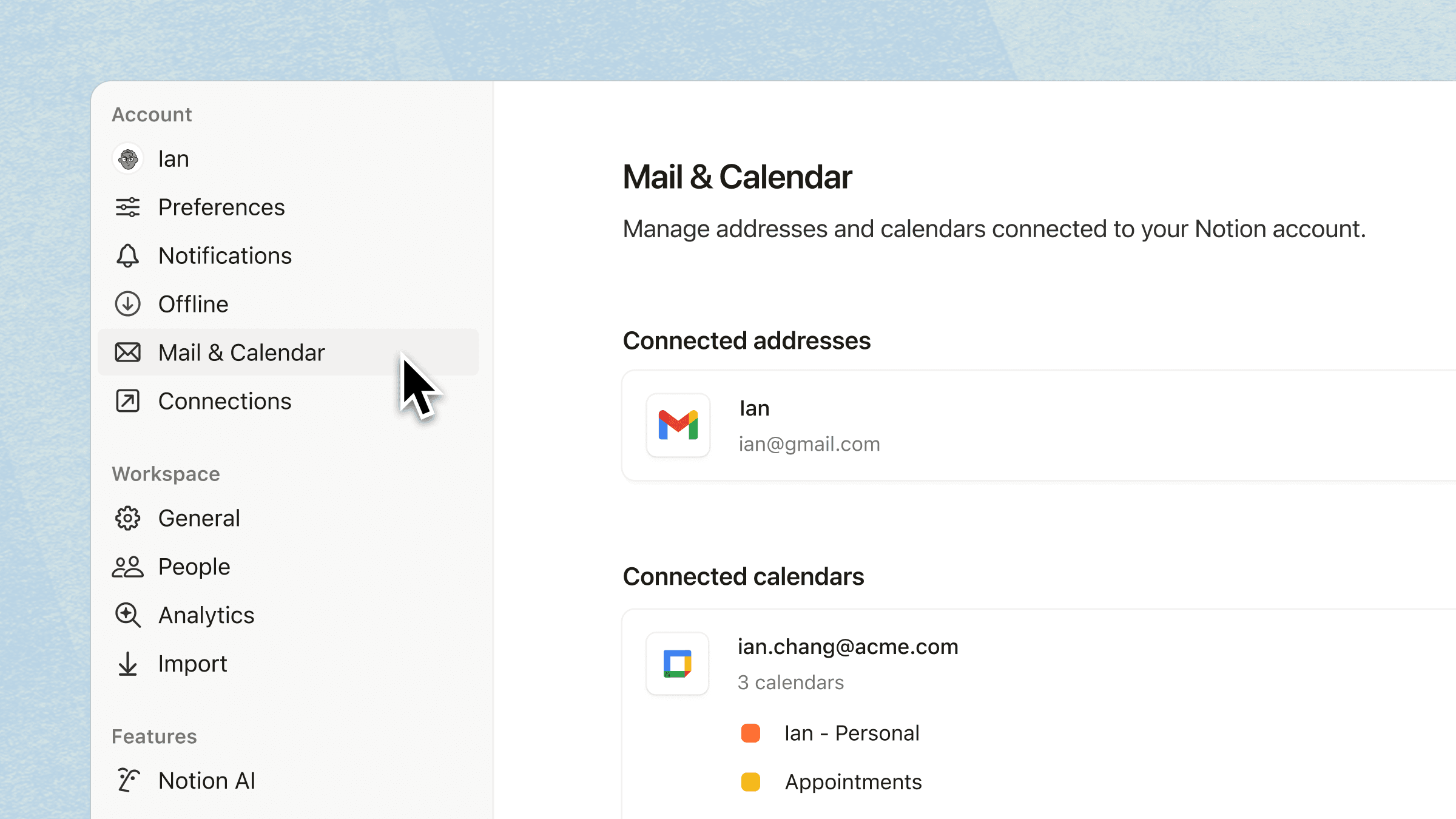
Integrer med Kalender, Mail og Slack: Be agenten om å lese, oppsummere og følge opp i verktøyene du bruker hver dag.
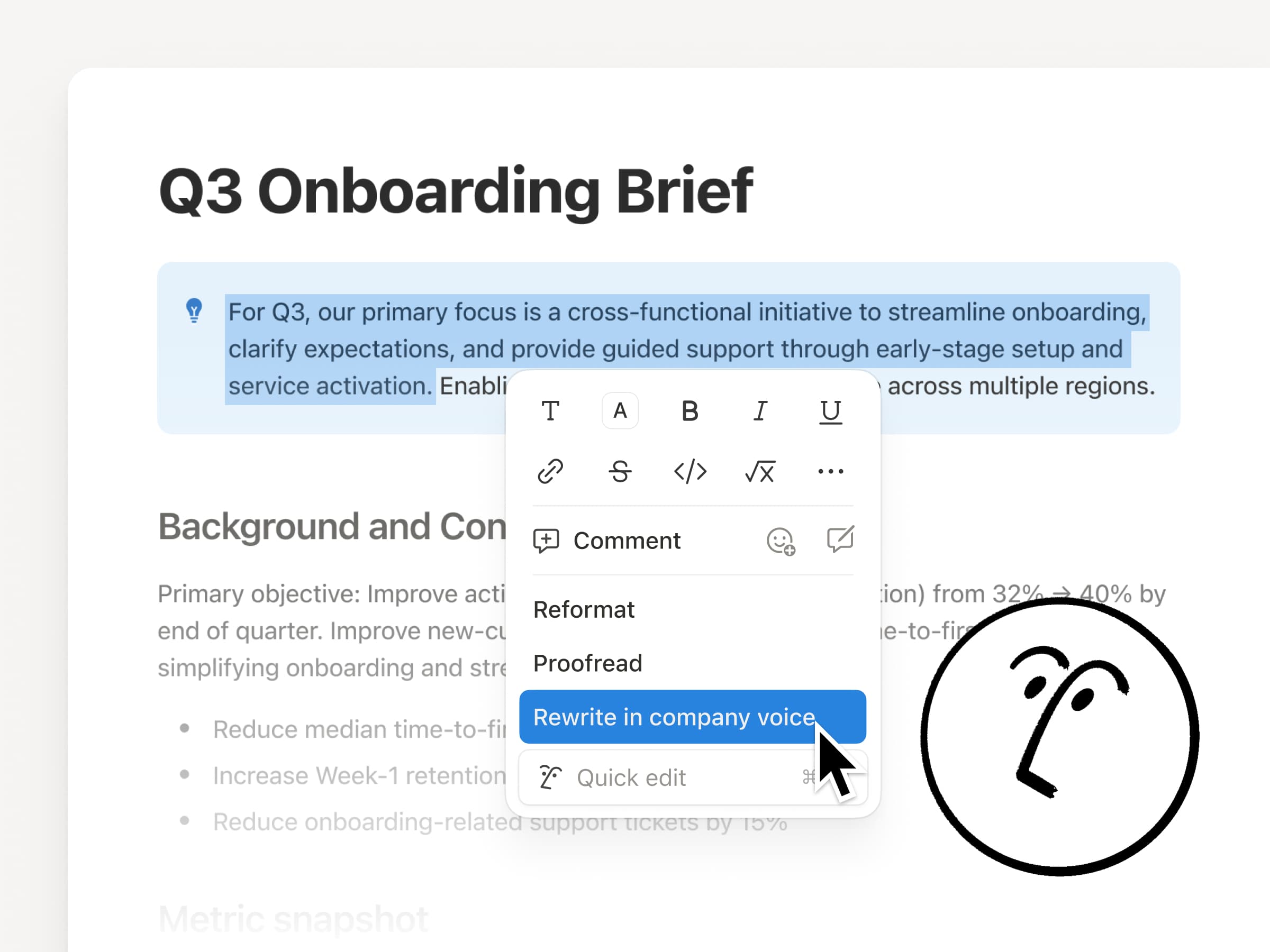
Innebygd dokumentredigeringe: La agenten redigere direkte i dokumentet ditt når du velger tekst, slik at endringene skjer på stedet.
Snakk med agenten: Bruk mikrofonknappen til å diktere hjelpeteksten.
Tilpass sammendraget av KI-møtenotater
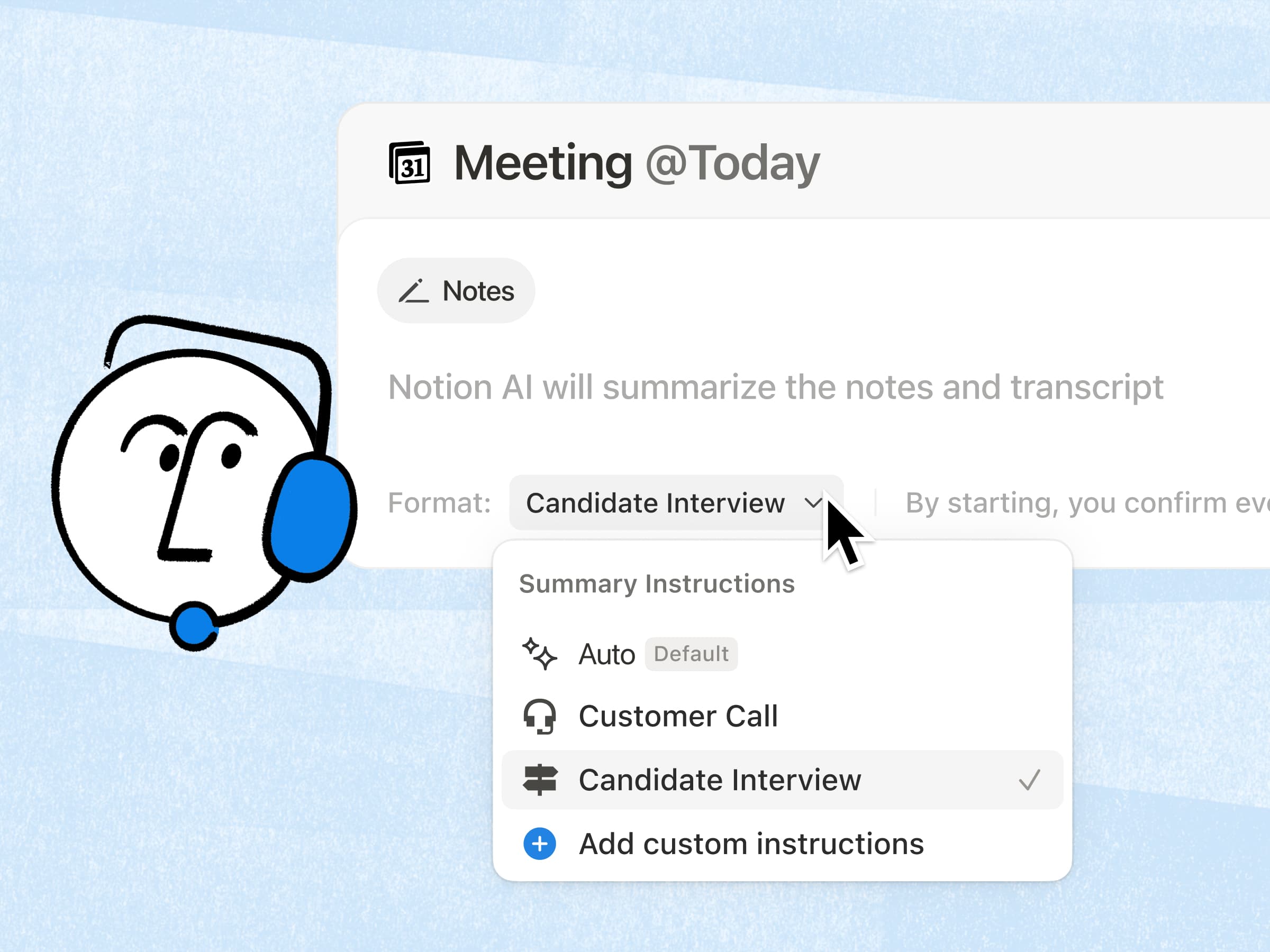
Den mest etterspurte funksjonen for KI-møtenotater er endelig her! Nå kan du legge til et lite sett med egendefinerte instruksjoner, slik at oppsummeringene blir presentert i det formatet du foretrekker. Dessuten har kvaliteten på sammendragene blitt enda bedre, ettersom KI nå gjør grovarbeidet med å hente inn relevant arbeidsområdekontekst. Finn ut mer →
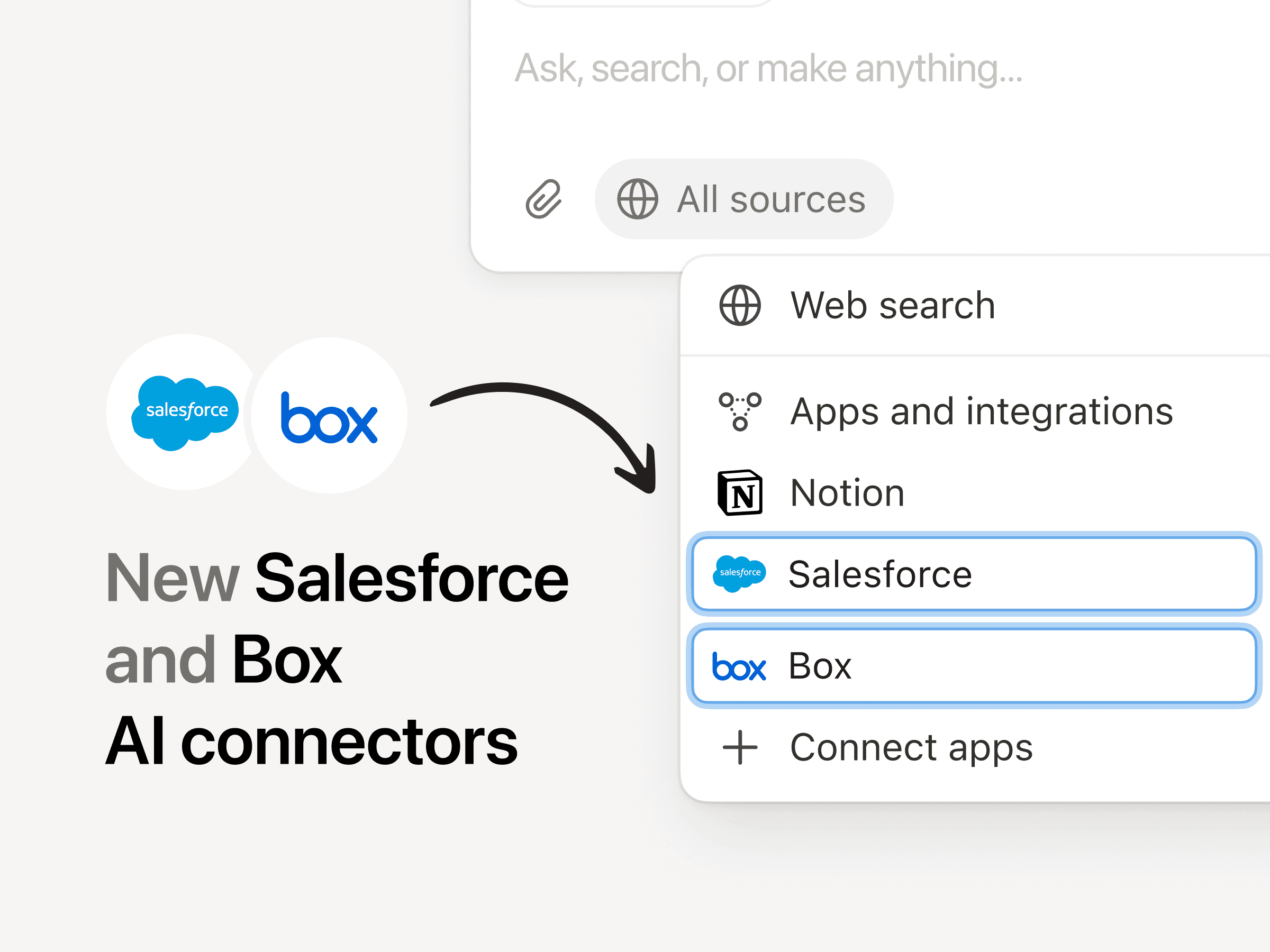
Nye KI-tilkoblinger: Salesforce og Box
Med Salesforce-koblingen kan du søke etter kontoer, muligheter og notater for å forberede deg til samtaler, utarbeide oppfølginger og lage kontoplaner uten å hoppe mellom faner. Med Box-tilkoblingen kan du søke i og oppsummere filer som forslag, kontrakter og prosjektdokumenter for å hente ut viktige detaljer, sammenligne versjoner og holde produksjonen av sluttprodukt i gang.
Betydelig forbedret ytelse
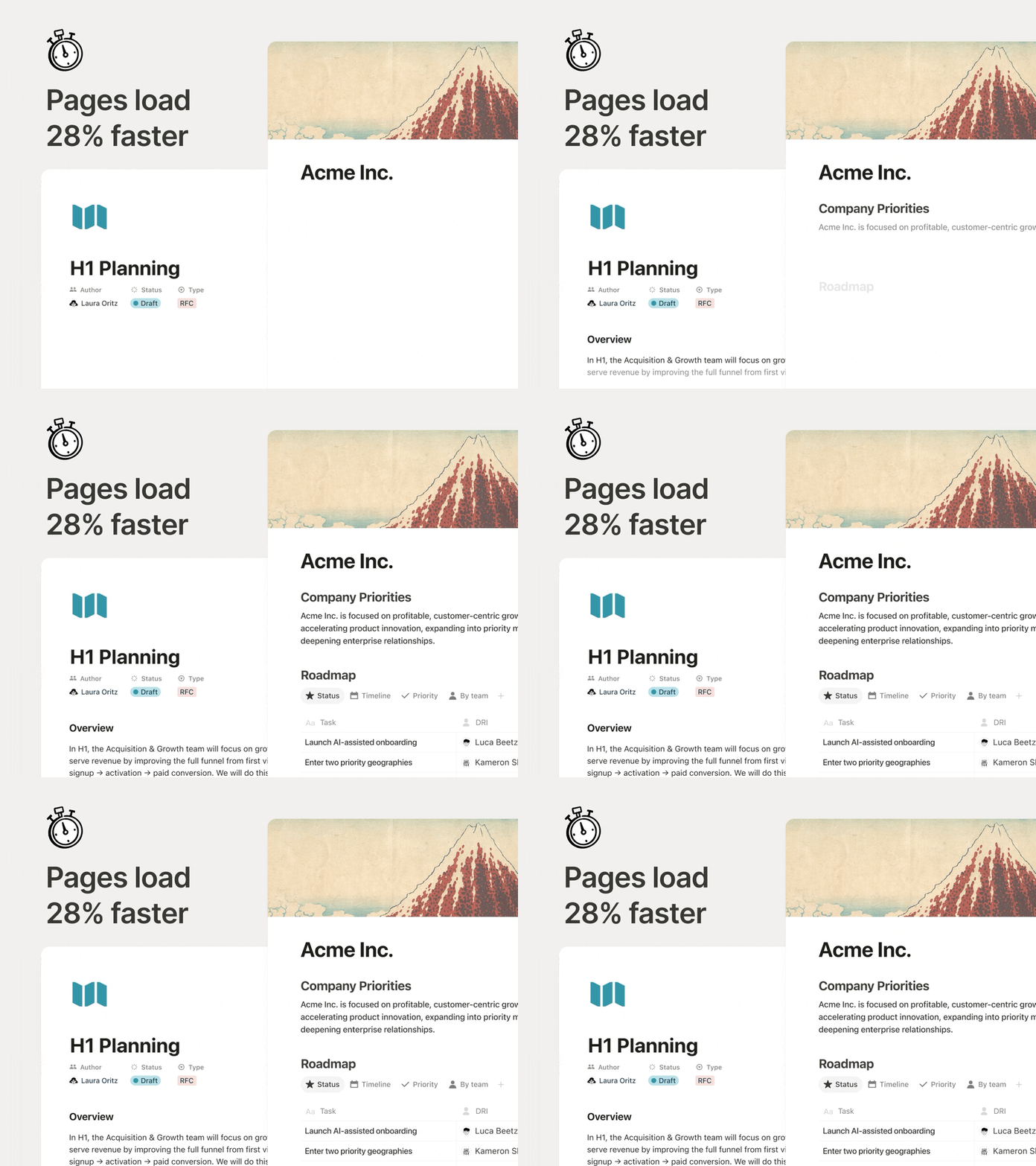
Sider burde føles umiddelbare, spesielt når du hopper mellom dokumenter hele dagen. Nå er den første sidegjengivelsen 28 % raskere, slik at innholdet vises tidligere, og du kan beholde flyten. Det er en liten endring, men den gir fort resultater.
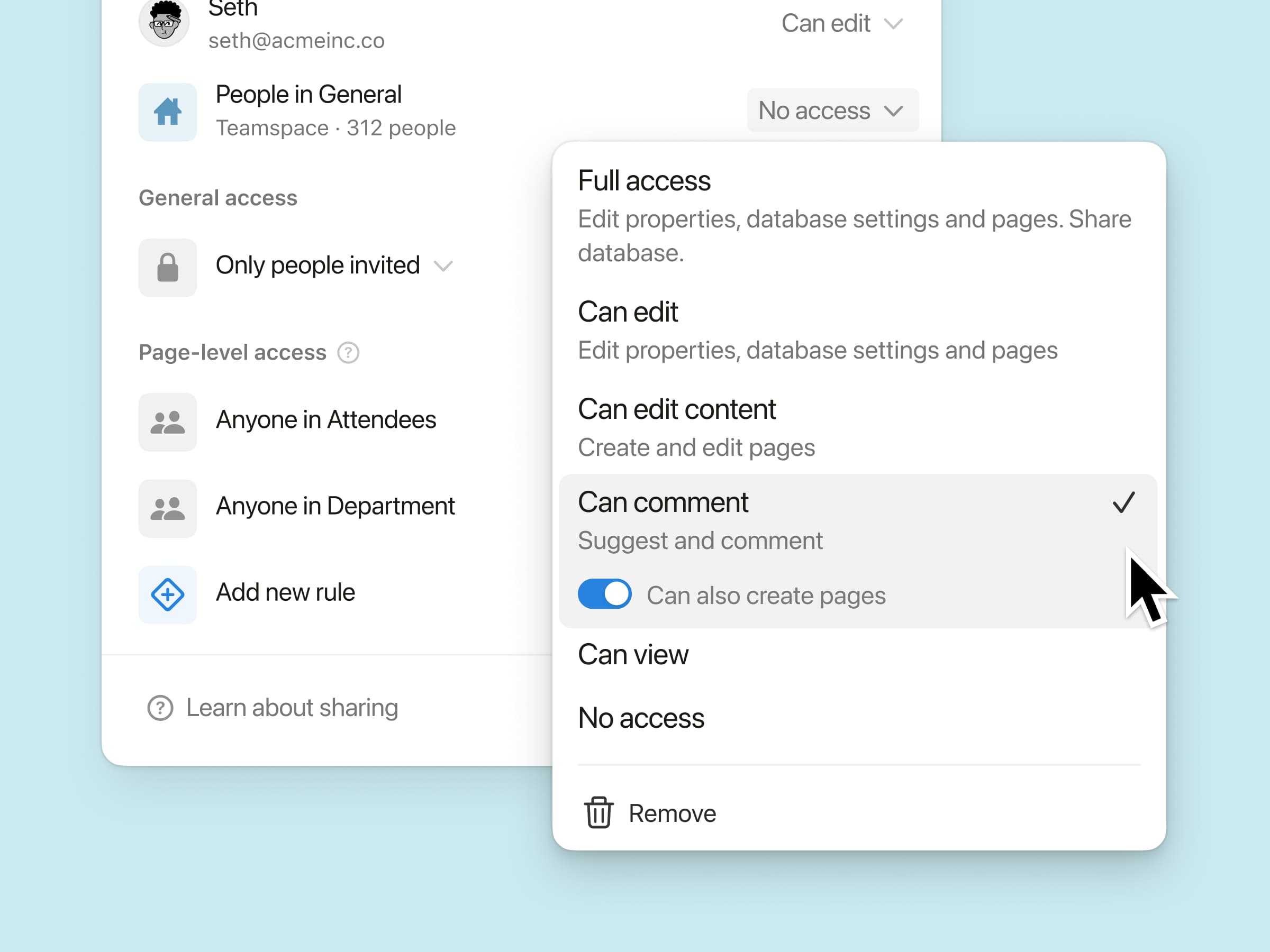
Ny databasetillatelse: «Kan opprette sider»
Gi teammedlemmer tillatelse til å opprette nye sider i en database, samtidig som de fortsatt er forhindret fra å se eller redigere annet innhold de ikke skal ha tilgang til.
Tenk deg en møtedatabase der et teammedlem skal kunne få tilgang til sine egne møtenotater og opprette nye møter, uten å kunne se andres. Prøv det i tilfeller der teamet ditt jobber med eksterne bidragsytere eller sensitiv informasjon.
KI-møtenotater støttes via API: Integrasjoner kan nå hente fullstendige transkripsjoner og sammendrag av notater, slik at team automatisk kan følge opp handlingspunkter i alle verktøyene de allerede bruker.
n8n MCP-integrasjon: Koble de skreddersydde agentene dine til n8n, slik at de kan kjøre automatiseringene du allerede bruker, og bidra til å koordinere arbeidet på tvers av de andre appene og API-ene dine.
MCP-forbedringer: KI-verktøy kan nå gjøre mer i Notion på en pålitelig måte, på tvers av kommentarer, møteavskrifter og Notion Sites, med raskere svar og nye administratorkontroller, som revisjon og godkjente verktøy.
Vi kommer til å fortsette å gjøre Notion KI til et bedre verktøy for (menneskelig) teamarbeid.
PS Jeg har samarbeidet med det kreative teamet vårt om en video som forklarer hva vi synes om KI. Se den her.