Releases /
Notion 2.20, now with page and workspace analytics
Page Analytics
Is your idea resonating with your audience? Now you can see how many people are engaging with a page—with views, viewers, and editor information shown right in the sidebar. Use it next time you share a product spec or publish a blog post.
Go to 🕘 View all updates at the top right of your page → Analytics
Workspace Analytics (Enterprise plan)
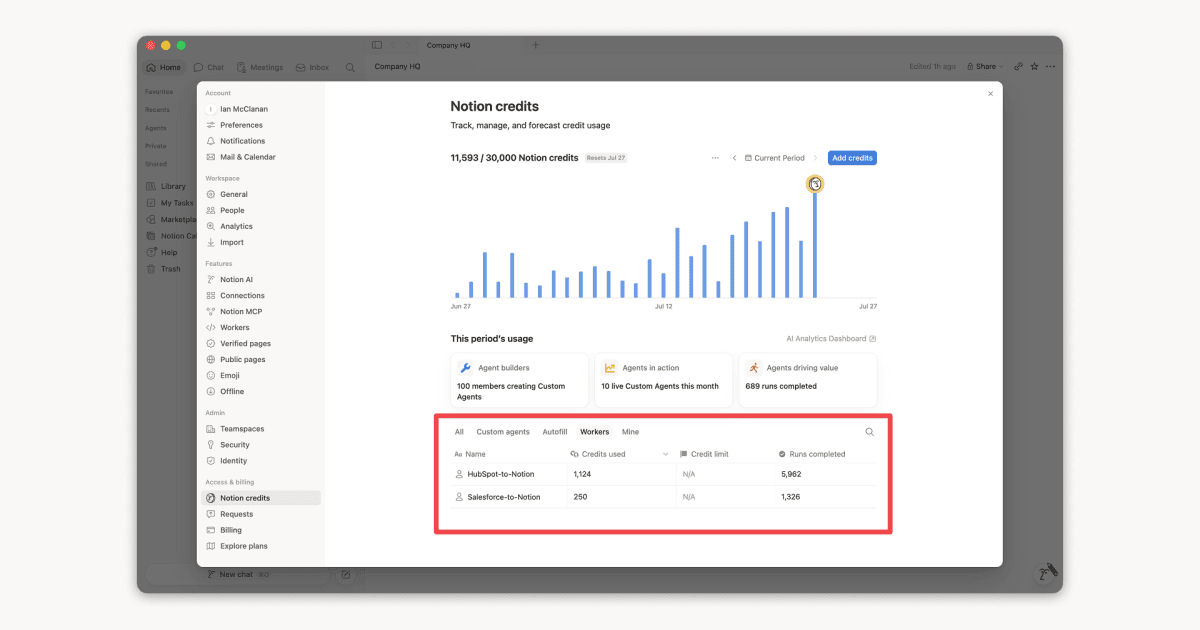
Understand how the content in your workspace is performing—and identify areas for action—with metrics like number of views, unique visitors, and last edited date.
Workspace owners can also view user engagement—including top champions and members who could use more support—as well as search metrics.
Go to ⚙️ Settings & members at the top left of your workspace → Analytics
Better notifications
Notifications are like a mini-assistant, keeping you up to date and filtering out noise. Now, you’ll only get notifications when you’re @mentioned or someone replies to your edit. Clear notifications by tagging them as read or archive.
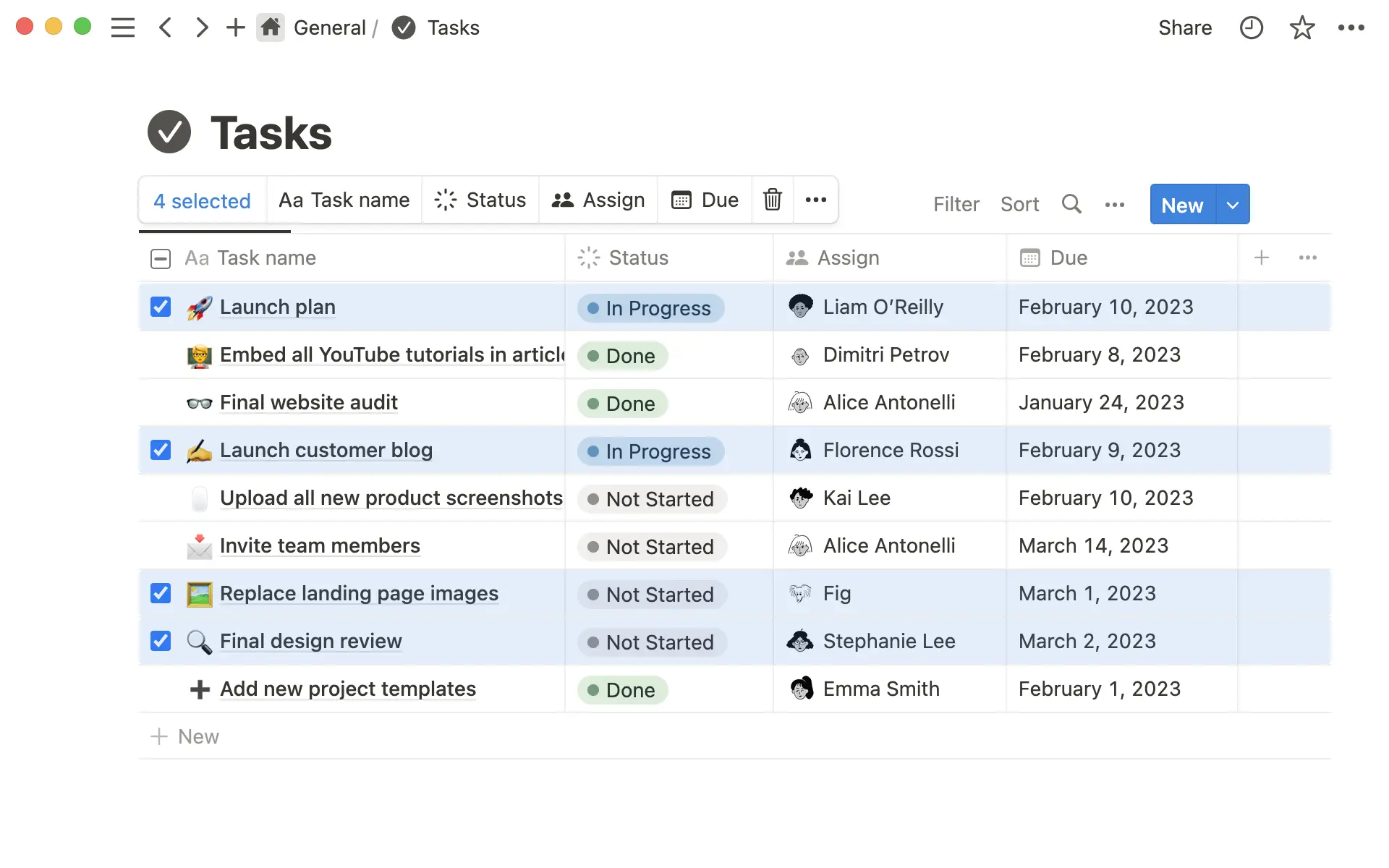
Make bulk changes in a database
Select & change values of multiple rows in the table view of a database (e.g. select tasks to update status/priority).
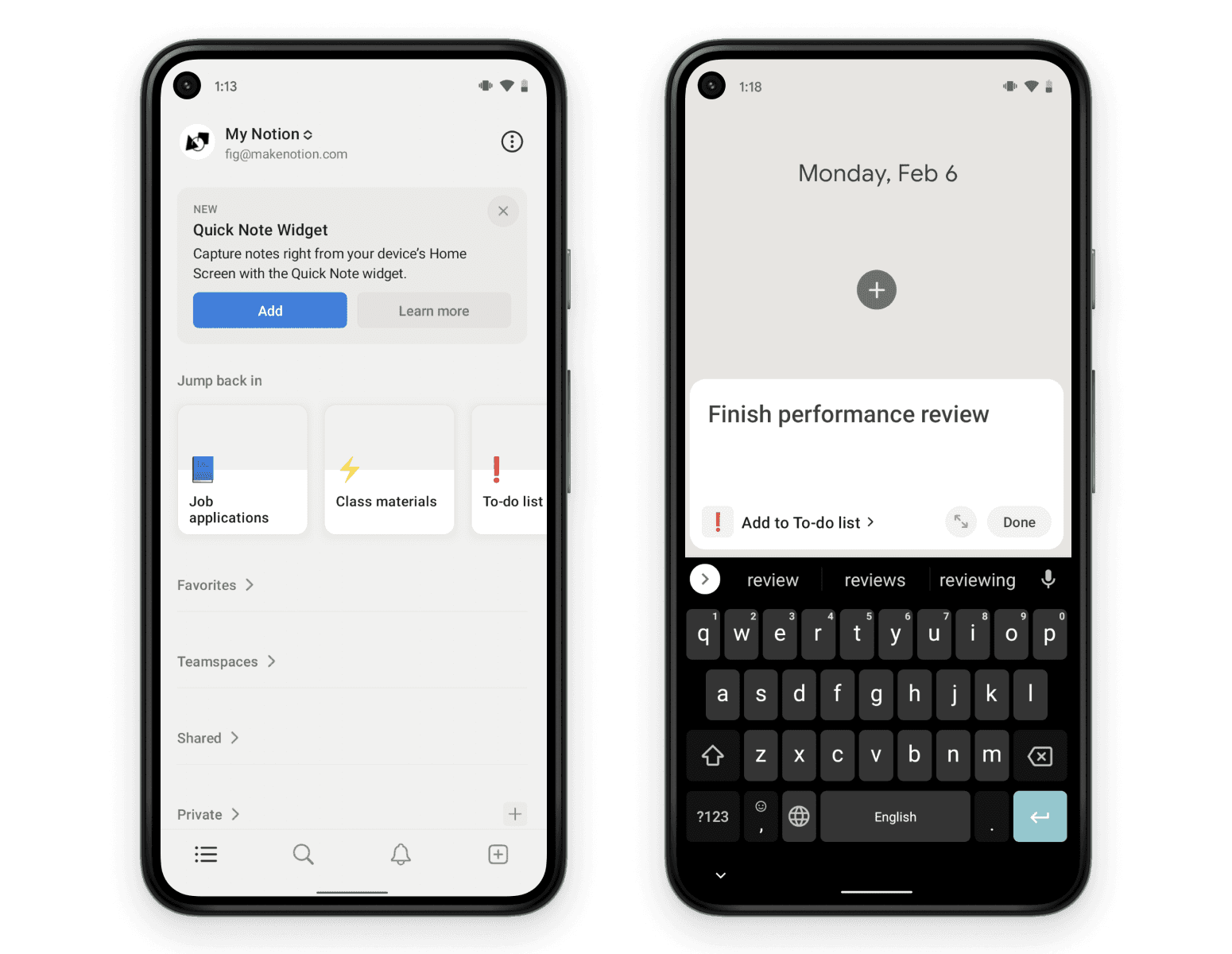
Take quick notes on Android
Now you have a Quick Note widget for Android that lets you create a new Notion page immediately after clicking. Use it the next time you think of a design idea at a basketball game. iOS coming soon.
Fixes and Improvements
Companies on an Enterprise plan now have more options to view, manage, and restrict workspaces that are created using the company’s verified domain
Added the ability to turn a sub-page into a teamspace. Just click on the
…menu for the subpage →Turn into teamspace→Create TeamspaceThe top-right
•••menu for every page now has a duplicate optionMade updates to the mobile search experience that improved load times