Vi lanserade skräddarsydda agenter för några veckor sedan, och teamen skapar innehåll så snabbt att vi inte hinner med. I Notion 3.4 kan dina agenter ta hand om ännu mer av ditt dagliga repetitiva arbete.
Skräddarsydda agenter är nu enklare att finjustera, och den nya AI-autofyllfunktionen för in dem direkt i dina databaser, vilket automatiserar berikning och underhåll. Dessutom kan du skapa färdigheter för din Notion-agent så att den kan lära sig dina viktigaste arbetsflöden.
Skräddarsydda agenter är fortfarande kostnadsfria att prova fram till den 3 maj 2026, så det är nu det gäller!
Ett samarbete mellan team och skräddarsydda agenter
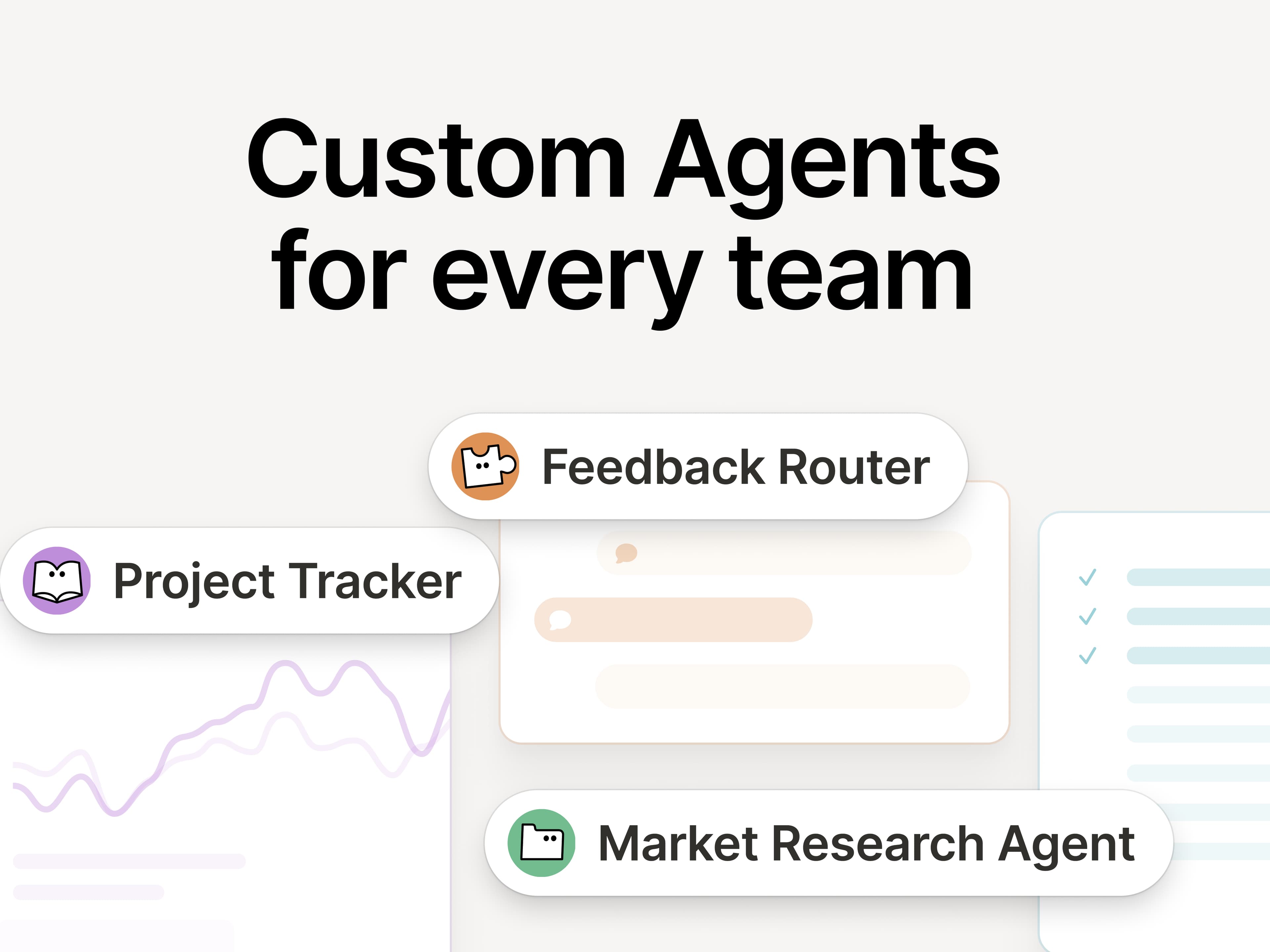
Om du missade det kommer här en snabb sammanfattning om skräddarsydda agenter. De är som AI-teammedlemmar som hanterar ditt repetitiva arbete. Sedan lanseringen för en månad sedan ser vi att alla möjliga team upptäcker nya sätt att använda dem på:
Visa rätt information vid rätt tidpunkt: Ramps GTM-team använder Enablement Eddie för att hämta rätt resurser och kundsvar.
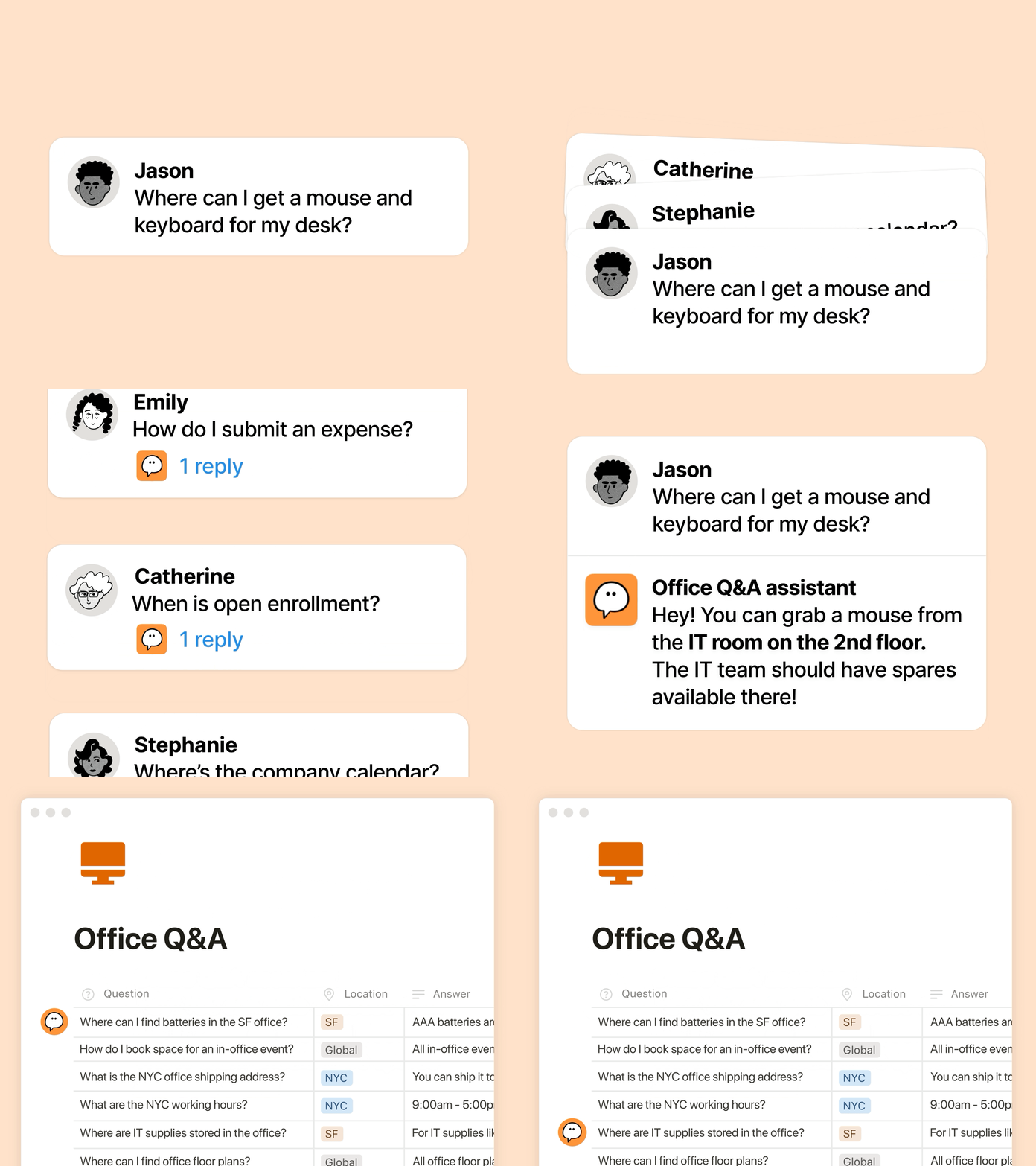
Hantera återkommande frågor: Clay använder en IT-kompis som löser vanliga frågor från medarbetare på några minuter.
Automatisera rapporteringen: Braintrusts agent för konkurrensinformation (Competitive Intelligence Agent) som spårar konkurrenternas uppdateringar på webben och Gong-samtalstranskriptioner och sedan reviderar interna dokument varje morgon så att det senaste sammanhanget är redo för dagen.
Nya uppgraderingar för skräddarsydda agenter: effektivitet, transparens, sammanhang
Du vill att agenterna ska hjälpa till, men du behöver priser som är skalbara, insyn i vad agenterna gör och integrationer med dina verktyg. Den här uppdateringen uppfyller alla tre kraven:
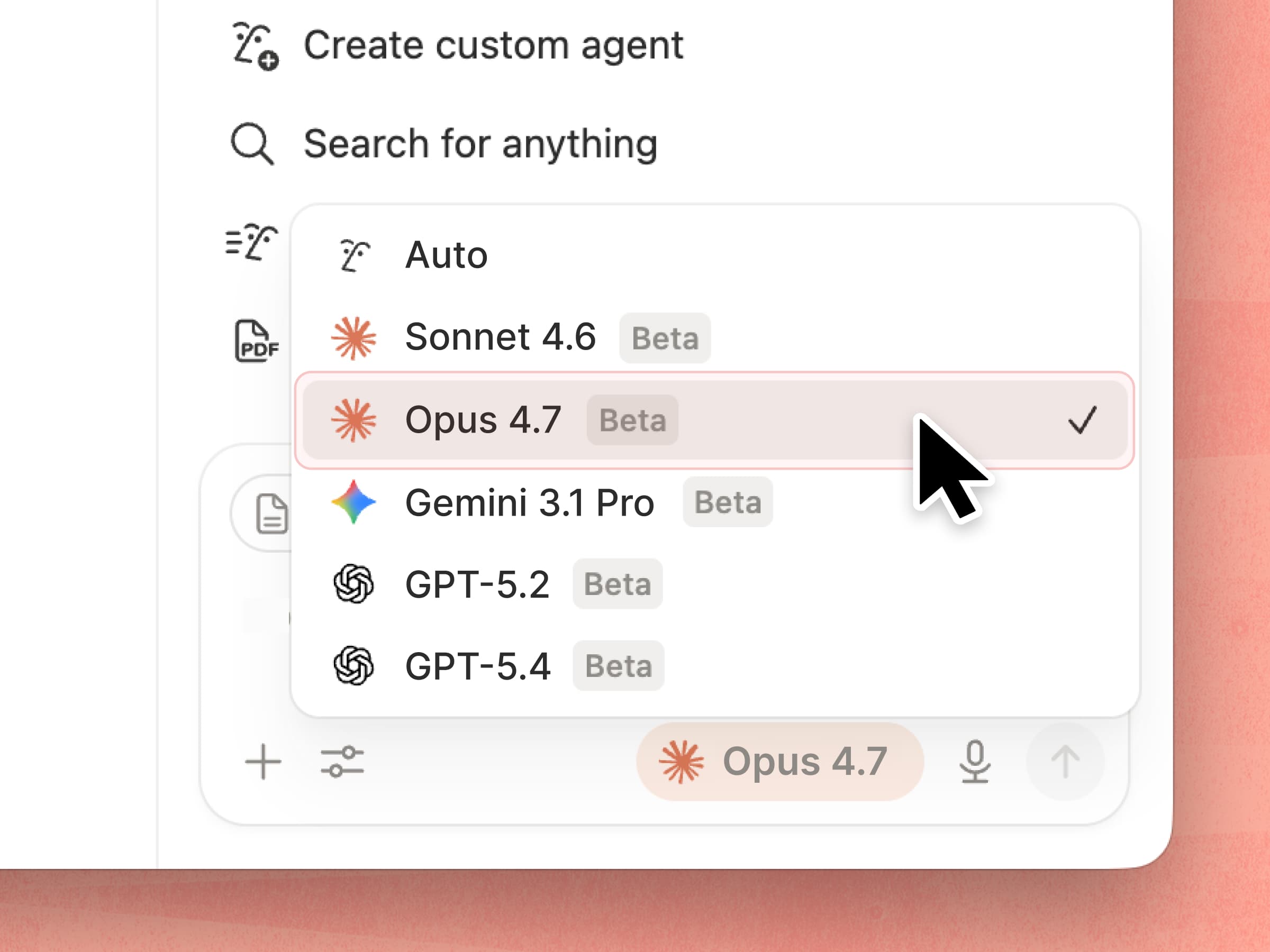
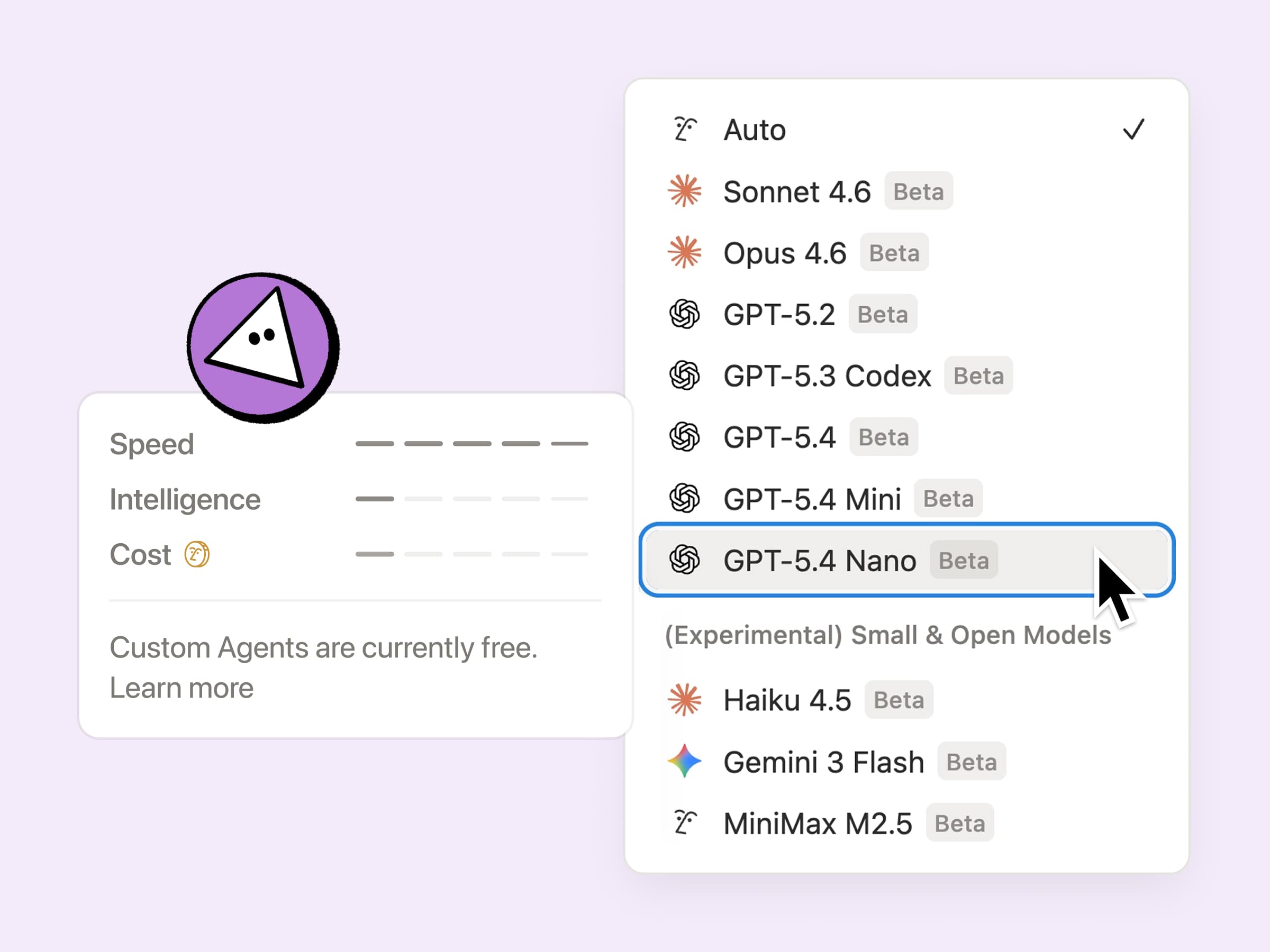
Effektivare att köra: Skräddarsydda agenter är nu 35–50 % billigare att köra över lag, särskilt agenter med repetitiva uppgifter som e-postprioritering. De är ännu mer kostnadseffektiva när du väljer nya modeller som GPT-5.4 Mini och Nano, Haiku 4.5 och MiniMax M2.5, som förbrukar upp till 10 gånger färre krediter.
Insyn i dina agenters krediter: Det är nu enklare att finjustera din agent och förstå vad som fungerar med hjälp av kontrollpanelen för Notion-krediter. Vi kommer att fortsätta lägga till fler signaler över tid, så att det blir enklare att optimera och bestämma vad som är värt att köra. Här finns några tips för att finjustera dina agenter.
Mer sammanhang att arbeta med: Skräddarsydda agenter kan äntligen använda privata Slack-kanaler, så att de inte missar de viktiga konversationerna. Många fler integrationer kommer att läggas till, däribland Microsoft Teams, Google Drive, Salesforce och anpassade anslutningar.
Från och med den 4 maj kommer skräddarsydda agenter att använda Notion-krediter som du kan köpa. Under tiden är de kostnadsfria i ytterligare några veckor, så det är nu det gäller att prova dem.
AI-autofyll i databaser med hjälp av skräddarsydda agenter
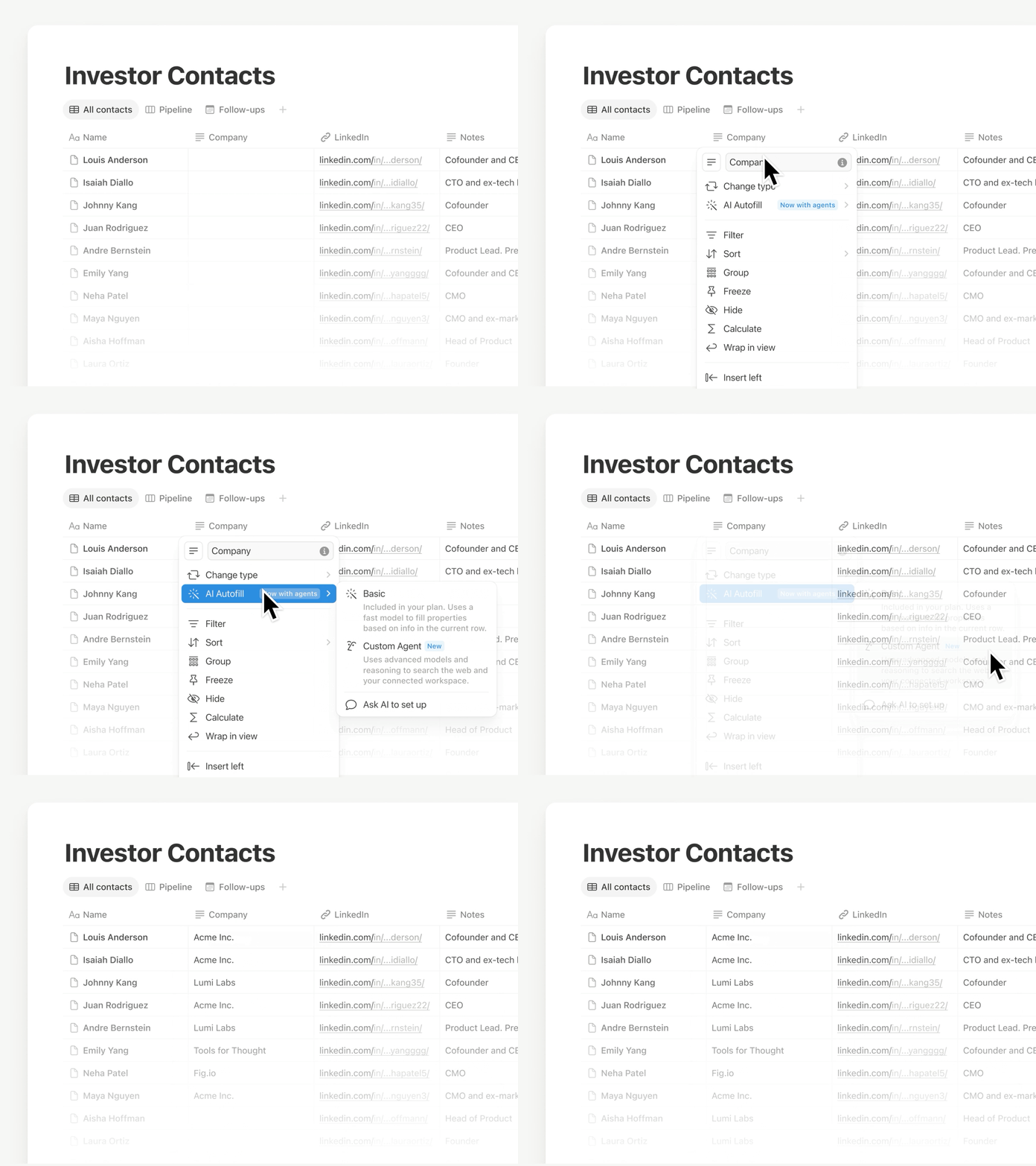
Använd autofyll för att hålla dina data aktuella och uppdaterade, nu med all kraft och intelligens från skräddarsydda agenter. Berika, extrahera och kategorisera information kontinuerligt i varje rad, så att din databas förblir tillförlitlig utan manuell granskning.
Den här funktionen håller på att lanseras, så om du inte ser den ännu kommer du snart att göra det. För enklare ifyllning ingår grundläggande AI-autofyll fortfarande i Business- och Enterprise-abonnemangen. Läs mer →
Din Notion-agent har nya färdigheter, integrationer … och du kan prata med den!
Färdigheter gör ”det där du alltid ber Notion-agenten att göra” till något den kan göra på kommando. Spara dina bästa arbetsflöden som färdigheter, till exempel att utarbeta veckovisa uppdateringar, omformatera ett dokument till teamets format eller förbereda sammanfattningar inför ett möte.
Din Notion-agent har också några fler ess i rockärmen:
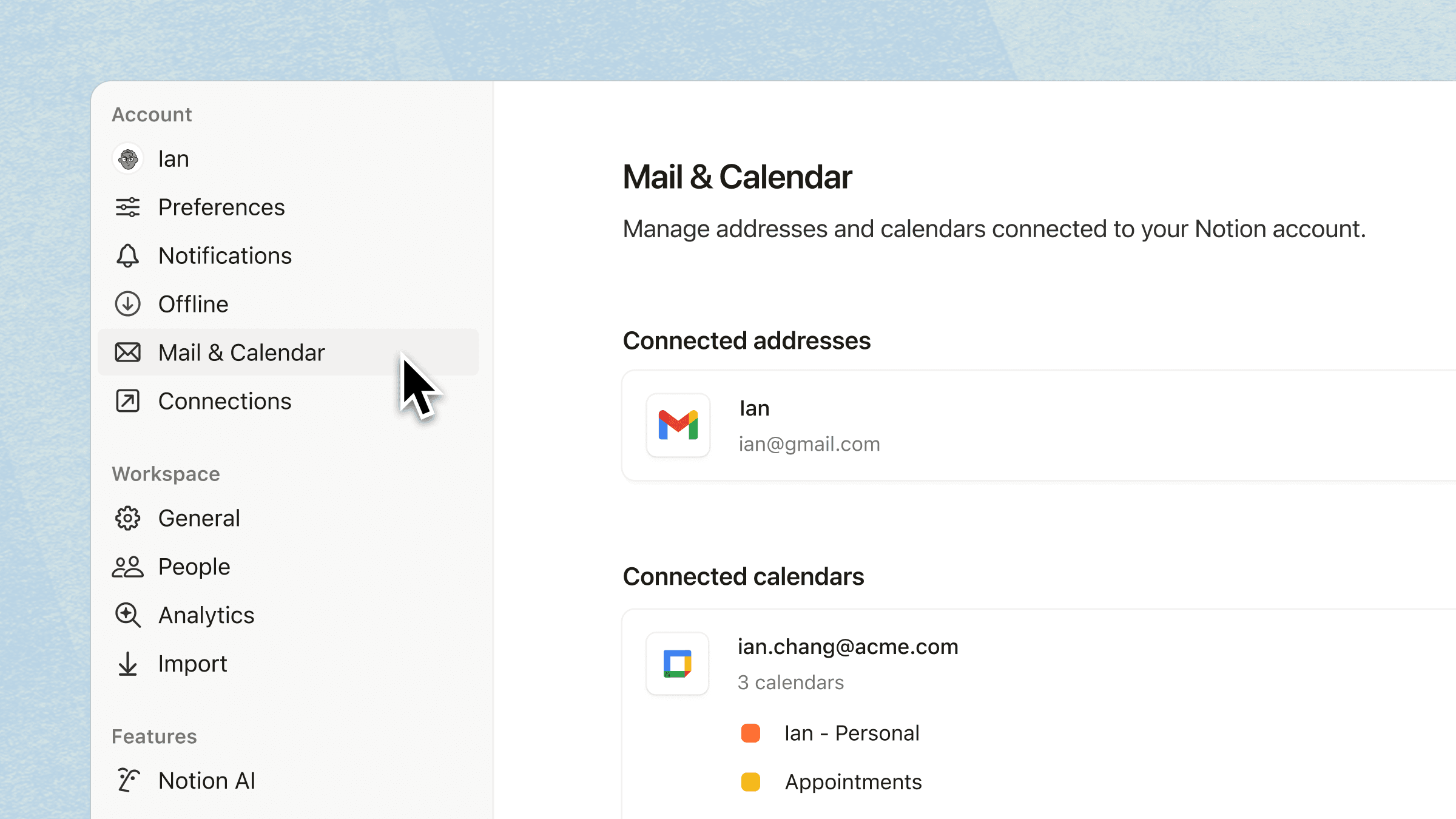
Integrera med Kalender, Mail och Slack: Be din agent att läsa, sammanfatta och följa upp i de verktyg du använder varje dag.
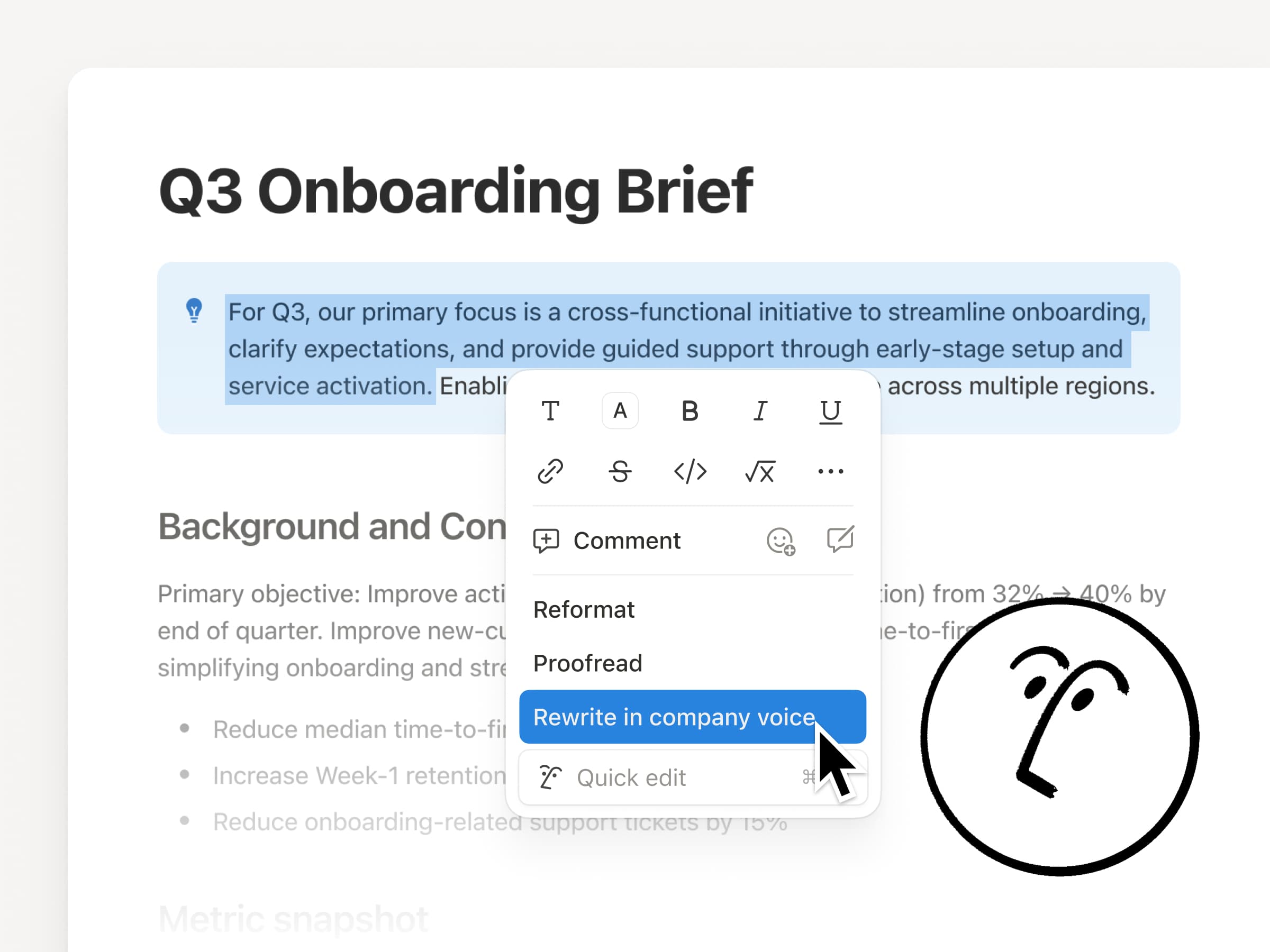
Redigeringar i dokumentet: Låt din agent redigera direkt i ditt dokument när du väljer text, så att ändringarna görs på plats.
Prata med din agent: Använd mikrofonknappen för att diktera din prompt.
Anpassa din sammanfattning från AI-antecknaren
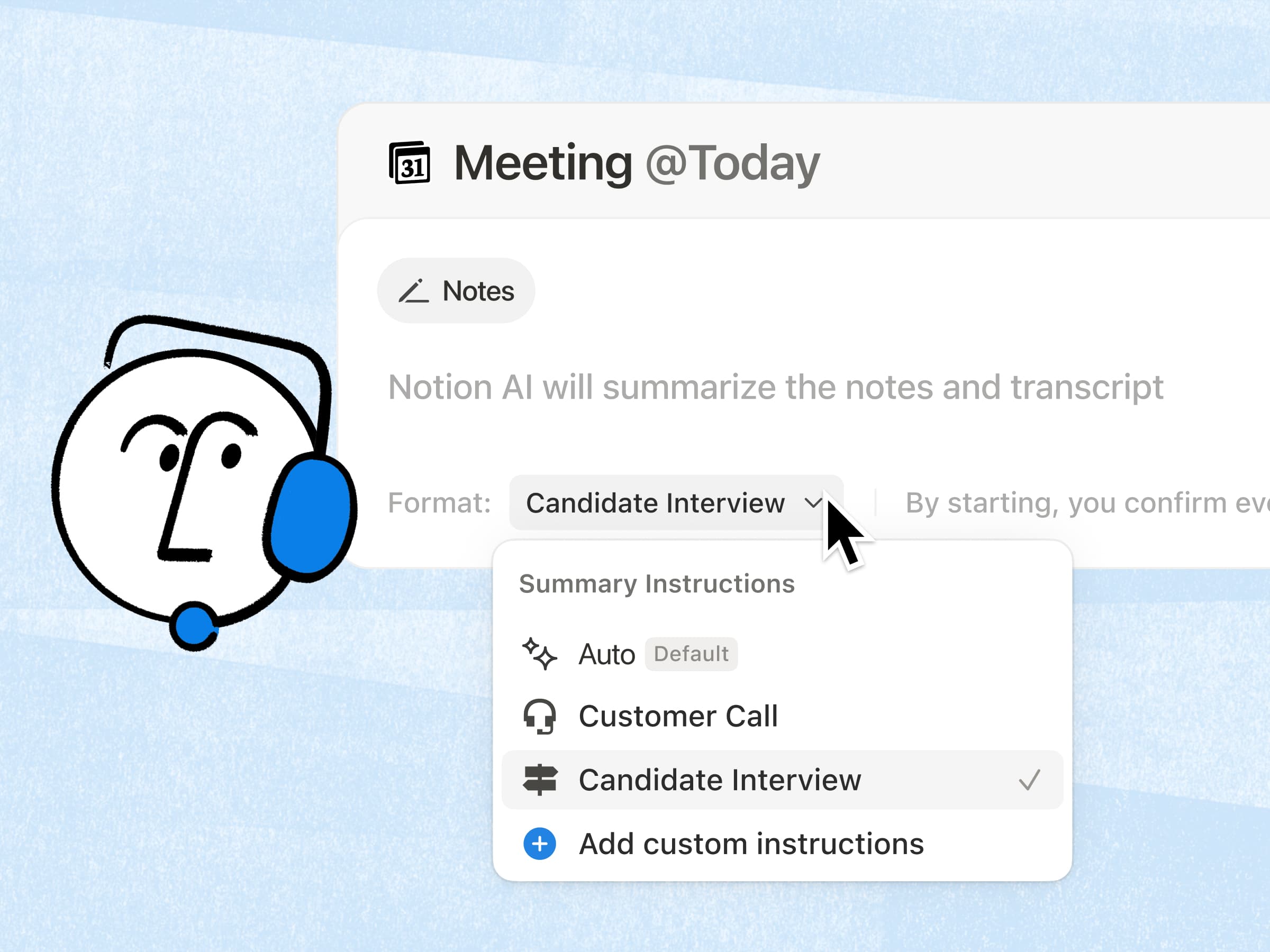
Er mest efterfrågade funktion för AI-antecknaren är äntligen här! Nu kan du snabbt lägga till en uppsättning anpassade instruktioner så att sammanfattningarna presenteras i det format du föredrar. Dessutom har sammanfattningarnas kvalitet blivit ännu bättre, eftersom AI nu gör grovjobbet med att hämta relevant arbetsytesammanhang. Läs mer →
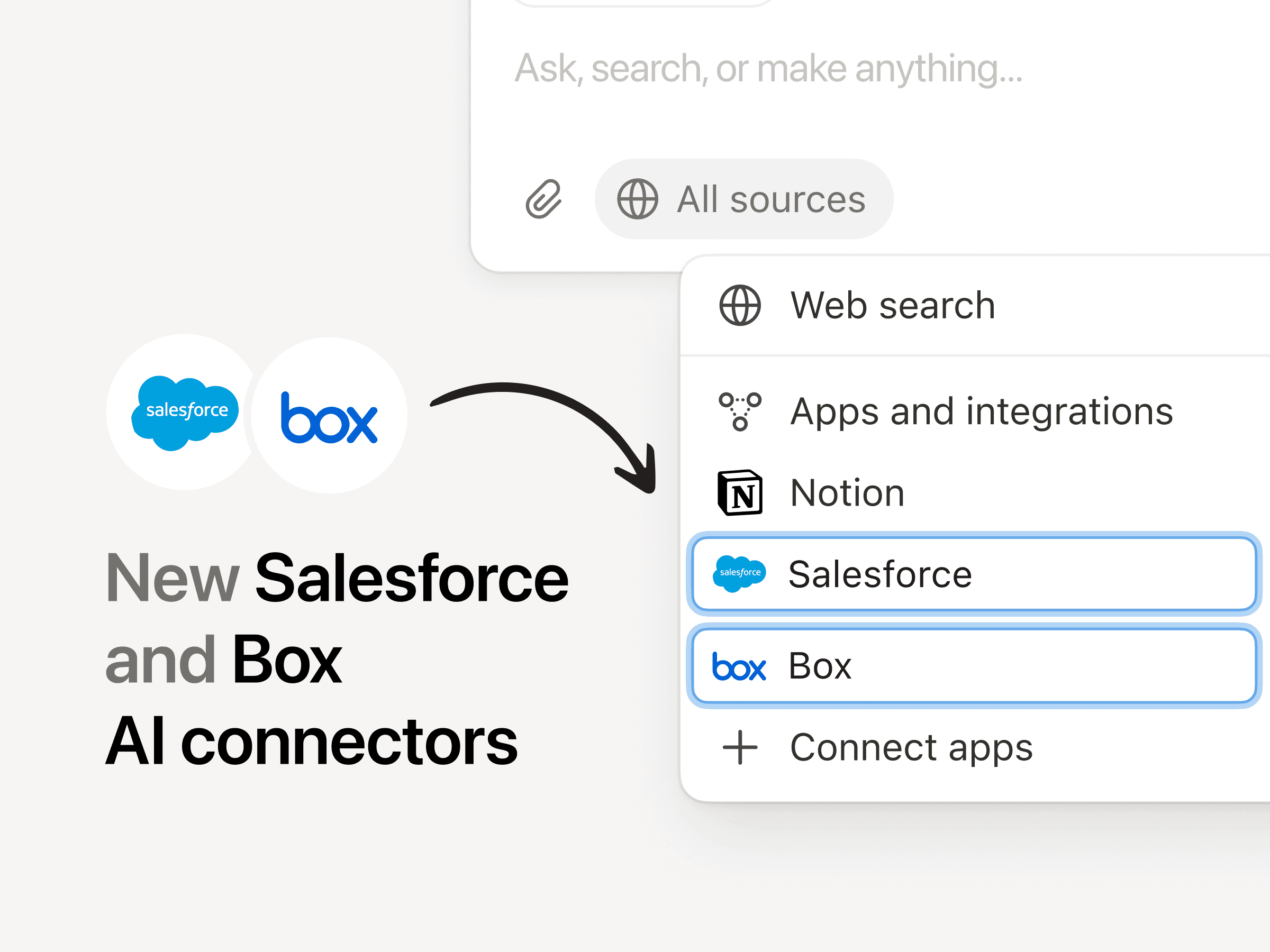
Nya AI-anslutningar: Salesforce och Box
Med Salesforce-anslutningen kan du söka efter konton, möjligheter och anteckningar för att förbereda dig inför samtal, utarbeta uppföljningar och skapa kontoplaner utan att behöva växla mellan olika flikar. Med Box-anslutningen kan du söka i och sammanfatta filer såsom offertförslag, avtal och projektdokument för att hämta viktiga detaljer, jämföra versioner och föra slutprodukterna framåt.
En betydande prestandaförbättring
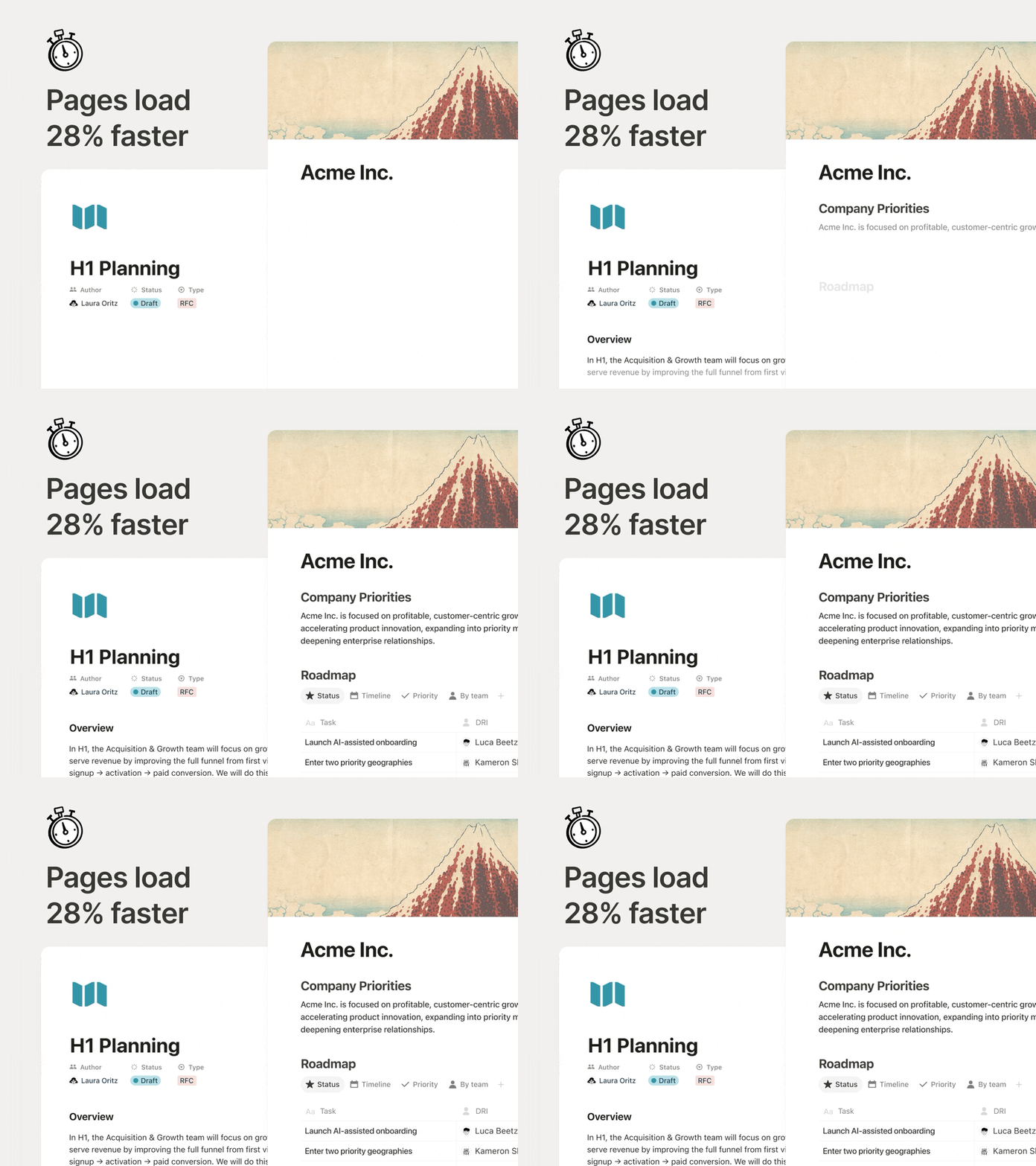
Sidorna ska kännas omedelbara, särskilt när du växlar mellan dokument hela dagen. Nu är den första sidrenderingen 28 % snabbare, så innehållet visas tidigare så att du inte tappar fokus. Det är en liten förändring, men den gör snabbt skillnad.
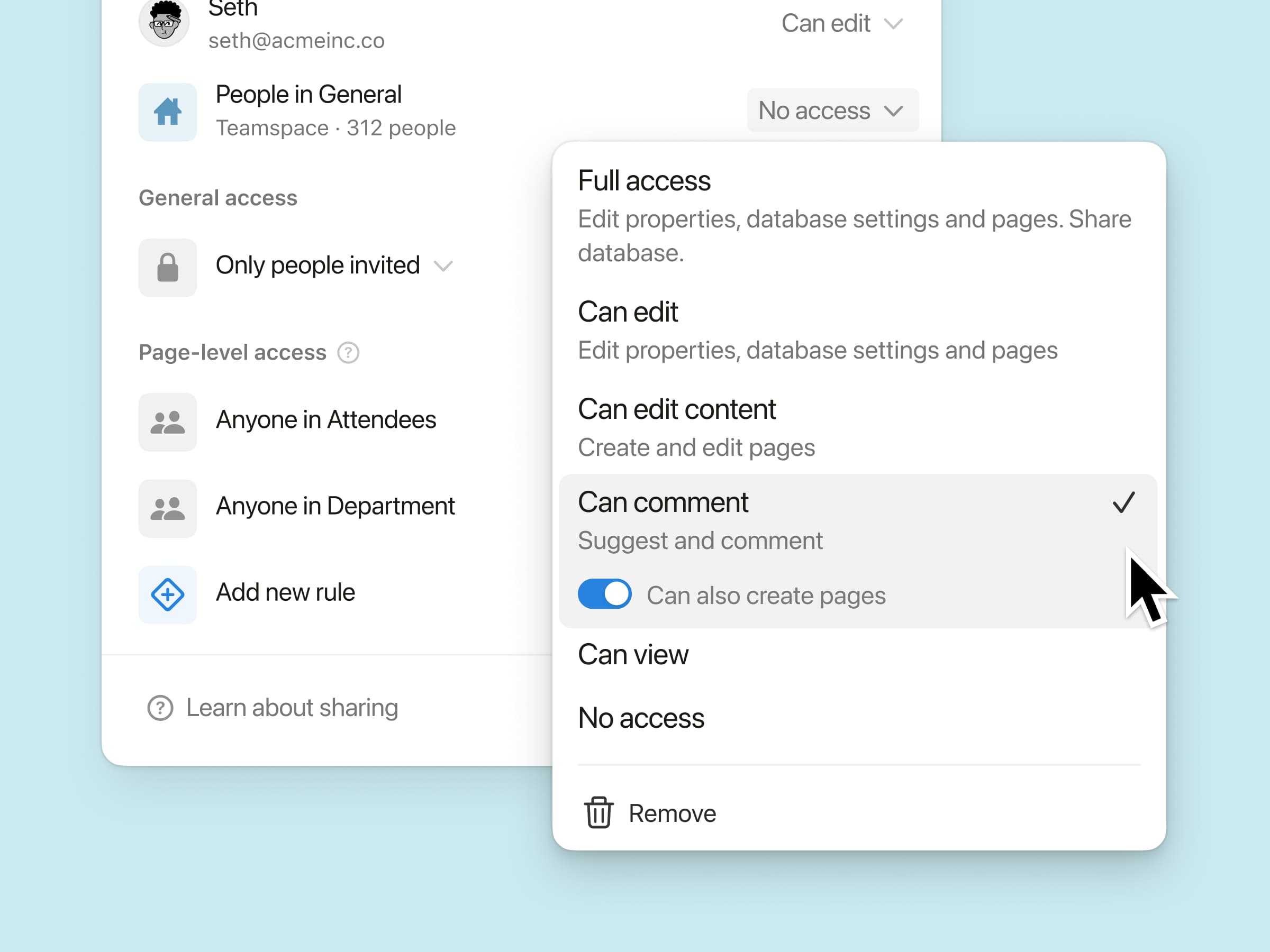
Ny databasbehörighet: ”Kan skapa sidor”
Ge teammedlemmar behörighet att skapa nya sidor i en databas, samtidigt som de fortfarande inte kan visa eller redigera annat innehåll som de inte bör ha åtkomst till.
Tänk dig en mötesdatabas där en teammedlem ska kunna komma åt sina egna mötesanteckningar och skapa nya möten, utan att kunna se någon annans. Prova det i situationer där ditt team arbetar med externa medarbetare eller känslig information.
AI-antecknaren stöds via API: Integreringar kan nu hämta fullständiga transkriptioner och sammanfattade anteckningar, så att team automatiskt kan följa upp åtgärdspunkter i de verktyg de redan använder.
n8n MCP-integration: Anslut dina skräddarsydda agenter till n8n så att de kan köra de automatiseringar du redan använder och hjälpa till att samordna arbetet i dina andra appar och API:er.
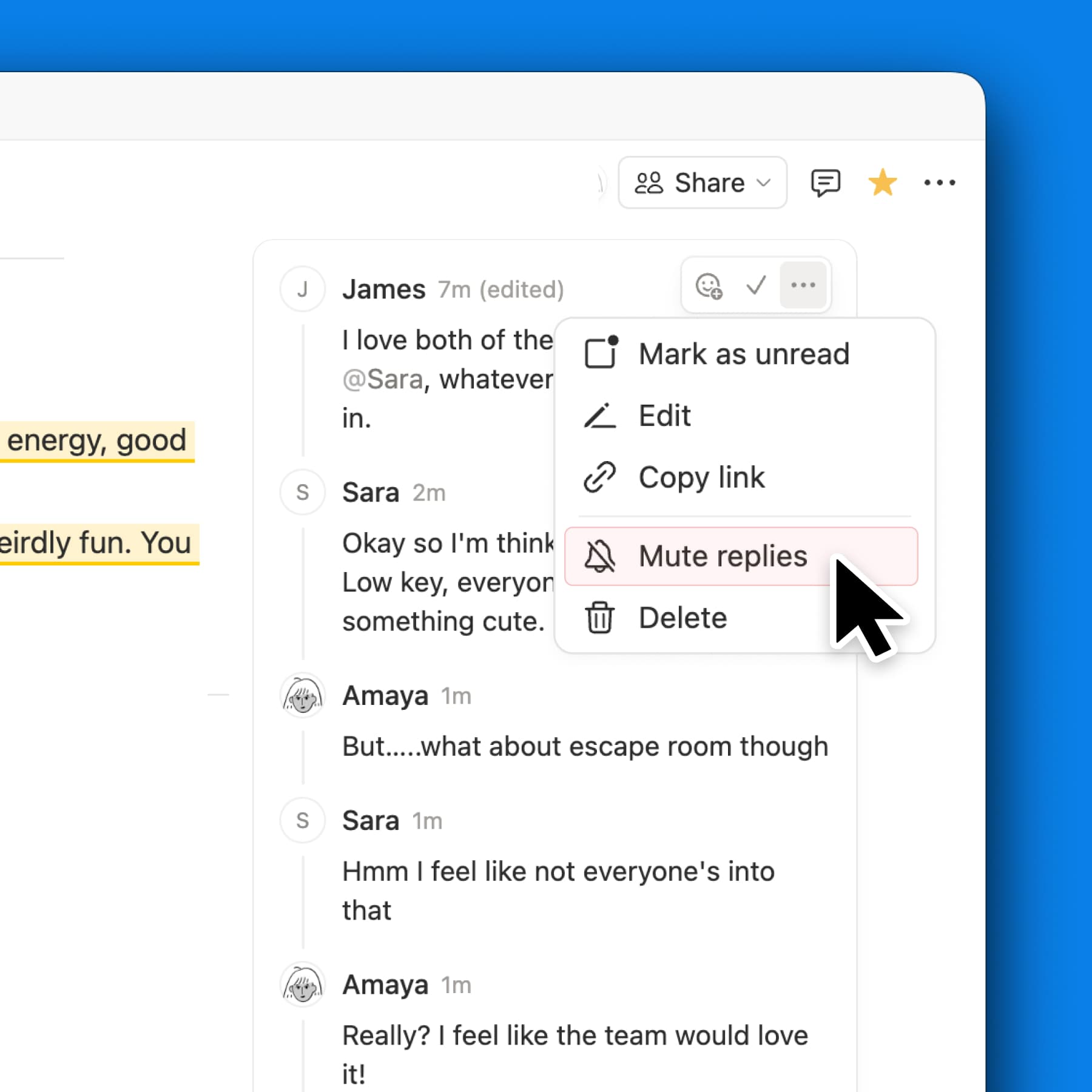
MCP-förbättringar: AI-verktyg kan nu göra mer i Notion, på ett tillförlitligt sätt, i kommentarer, mötestranskriptioner och på Notion-webbplatser, med snabbare svar och nya administratörskontroller, till exempel granskning och godkända verktyg.
Vi kommer att fortsätta att göra Notion AI till ett bättre verktyg för (mänskligt) teamarbete.
PS Jag har arbetat med vårt kreativa team för att skapa en video som förklarar vad vi tycker om AI. Titta på den här.