āđ„āļ­āļ„āļ­āļ™āļāļēāļĢāđ€āļŠāļ·āđˆāļ­āļĄāļ•āđˆāļ­

2-Way Sync by Unito

Overview

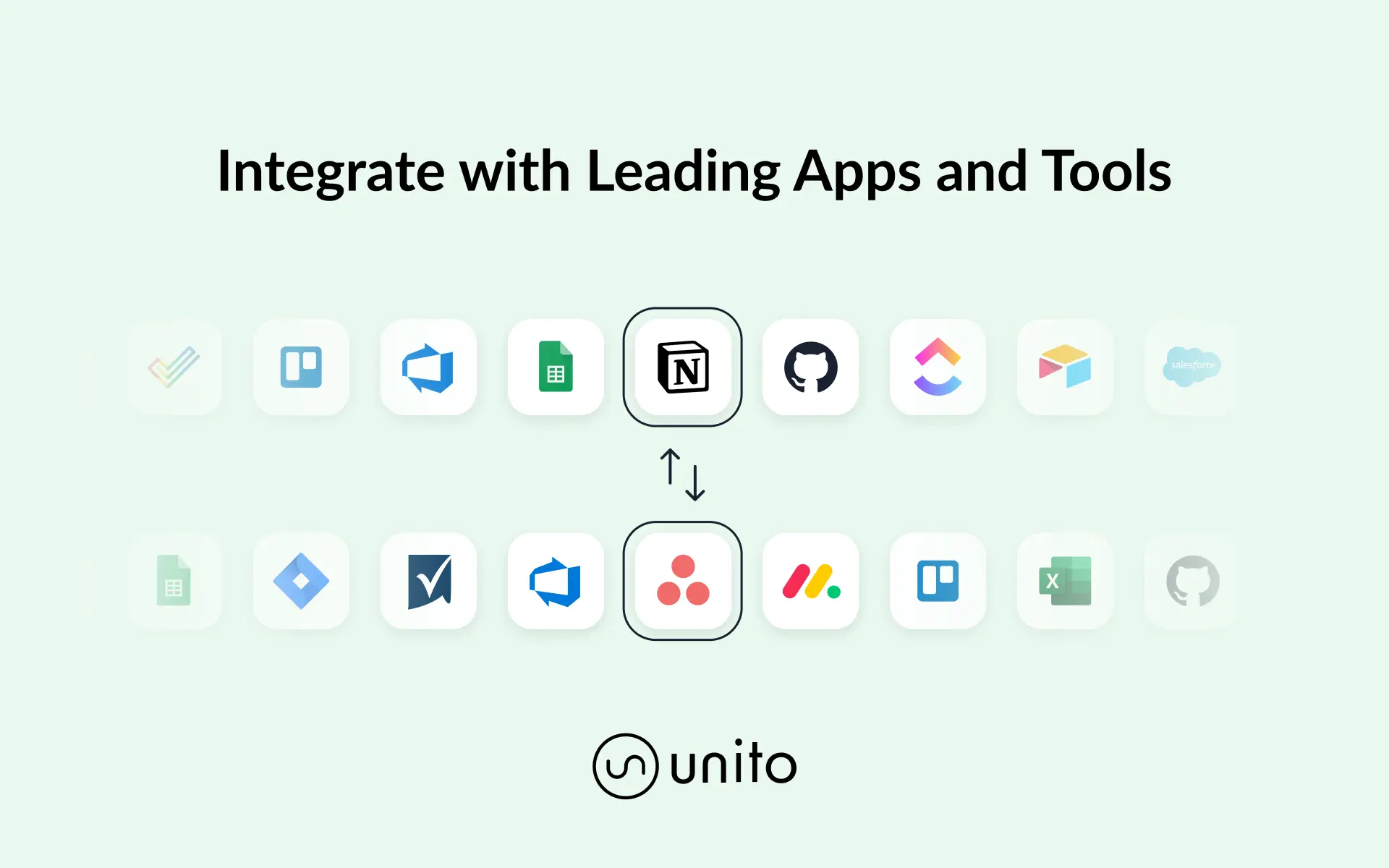
Unito lets you send data from Notion databases to other apps and back with automated 2-way updates. You do this by building a “flow” in Unito: a series of quick, simple rules that tell your Notion integration what pages to sync, whether or not to create new items in one app or both, and which fields to keep in sync. Use this integration to automatically populate spreadsheets with live updates, share feedback on software tickets or issues, re-assign tasks in other tools and more, directly from Notion. Integrate Notion with other business critical tools like Google Sheets, Excel, Jira, Github, Trello, Asana and many more.

How to use

āđ€āļ„āļĢāļ·āđˆāļ­āļ‡āļŦāļĄāļēāļĒāļāļēāļĢāļ„āđ‰āļēāļ‚āļ­āļ‡āļšāļļāļ„āļ„āļĨāļ—āļĩāđˆ 3 āļ—āļąāđ‰āļ‡āļŦāļĄāļ” (āļĢāļ§āļĄāļ–āļķāļ‡āđ‚āļĨāđ‚āļāđ‰āđāļĨāļ°āđ„āļ­āļ„āļ­āļ™) āļ—āļĩāđˆāđāļŠāļ”āļ‡āđƒāļ™āļ—āļĩāđˆāļ™āļĩāđ‰āđ€āļ›āđ‡āļ™āļ—āļĢāļąāļžāļĒāđŒāļŠāļīāļ™āļ‚āļ­āļ‡āđ€āļˆāđ‰āļēāļ‚āļ­āļ‡āļ—āļĩāđˆāđ€āļāļĩāđˆāļĒāļ§āļ‚āđ‰āļ­āļ‡ Notion āđ„āļĄāđˆāļĢāļ­āļ‡āļĢāļąāļšāļŦāļĢāļ·āļ­āļ”āļđāđāļĨāļāļēāļĢāļœāļŠāļēāļ™āļāļēāļĢāļ—āļģāļ‡āļēāļ™ āđ€āļ§āđ‰āļ™āđāļ•āđˆāļˆāļ°āļĢāļ°āļšāļļāļ­āļĒāđˆāļēāļ‡āļŠāļąāļ”āđ€āļˆāļ™āļ§āđˆāļēāļŠāļĢāđ‰āļēāļ‡āđ‚āļ”āļĒ Notion (Made by Notion) āļœāļĨāļīāļ•āļ āļąāļ“āļ‘āđŒāļŦāļĢāļ·āļ­āļšāļĢāļīāļāļēāļĢāļ‚āļ­āļ‡āļšāļļāļ„āļ„āļĨāļ—āļĩāđˆ 3 āļ—āļĩāđˆāđ€āļŠāļ·āđˆāļ­āļĄāļ•āđˆāļ­āđ€āļ›āđ‡āļ™āđāļ­āļžāļžāļĨāļīāđ€āļ„āļŠāļąāļ™āļ—āļĩāđˆāđ„āļĄāđˆāđƒāļŠāđˆāļ‚āļ­āļ‡ Notion (āļ•āļēāļĄāļ—āļĩāđˆāļāļģāļŦāļ™āļ”āđ„āļ§āđ‰āđƒāļ™ āļ‚āđ‰āļ­āļ•āļāļĨāļ‡āļāļēāļĢāļŠāļĄāļąāļ„āļĢāđƒāļŠāđ‰āļšāļĢāļīāļāļēāļĢāļ‰āļšāļąāļšāļŦāļĨāļąāļāļŦāļĢāļ·āļ­ āđ€āļ‡āļ·āđˆāļ­āļ™āđ„āļ‚āļāļēāļĢāđƒāļŠāđ‰āļ‡āļēāļ™āļŠāđˆāļ§āļ™āļšāļļāļ„āļ„āļĨāļ•āļēāļĄāļ„āļ§āļēāļĄāđ€āļāļĩāđˆāļĒāļ§āļ‚āđ‰āļ­āļ‡) āļāļēāļĢāđ€āļ›āļīāļ”āđƒāļŠāđ‰āļ‡āļēāļ™āļāļēāļĢāļœāļŠāļēāļ™āļāļēāļĢāļ—āļģāļ‡āļēāļ™āļŦāļĢāļ·āļ­āđƒāļŠāđ‰āđāļāļĨāđ€āļĨāļ­āļĢāļĩāļœāļŠāļēāļ™āļāļēāļĢāļ—āļģāļ‡āļēāļ™āļ‚āļ­āļ‡ Notion āļ–āļ·āļ­āđ€āļ›āđ‡āļ™āļāļēāļĢāļĒāļ­āļĄāļĢāļąāļš āđ€āļ‡āļ·āđˆāļ­āļ™āđ„āļ‚āļ‚āļ­āļ‡āđāļāļĨāđ€āļĨāļ­āļĢāļĩāļāļēāļĢāļœāļŠāļēāļ™āļāļēāļĢāļ—āļģāļ‡āļēāļ™.

Powered by Fruition