Miro
Overview
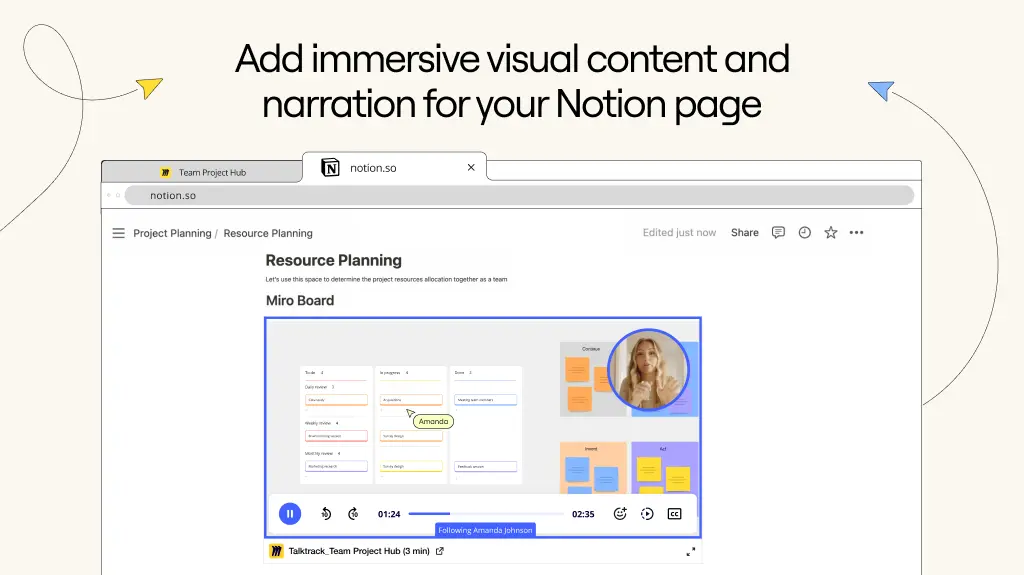
Miro is an online workspace that helps distributed teams of any size to build the next big thing. With Miro embeds, you can easily bring visual context into your Notion pages - including Miro diagrams, journeys and roadmaps. Miro is embedded as a live artifact, with a real-time sync, ensuring that the content is up to date at all times.
How to use
Paste any Miro link into Notion, then select
Embed Miro board. You can also type/mirointo a Notion page - a field will come up that allows you to paste Miro linksEnsure your Miro board has the right access permissions before embedding it into Notion. Only signed in users with permissions can access the board. Alternatively, you can make the Miro board available to anyone with the link in Miro’s
Sharemenu
- 製作者:
- Miro
- 類別
- 生產力
- 協作
- 功能
- 嵌入
更多整合
Jasper
Easily export your Jasper assets directly to Notion, keeping your content workflow connected and your pages up to date.
PowerUp
Email and Automations for Notion
InboxPilot
Turn your Notion docs into instant email replies.
Noota
Send summary and notes of meeting in your Notion Workspace.
Reline
Sync your AI meeting notes from Reline into Notion automatically
Nurii
Connect Notion to Nurii so teams can ask across workspace knowledge, use pages and data sources in AI workflows, and prepare reviewed follow-up.