



ฉันสามารถตั้งค่าความกว้างเต็มหน้าเป็นค่าเริ่มต้นได้หรือไม่? มีวิธีตั้งค่ารูปแบบเริ่มต้นสำหรับทุกหน้าได้หรือไม่?
ฉันสามารถตั้งค่าความกว้างเต็มหน้าเป็นค่าเริ่มต้นได้หรือไม่? มีวิธีตั้งค่ารูปแบบเริ่มต้นสำหรับทุกหน้าได้หรือไม่?
ยังไม่ได้ แต่ผู้ใช้จำนวนมากได้ขอคุณสมบัตินี้! เราจะนำเรื่องนี้ไปพิจารณาสำหรับโปรเจกต์ในอนาคต
ฉันสามารถจัดข้อความให้ชิดกึ่งกลางหรือชิดขวาได้หรือไม่?
ฉันสามารถจัดข้อความให้ชิดกึ่งกลางหรือชิดขวาได้หรือไม่?
น่าเสียดายที่ปัจจุบัน Notion ยังไม่มีตัวเลือกการจัดตำแหน่งแบบทั่วไป 😕 แต่คุณยังสามารถทำได้ โดยการลากและวางบรรทัดว่างลงในคอลัมน์ถัดจากข้อความของคุณเพื่อจัดตำแหน่งให้ชิดขวาหรือชิดซ้าย
ทำไมฉันถึงเปลี่ยนขนาดข้อความบนมือถือไม่ได้?
ทำไมฉันถึงเปลี่ยนขนาดข้อความบนมือถือไม่ได้?
ตัวเลือกการจัดรูปแบบนี้ รวมถึงความกว้างของหน้า จะมีให้ใช้งานเฉพาะบนเดสก์ท็อปและเว็บเท่านั้น
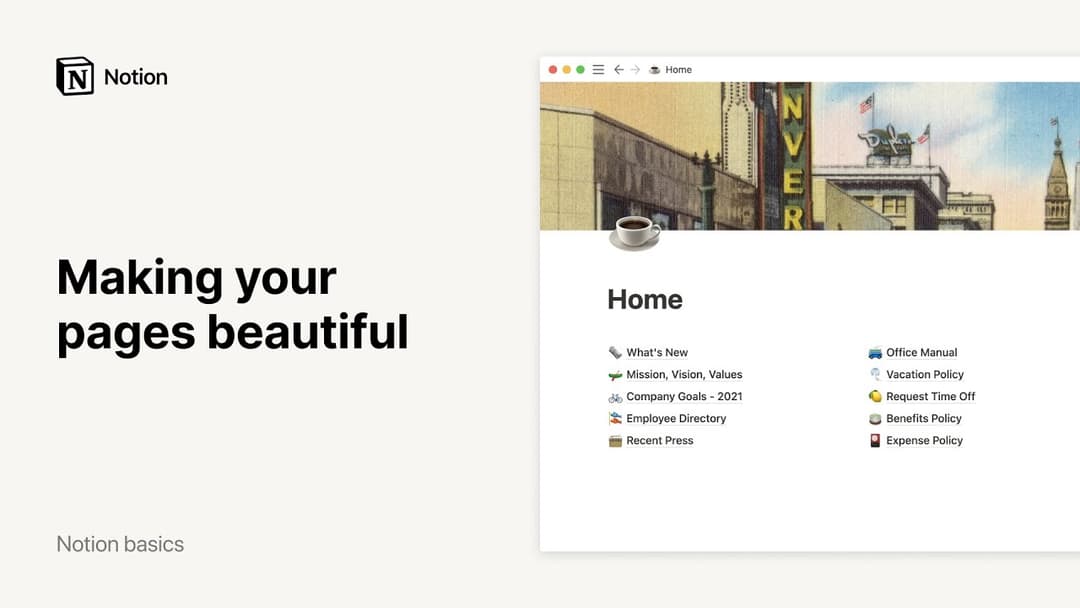
ขนาดและอัตราส่วนภาพที่เหมาะสมสำหรับรูปภาพหน้าปกคือเท่าใด?
ขนาดและอัตราส่วนภาพที่เหมาะสมสำหรับรูปภาพหน้าปกคือเท่าใด?
รูปภาพหน้าปกจะปรับเปลี่ยนแบบไดนามิกตามความกว้างของหน้าต่างของคุณ ดังนั้นจึงไม่มีขนาดเฉพาะที่เหมาะสมที่สุด อย่างไรก็ตาม เราขอแนะนำให้ใช้รูปภาพที่มีความกว้างอย่างน้อย 1,500 พิกเซล
ฉันจะแทรกอีโมจิในบรรทัดเดียวกับข้อความของฉันได้อย่างไร 🤔?
ฉันจะแทรกอีโมจิในบรรทัดเดียวกับข้อความของฉันได้อย่างไร 🤔?
พิมพ์ : ตามด้วยชื่อของอีโมจิที่คุณต้องการใช้ที่ใดก็ได้ในข้อความของคุณ เช่น :fire สำหรับ 🔥 หรือ :clapping สำหรับ 👏
คุณยังสามารถใช้ตัวเลือกอีโมจิของระบบเพื่อใส่อีโมจิในบรรทัดบนหน้า Notion หรือที่อื่นใดบนคอมพิวเตอร์ของคุณได้อีกด้วย!
Mac: ctrl + cmd + space
Windows 10: windows key + . หรือ windows key + ;