



האם ניתן לעבור בין סביבות עבודה המשויכות לכתובות אימייל שונות?
האם ניתן לעבור בין סביבות עבודה המשויכות לכתובות אימייל שונות?
כדי להוסיף את סביבות העבודה שלכם מחשבון אימייל אחר, השתמשו בלחצן הוספת חשבון נוסף במחליף סביבות העבודה בפינה העליונה של חלון ה-Notion שלכם, ופעלו לפי השלבים כדי להיכנס לחשבון האחר שלכם. מידע נוסף על כך כאן →
לחצתי על הלחצן 'יצירת סביבת עבודה או הצטרפות אליה', אבל הוא מאפשר לי רק ליצור סביבת עבודה. איך מצטרפים לסביבת עבודה?
לחצתי על הלחצן 'יצירת סביבת עבודה או הצטרפות אליה', אבל הוא מאפשר לי רק ליצור סביבת עבודה. איך מצטרפים לסביבת עבודה?
ניתן להצטרף לסביבת עבודה באמצעות הלחצן יצירת סביבת עבודה או הצטרפות אליה רק אם ההגדרה של דומיינים של אימיילים מותרים מופעלת בסביבת העבודה הזו, מה שמאפשר למשתמשים עם דומיין האימייל שלכם להצטרף לסביבת העבודה באופן אוטומטי.
כדי להצטרף לסביבת עבודה, תצטרכו לבקש ממנהל/ת מאת אותה סביבת עבודה לשלוח לכם הזמנה.
כדי להוסיף את סביבות העבודה שלכם מחשבון אימייל אחר, השתמשו בלחצן הוספת חשבון נוסף במחליף סביבות העבודה בפינה העליונה של חלון ה-Notion שלכם, ופעלו לפי השלבים כדי להיכנס לחשבון האחר שלכם. מידע נוסף על כך כאן →
בסרגל הצד שלי אין אף מקטע. איך מפעילים אותם?
בסרגל הצד שלי אין אף מקטע. איך מפעילים אותם?
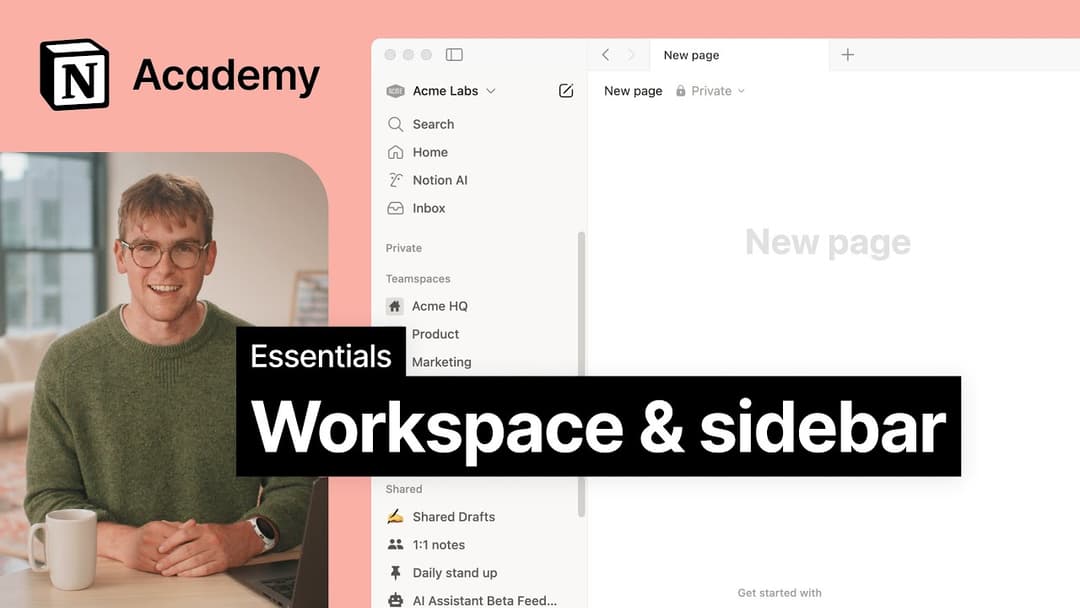
מקטעי סרגל הצד משקפים את הגדרות השיתוף של החשבון שלכם. אם יש יותר מאדם אחד בסביבת העבודה שלכם, יופיע מקטע מרחב צוות בסרגל הצד עבור העבודה השיתופית שלכם עם אותו אדם, והמקטע פרטי קיים עבור הדפים האישיים שלכם שגלויים רק לכם.
כשאני נרשם/ת לתוכנית Plus, האם היא מכסה את כל סביבות העבודה שלי?
כשאני נרשם/ת לתוכנית Plus, האם היא מכסה את כל סביבות העבודה שלי?
תוכניות בתשלום חלות רק על סביבת עבודה אחת, ואינן מכסות את כל החשבון. סביבות עבודה נפרדות לחלוטין, לכן לא תוכלו להוסיף קישור בין התכנים שלהן.
אנו ממליצים להשתמש במספר המינימלי האפשרי של סביבות עבודה, ולנצל דפים ברמה העליונה בסרגל הצד כדי להישאר מאורגנים.
איך אני יכול להעביר את כל תוכן ה-Notion שלי לסביבת עבודה אחרת?
איך אני יכול להעביר את כל תוכן ה-Notion שלי לסביבת עבודה אחרת?
הערה: כל תוכן שיועבר ישוכפל לסביבת העבודה החדשה, ולדפים אלו לעיתים יש בעיות. למידע נוסף, לחצו כאן.
כדי להעביר את התוכן שלך מסביבת עבודה אחת לאחרת המשויכת לאותו חשבון, לחץ על ••• ליד כל אחד מהדפים ברמה העליונה בסרגל הצד שלך (או לחץ לחיצה ימנית) ובחר Move to. בתחתית תפריט ההעברה, תראה תפריט נפתח לבחירת סביבת עבודה אחרת.
כשאתה מעביר דפים ברמה העליונה, כל דפי המשנה שלהם עוברים איתם. הם יופיעו בסעיף Private אך ניתן להעביר אותם לכל מקום שתרצה.
מה קורה אם מחקתי בטעות משהו לצמיתות? האם יש דרך לשחזר אותו?
מה קורה אם מחקתי בטעות משהו לצמיתות? האם יש דרך לשחזר אותו?
אם מחקת בטעות דף, סביבת עבודה או אפילו את כל החשבון שלך, אנחנו יכולים לעזור! תקלות קורות 😅 פשוט שלח לנו הודעה באפליקציה על ידי לחיצה על ? בתחתית סרגל הצד, או שלח לנו אימייל לכתובת [email protected].
אנחנו שומרים גיבויים של הנתונים שלנו, מה שמאפשר לנו לשחזר גרסה קודמת של התוכן שלכם מ-30 הימים האחרונים, אם תצטרכו.
איך מתנתקים מחשבון ה-Notion שלי?
איך מתנתקים מחשבון ה-Notion שלי?
לחצו על שם סביבת העבודה הנוכחית שלכם בפינה השמאלית העליונה של סרגל הצד. גללו לתחתית, ותראו את האפשרות יציאה לצד כתובת האימייל שלכם.