Beskrivningar
Vässa dina färdigheter och utforska nya sätt att använda Notion.
Documentation
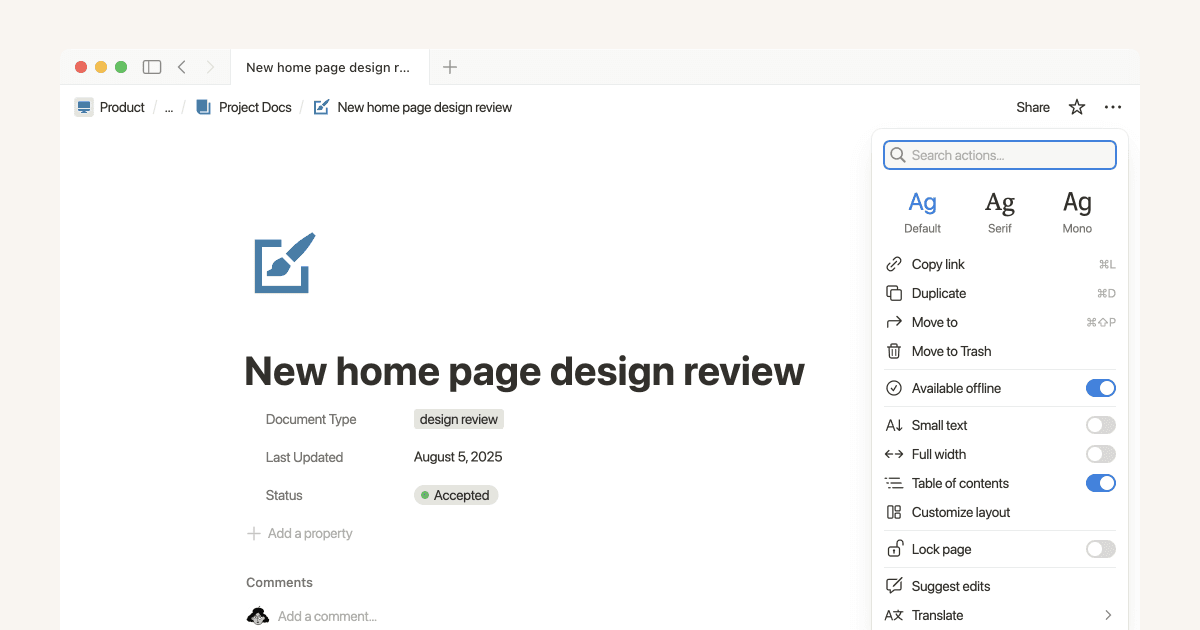
Working offline in Notion—Everything you need to know
With Notion’s offline functionality, your most important pages stay accessible and editable—no internet required. Whether you’re flying, commuting through dead zones, or working from a café with spotty Wi‑Fi, your projects are always within reach, keeping you productive wherever you are.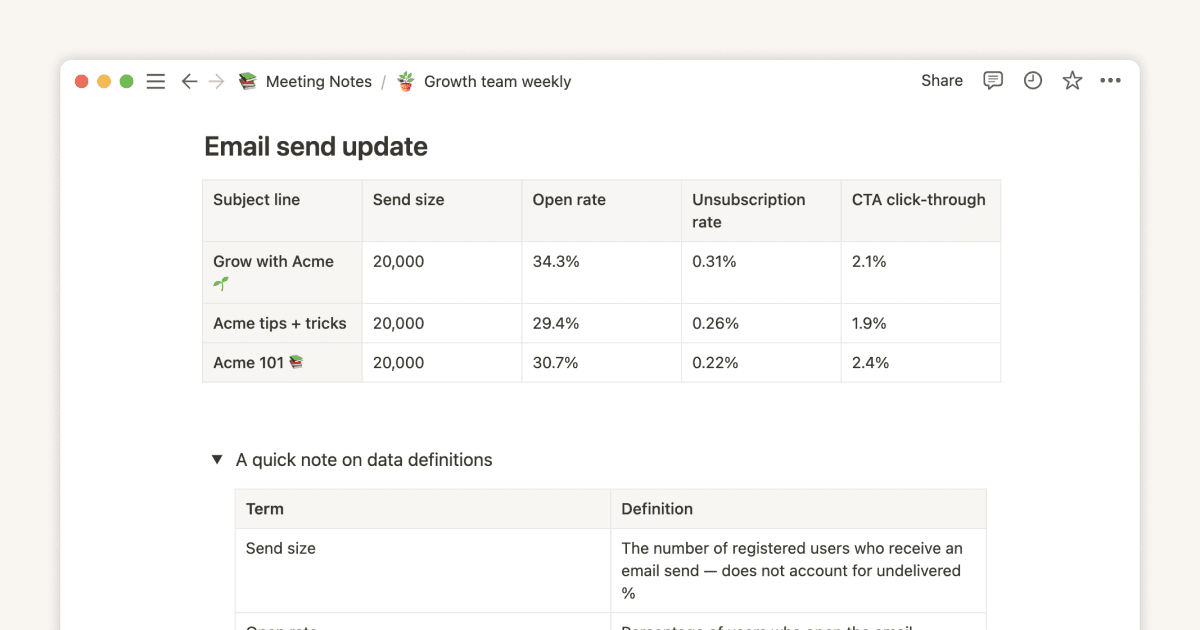

A connected workspace for product teams to collaborate, ideate and launch
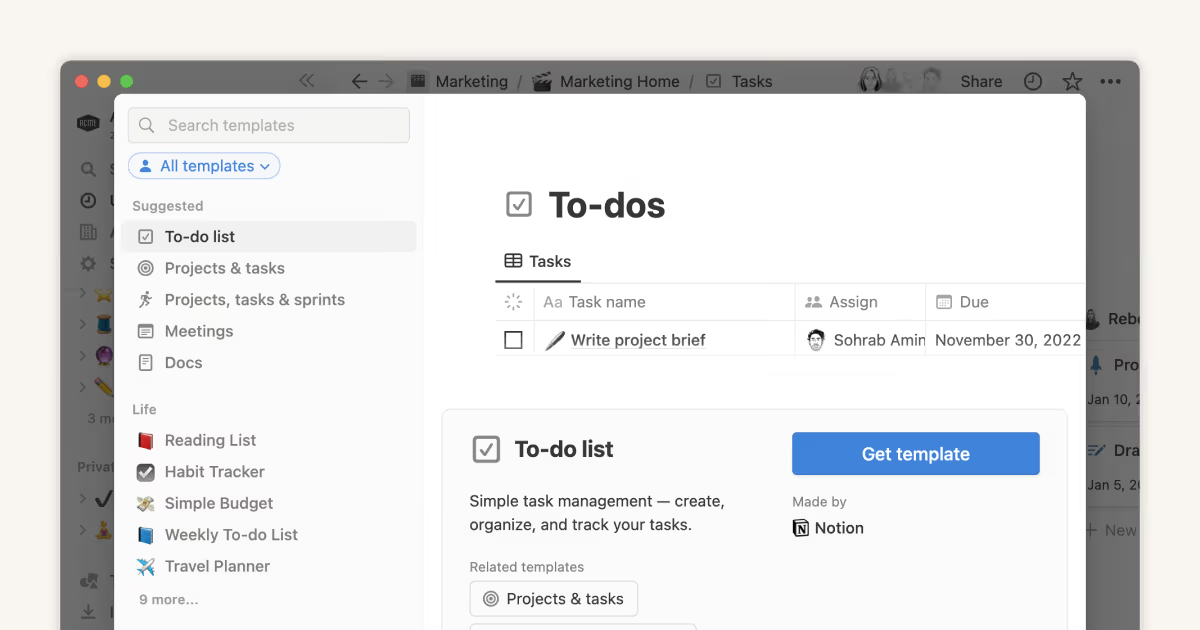
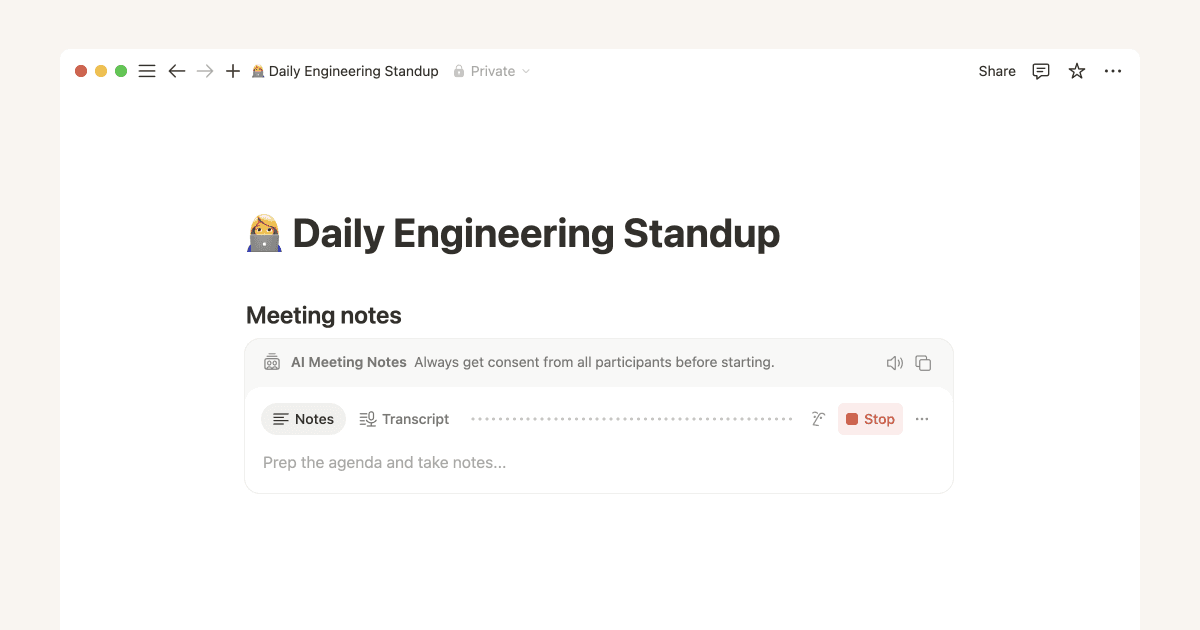
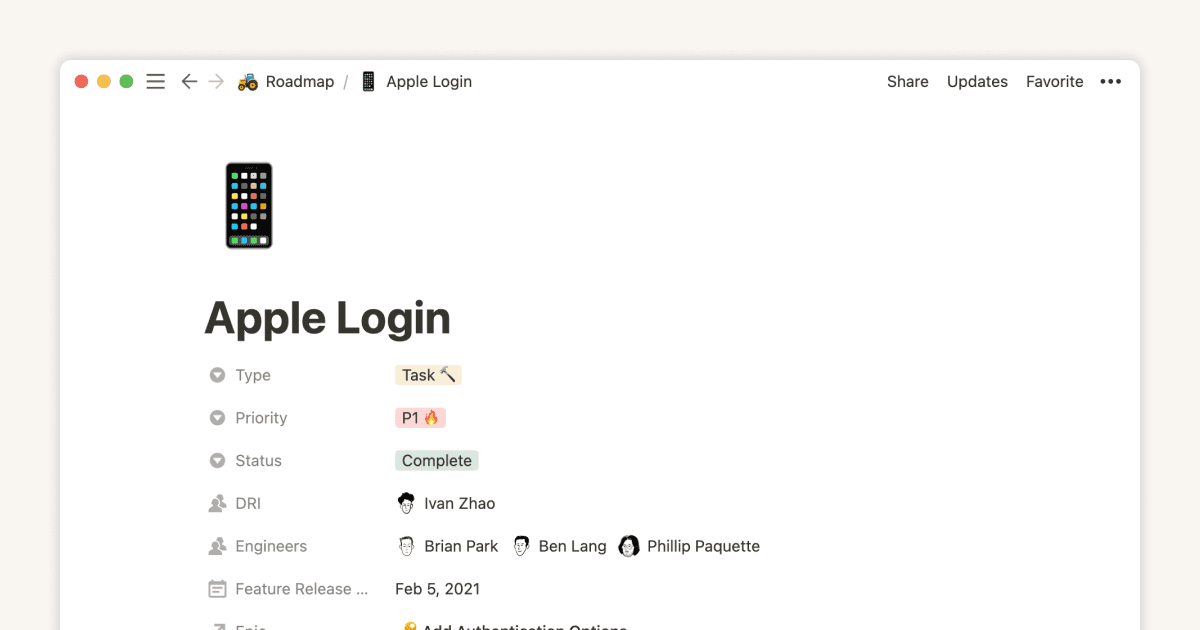
Discover how to build a connected workspace for product teams that simplifies workflows and improves collaboration in Notion. This guide covers everything from creating a team wiki to managing projects, tasks, and meeting notes.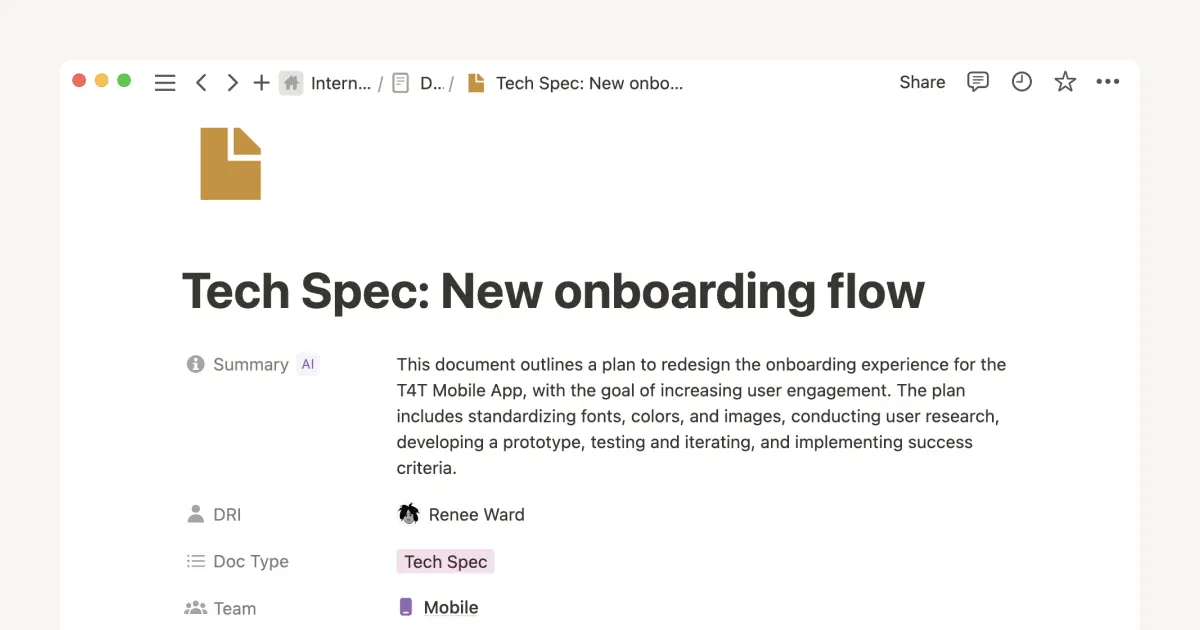
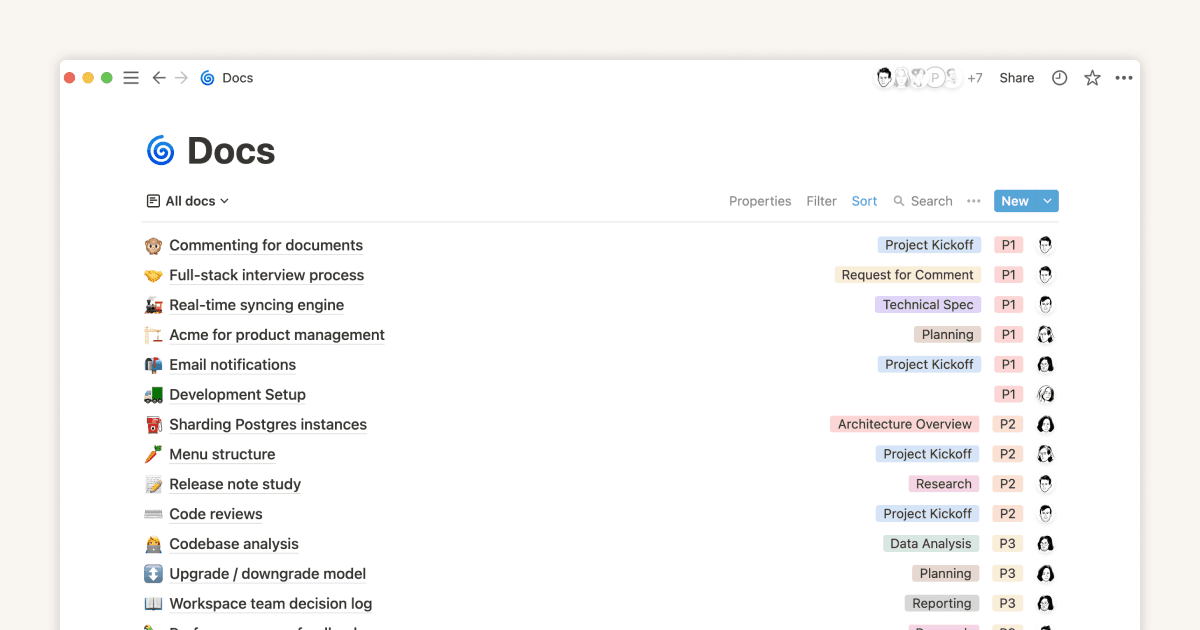
Solidifying documentation for your startup
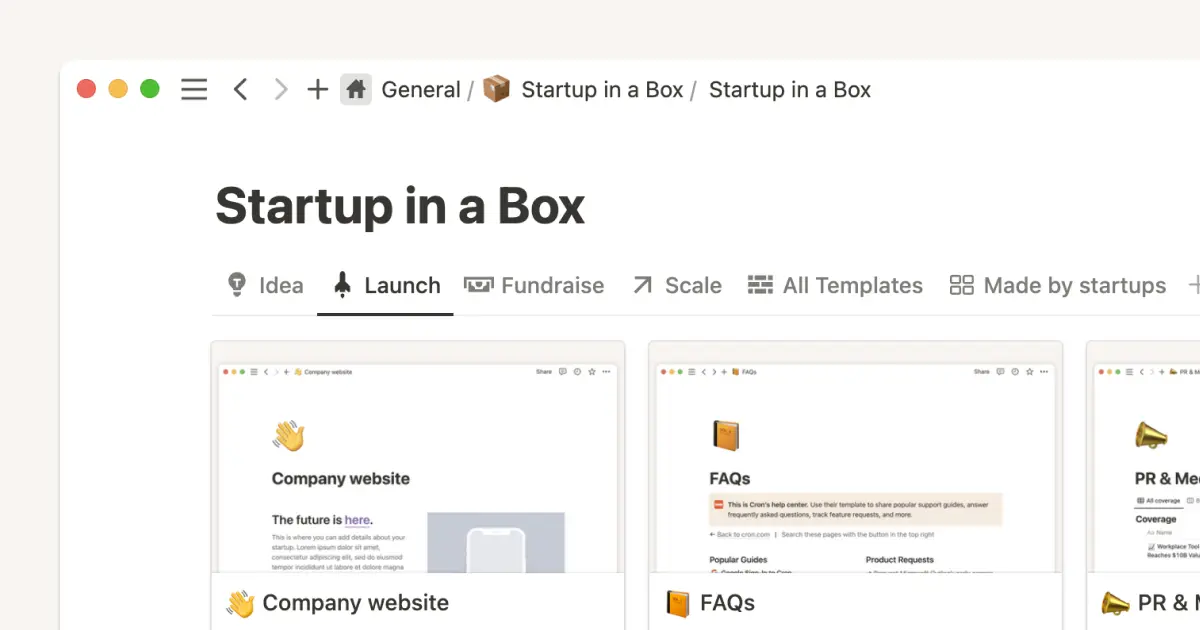
Creating a system for both capturing and organizing all the documentation at your startup helps your team operate more efficiently. We’ll teach you how to use Notion for your team’s documentation to compound learning, save time, and move forward with clarity.
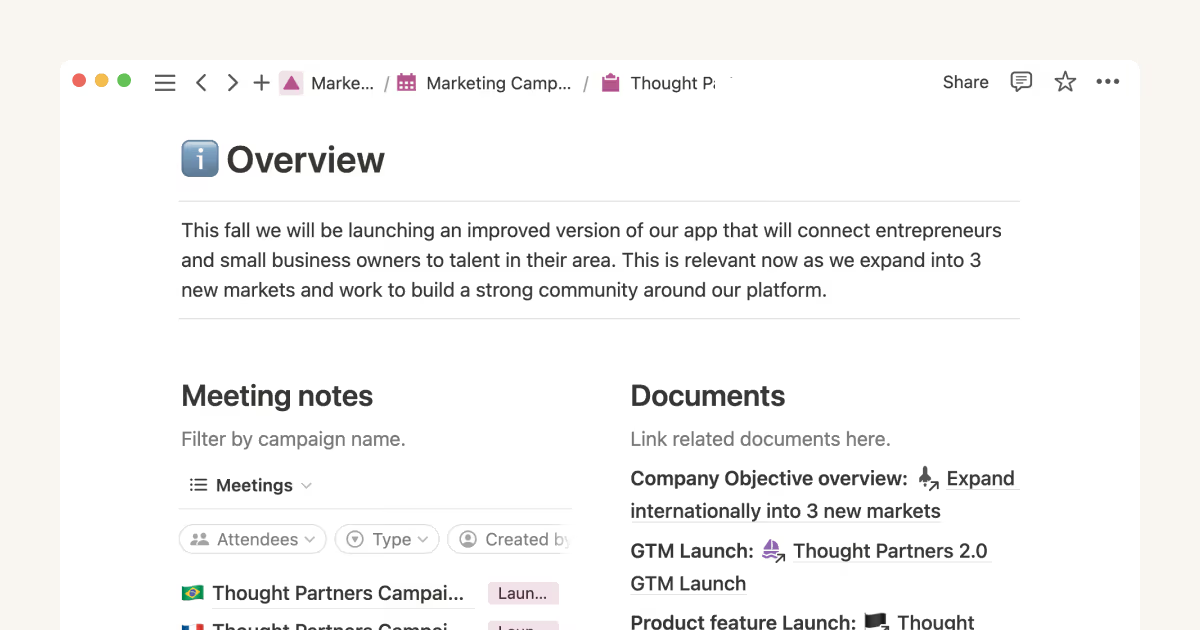
Unleashing productivity with Notion's Slack integration
Make your team more efficient by connecting Slack with Notion. This integration helps you easily gather information, get instant updates, and simplify your workflow—all in one place. Here's everything you need to know to connect these powerful tools.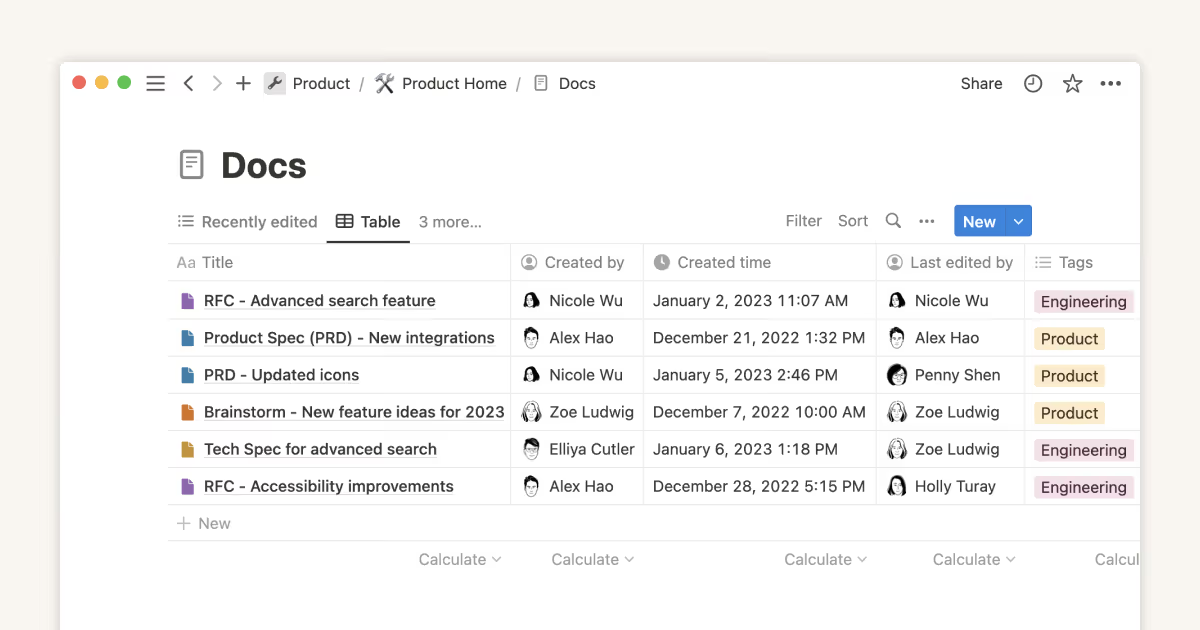
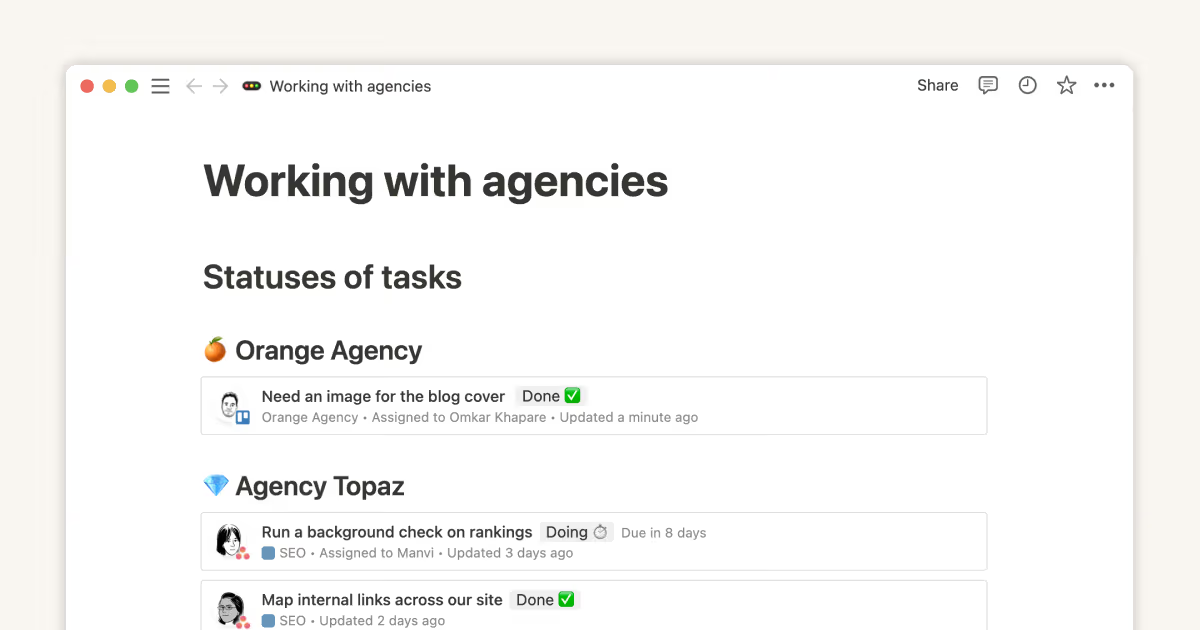
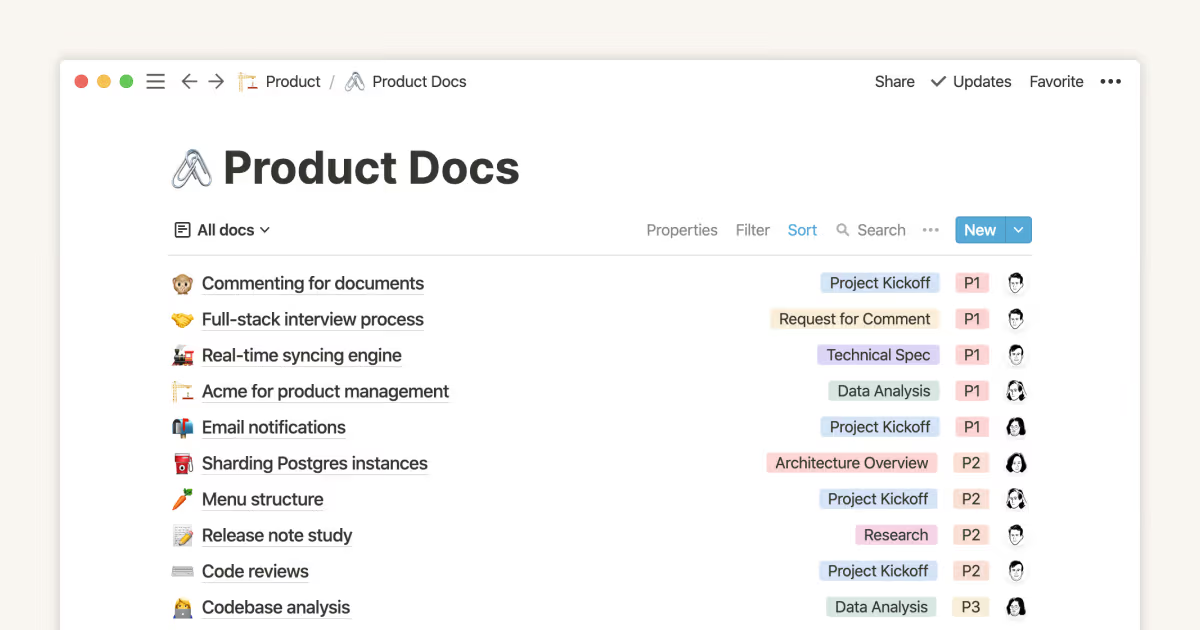

Organize, connect, and scale your Notion knowledge management system
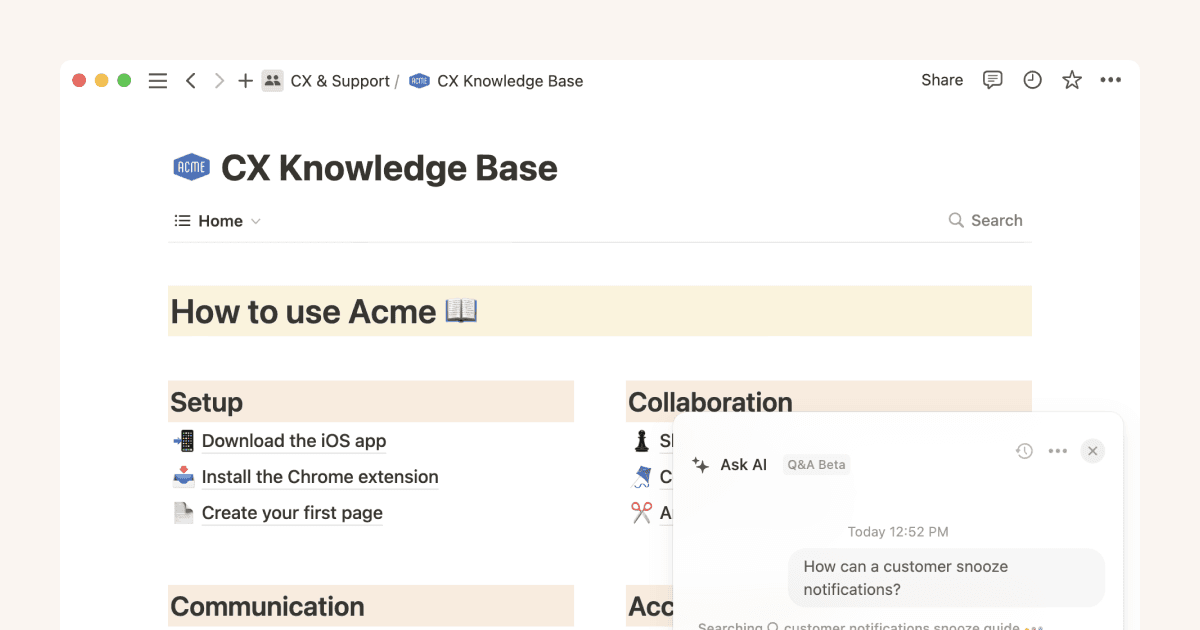
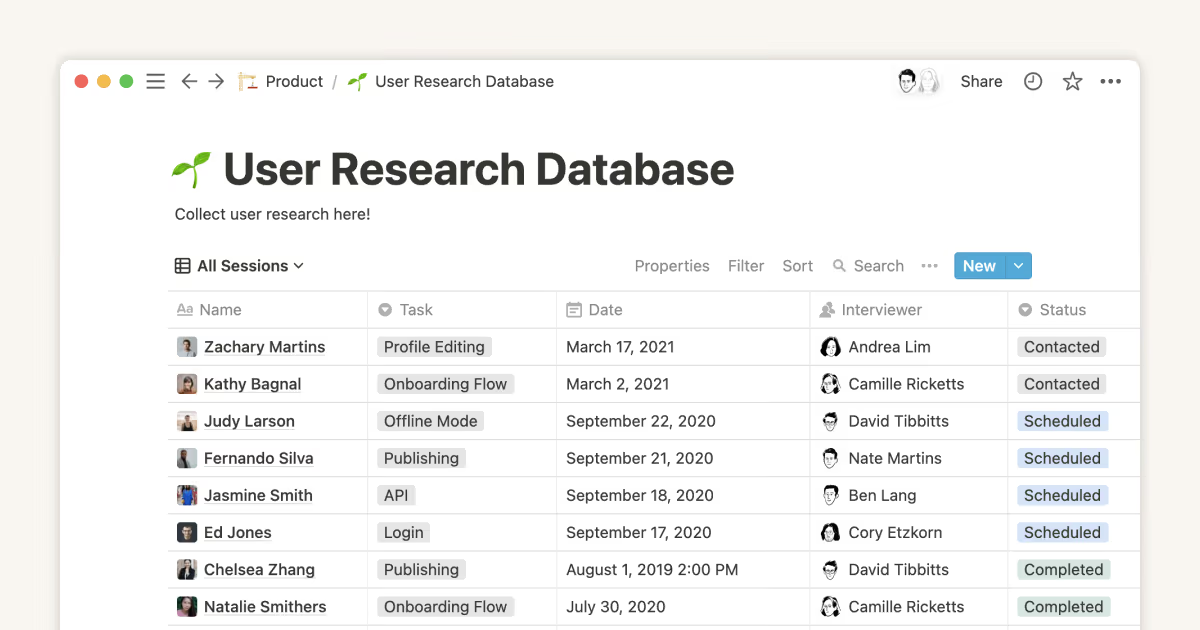
Transform scattered company information into an organized, accessible knowledge hub with Notion. Learn how to build a central company home, create dynamic databases for client and project management, and connect your team's knowledge seamlessly with their daily work.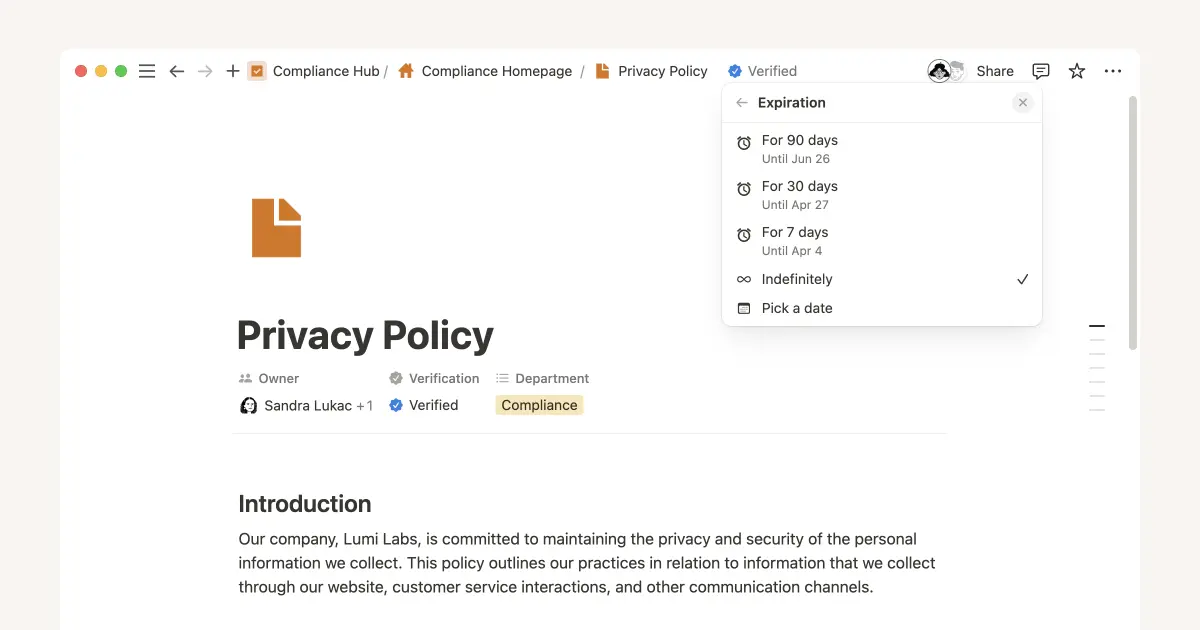
Three key databases for teams, and how to use them
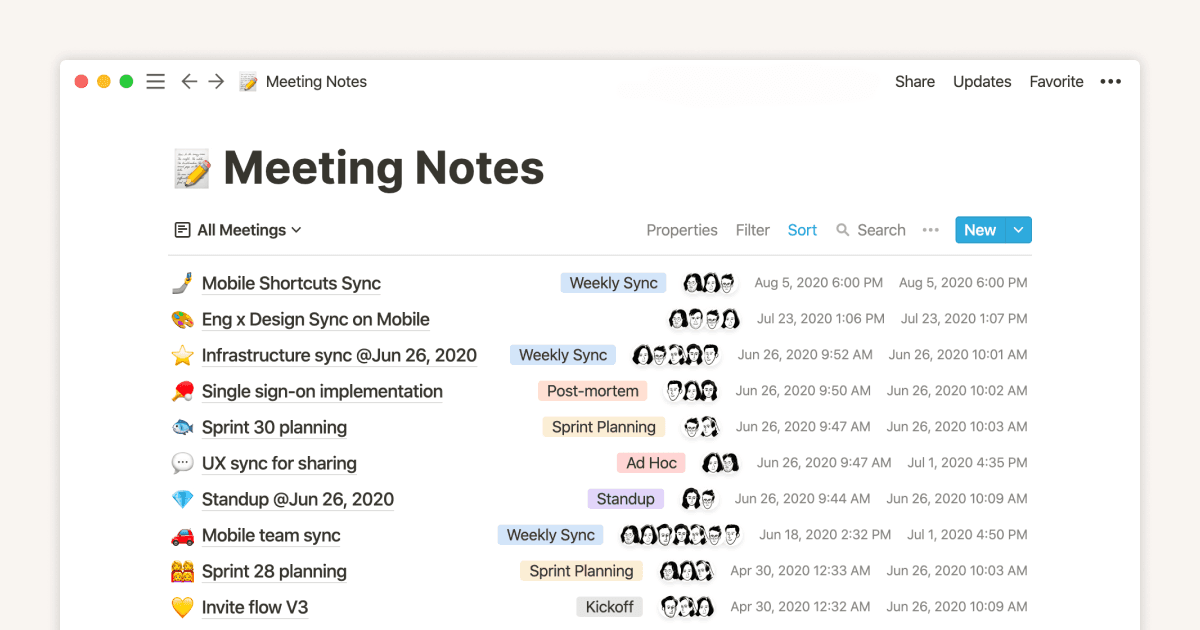
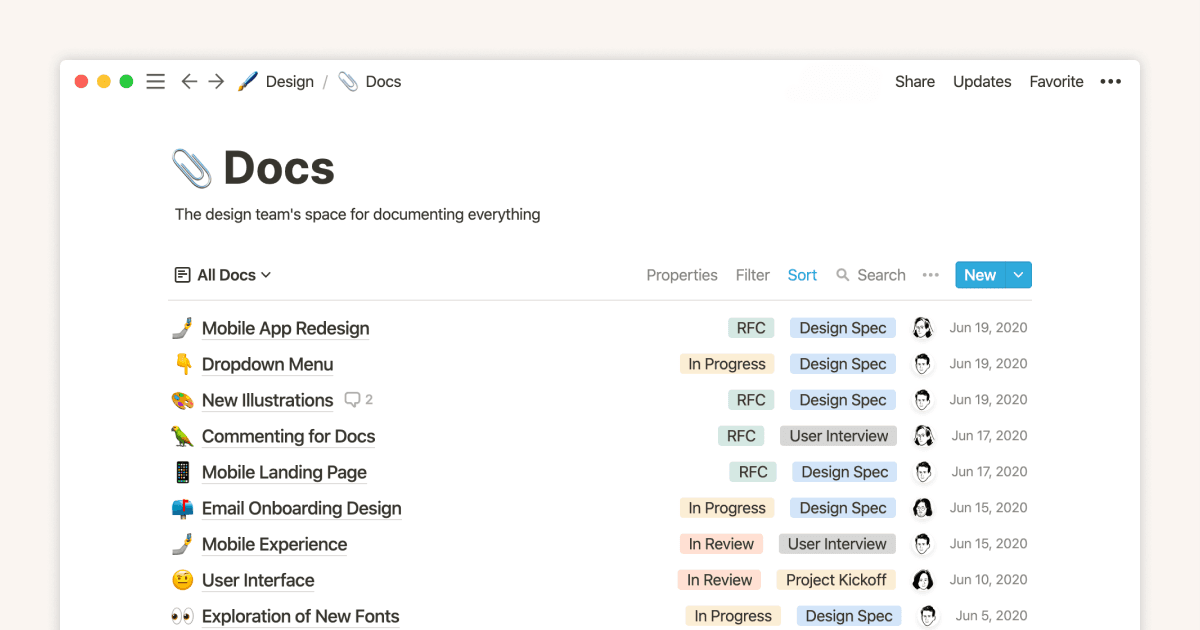
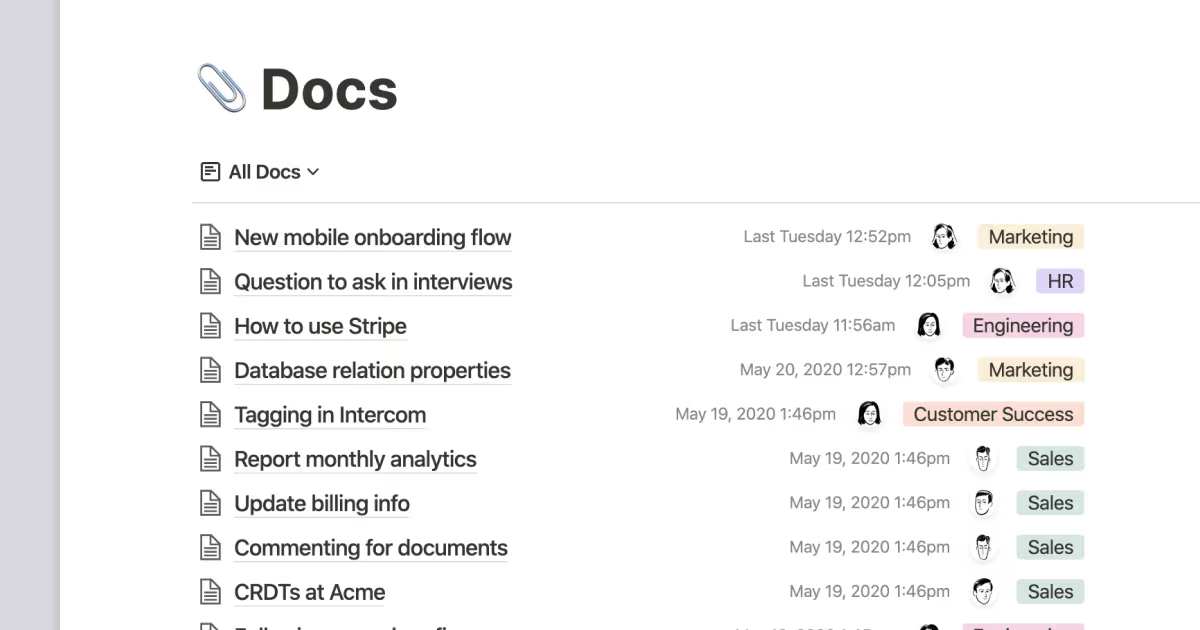
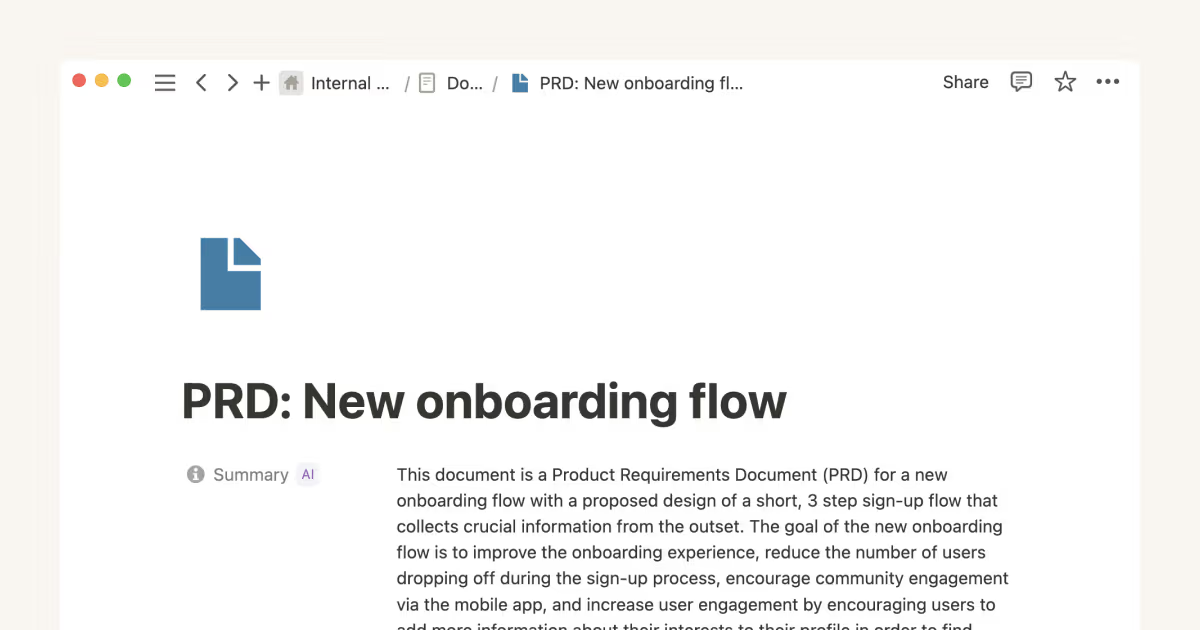
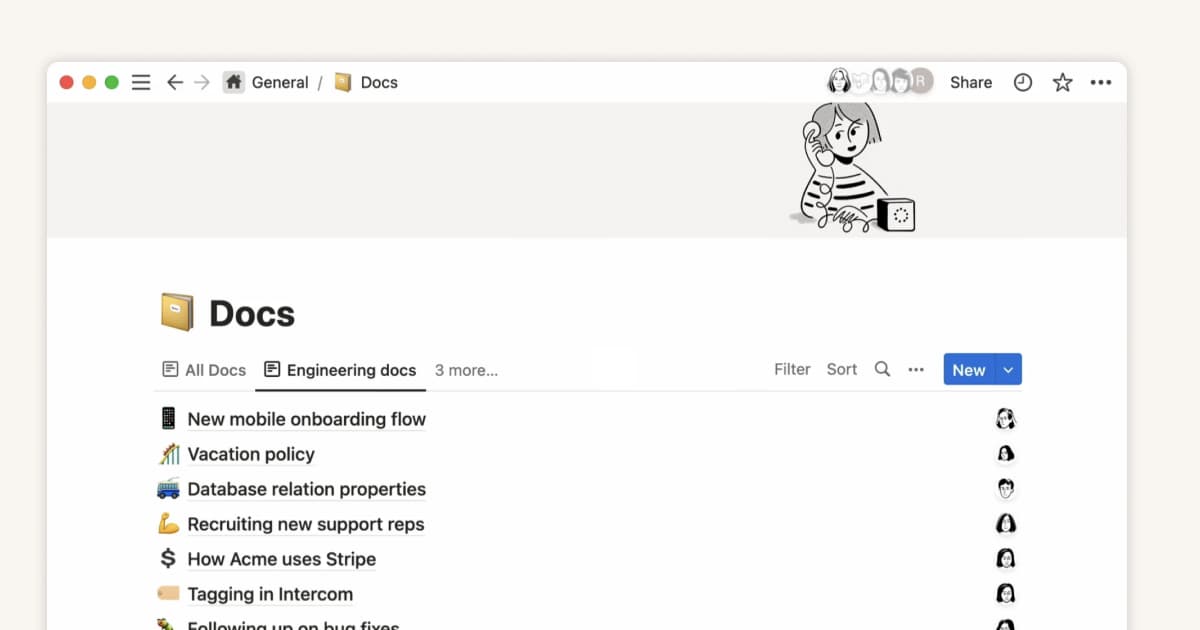
Databases allow you to create and categorize your company’s information - from all hands meeting notes, to project briefs, tasks to do, and more. With databases for your meeting notes, docs, tasks, and projects, you can keep everything organized and easy to find in an instant.